LiveU Live Video Uplink System User Guide
116
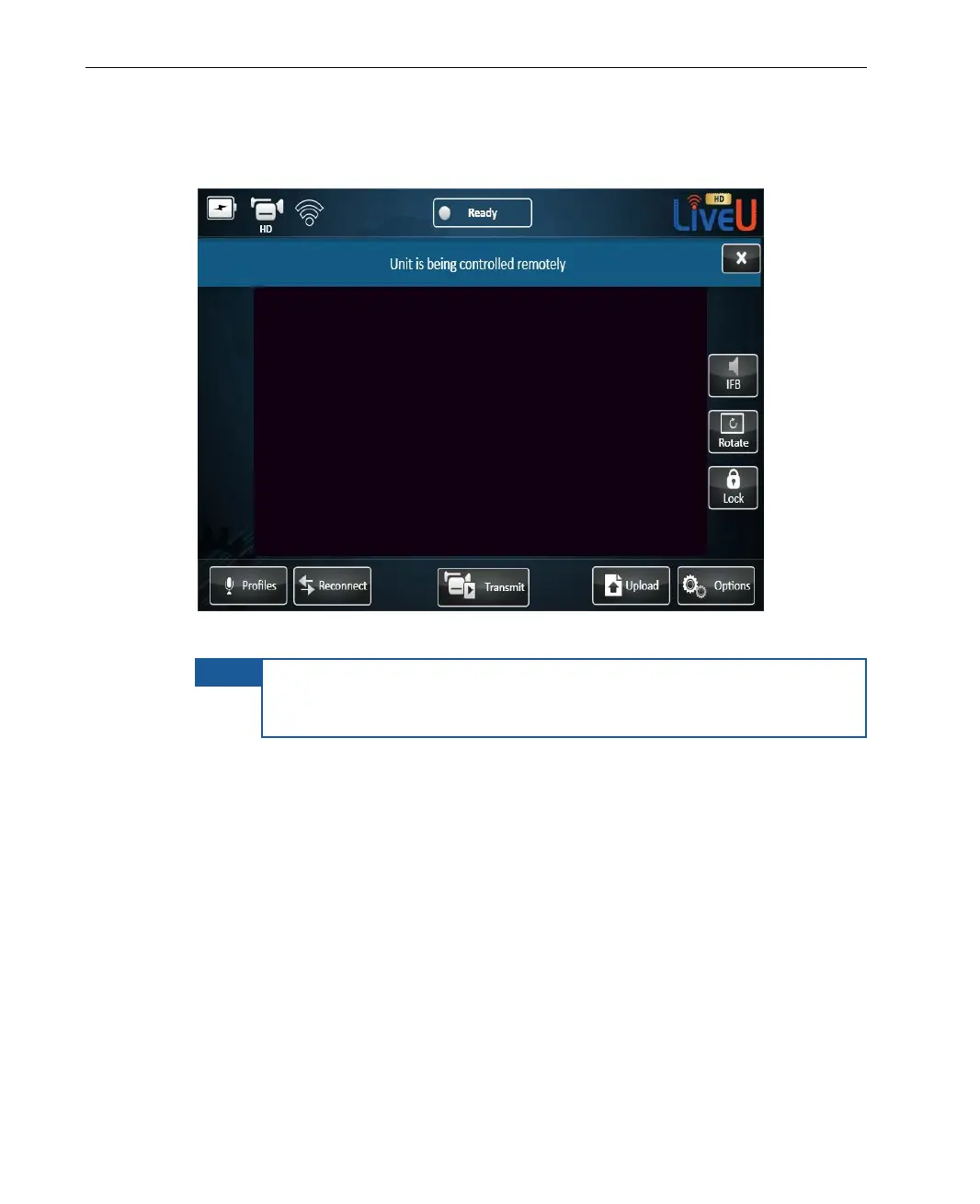
The message Unit is being controlled remotely is then displayed on the
LU, as shown below:
Figure 99: Remote Control – Remote Control Enabled
NOTE
While the LU is being controlled, the LU operator can still use the
user interface options, but cannot stop the Remote Control
application from controlling the device remotely.
2 You can now remotely control the LU using the displayed interface. For
example, you can click the Profiles button to display the Profile
configuration window.



 To Next Page