LiveU Live Video Uplink System User Guide
68
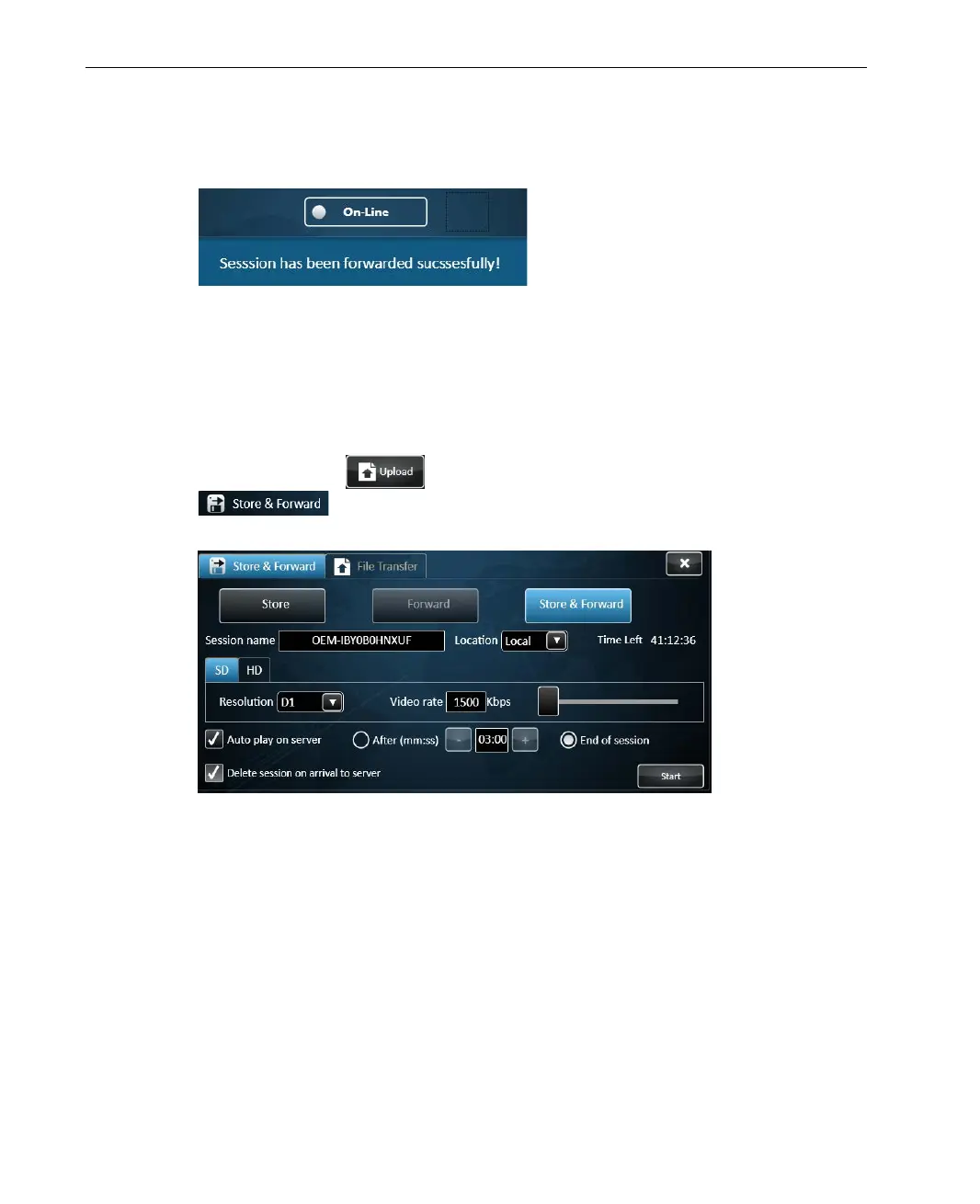
When forwarding is completed a message is displayed, indicating the
session is forwarded successfully.
Figure 47: Forward completed message
► To store and forward recorded files:
1 If the file to be stored and forwarded is on a USB Disk on Key, then insert
it into the LU unit.
2 Tap the Upload
button and then tap the Store & Forward
tab, and tap the Store & Forward button to display Store
& Forward related fields.
Figure 48: Store & Forward Session Configuration



 To Next Page