LiveU Live Video Uplink System User Guide
24
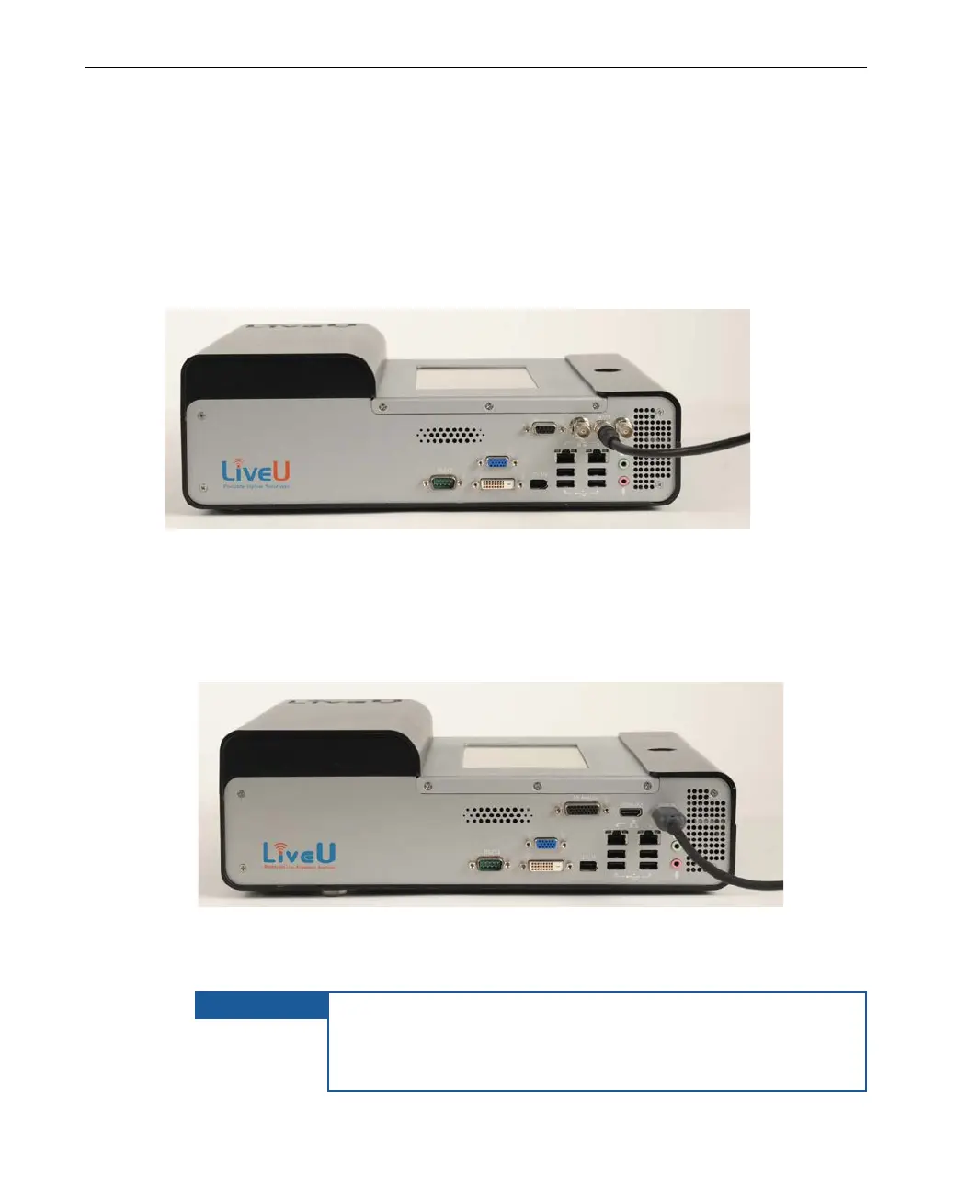
LU60/LU70 – Connecting the Camera
Different models of the LU60/LU70 are provided, each with the ability to
connect to different cameras. All models connect to DV (FireWire 1394)
cameras. The following LU60/LU70 unit connection options are available:
SDI + DV (FireWire 1394)
Figure 6: LU60/LU70 with SDI Camera Connection
For an SDI camera, only use the middle SDI connector.
• HDMI + Analog (Component, Composite and S-Video) + DV (FireWire
1394)
Figure 7: LU60/LU70 with DV, HDMI and Analog Camera Connection
For an HDMI camera, only use the HDMI IN connector.
IMPORTANT
For an HDMI camera, HDMI cable BIDs are required in order
to ensure compatibility with FCC standards. If your kit does
not include these, then you may request them from LiveU.
They will then be provided free of charge.



 To Next Page