Getting Started
29
NOTE
During installation, you can choose SD or HD configuration. For HD
configuration, the LU is installed with HD, without inserting a camera.
Only LU products with HD support display the HD tab, shown above.
The Profiles and Resolutions that are available for selection are displayed with
a
(green). The Resolutions that are not available for selection with the
currently selected Profile appear with a
(red). If you would like to see the
reason that a Resolution is not available, then simply tap on it to display an
explanation window. If all the resolutions of a Profile are not available (have a
(red)), then the Profile button itself has an (red).
The end-to-end delay for the selected Profile is also displayed, as shown
above.
When the Interview Profile is selected, the Recommended (Optimal) delay is
displayed, as shown above.
An
icon appears on a Profile or Resolution button as a warning that
minimal interfaces are used, which may result in degraded video quality. It is
not mandatory, but if you want to improve the video quality, you can select a
different Resolution or select a different Profile, if you want to use the same
Resolution.
If the currently selected resolution is not supported and you tap the Play
button, then:
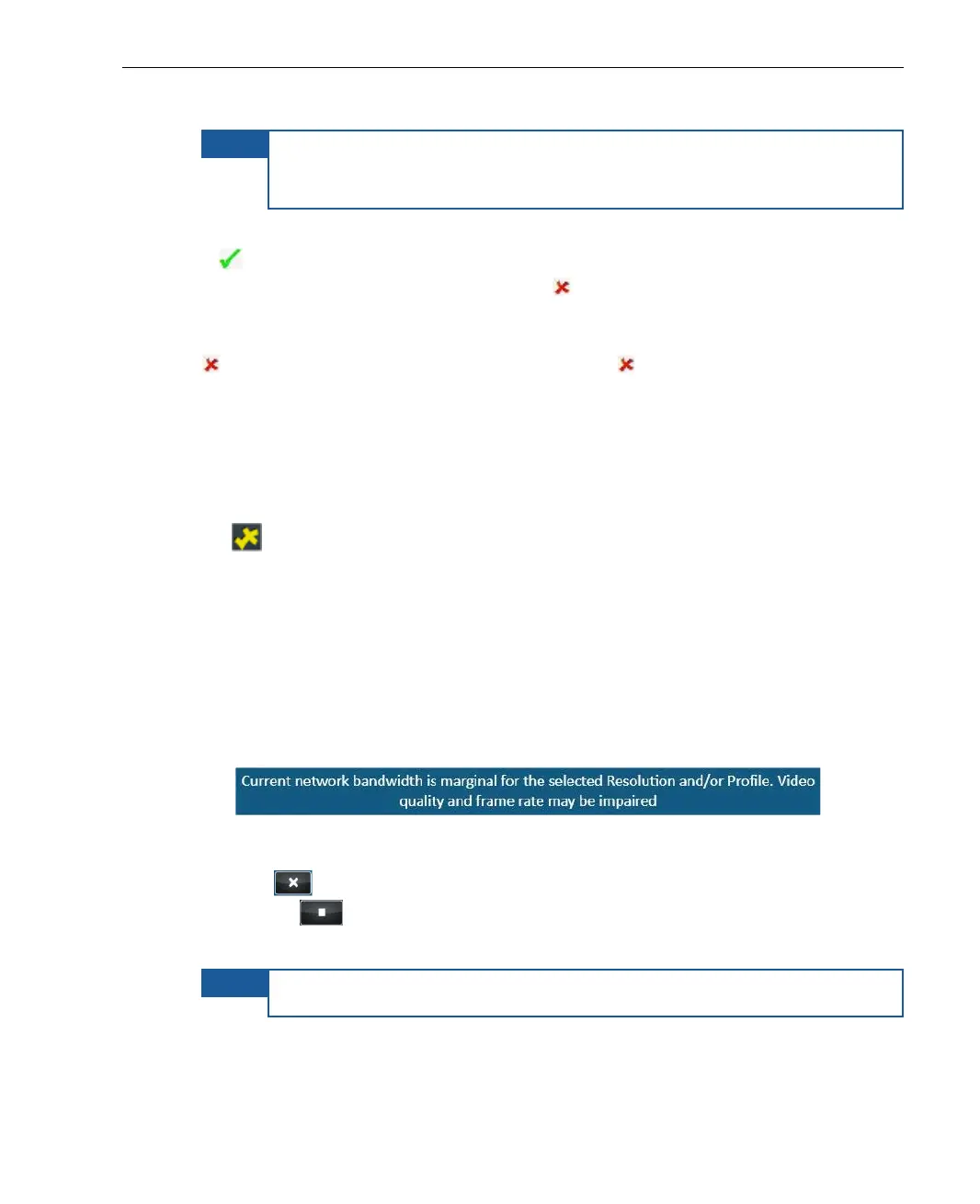
• The following message is displayed:
Figure 14: Unsupported Resolution
• Tap to close this message window and then tap the Stop
button
.
• Tap the Profile button to select another resolution.
NOTE
The system will allow you to transmit, but quality cannot be ensured.



 To Next Page