LiveU Live Video Uplink System User Guide
90
Servers
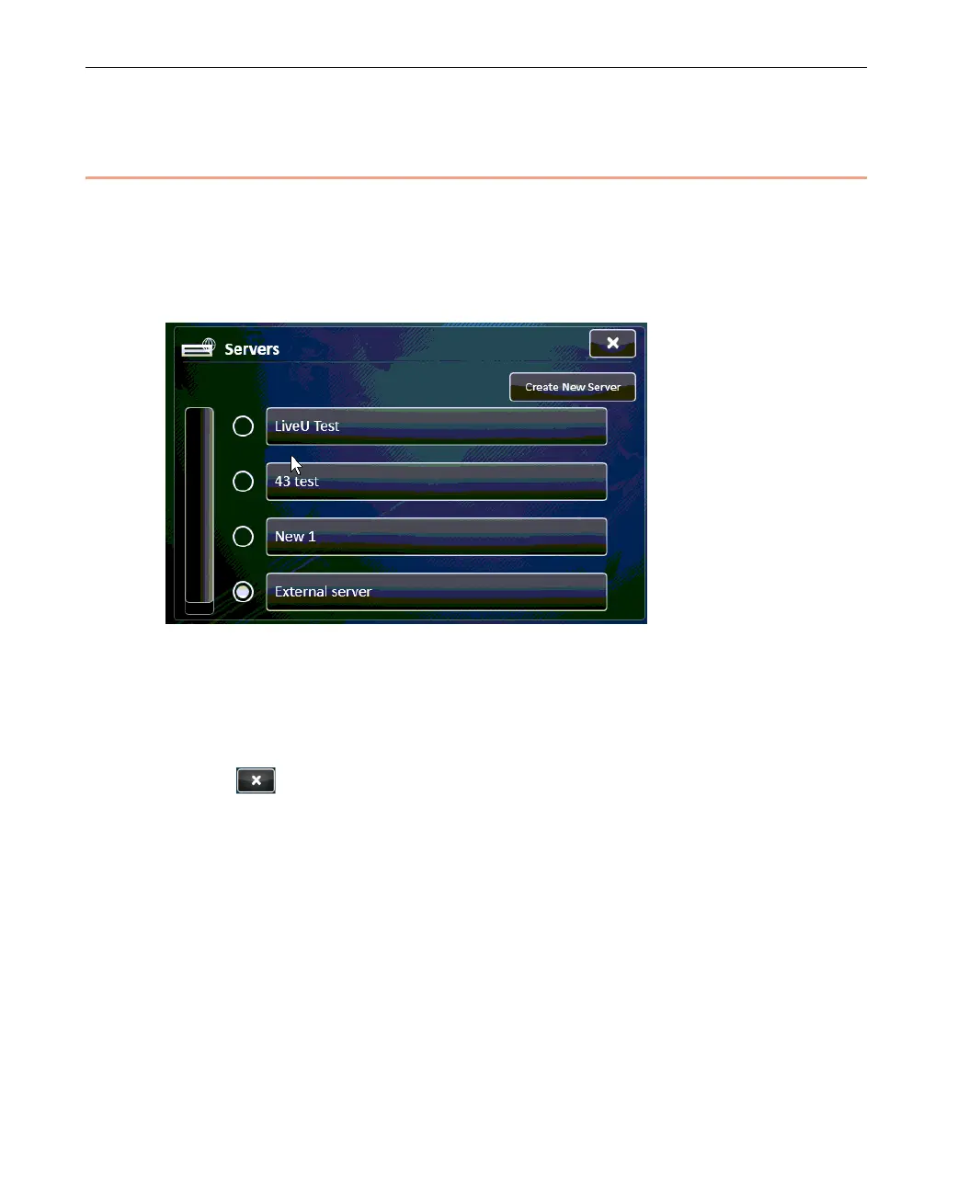
A Server defines an LU-1000 server IP address. The Servers button enables
you to view, select and define LU-1000 server connections.
Tapping this button displays a list of the previously defined Servers, as shown
below:
Figure 70: Servers
► To select the Server used by the LU:
1 Select the preferred server by clicking the circle next to its name.
2 Tap
to close the window.



 To Next Page