LU Remote Control
113
Each LU is represented by the following, which shows the name of an LU and
the LU-1000 to which it is connected.
Figure 93: Remote Control – Each LU
NOTE
The LU name may appear as a unique ID or as an indicative name. For
instructions on how to define indicative names for each LU, you may
refer to the Identifying the LU Unit section of the LU-1000 Studio
Server User Guide.
The Refresh button must be clicked in order to display the latest list and
status of the LUs.
Controlling an LU
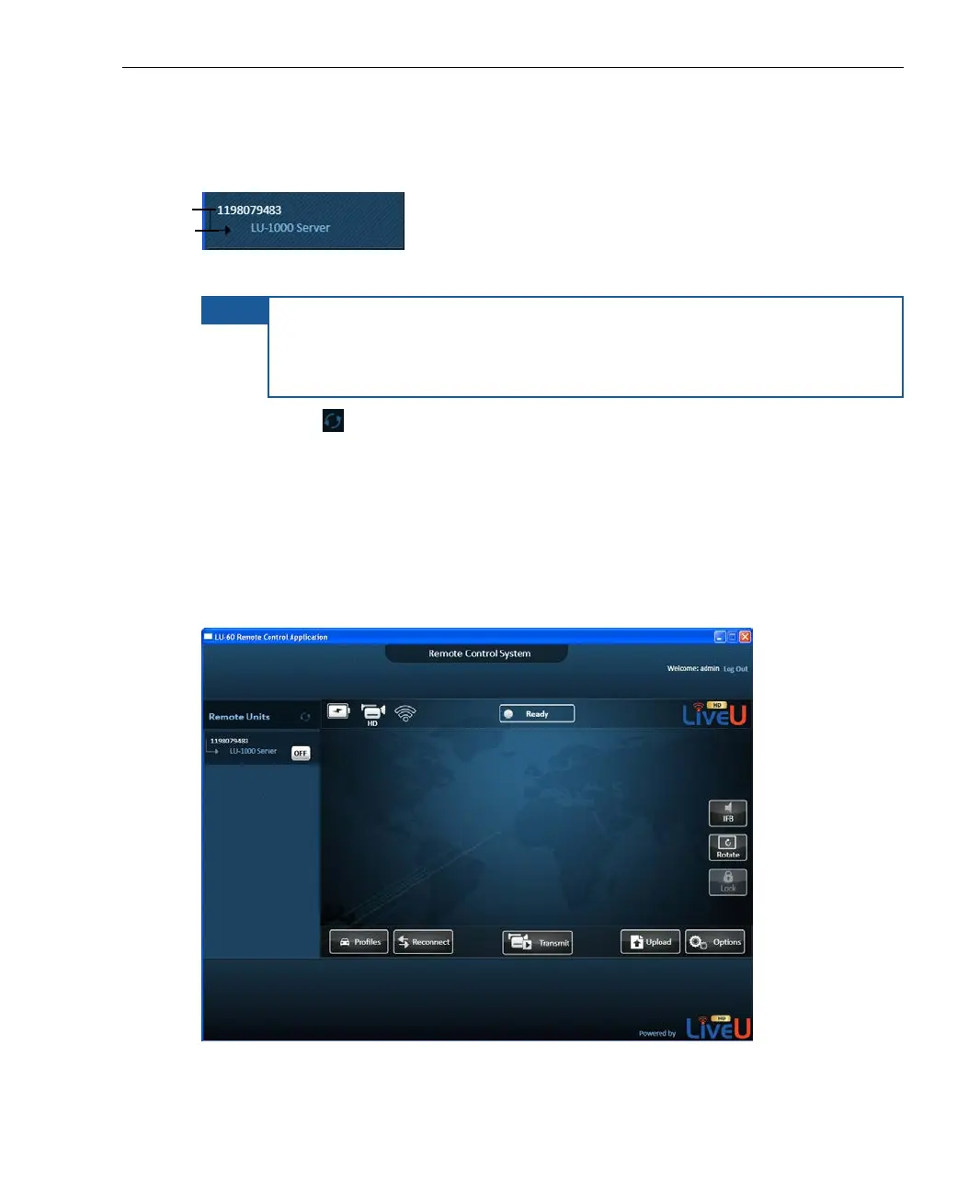
Click on the name of the LU device to display the current user interface of that
LU device (without the video feed) in the center of the window, as shown
below:
Figure 94: Controlling an LU in the Remote Control Application



 To Next Page