LU User Interface
41
3 By default, the IFB is not muted. You can select the Mute (or Unmute)
button. You can click the Stop button to close the IFB channel.
Figure 26: IFB Channel Open
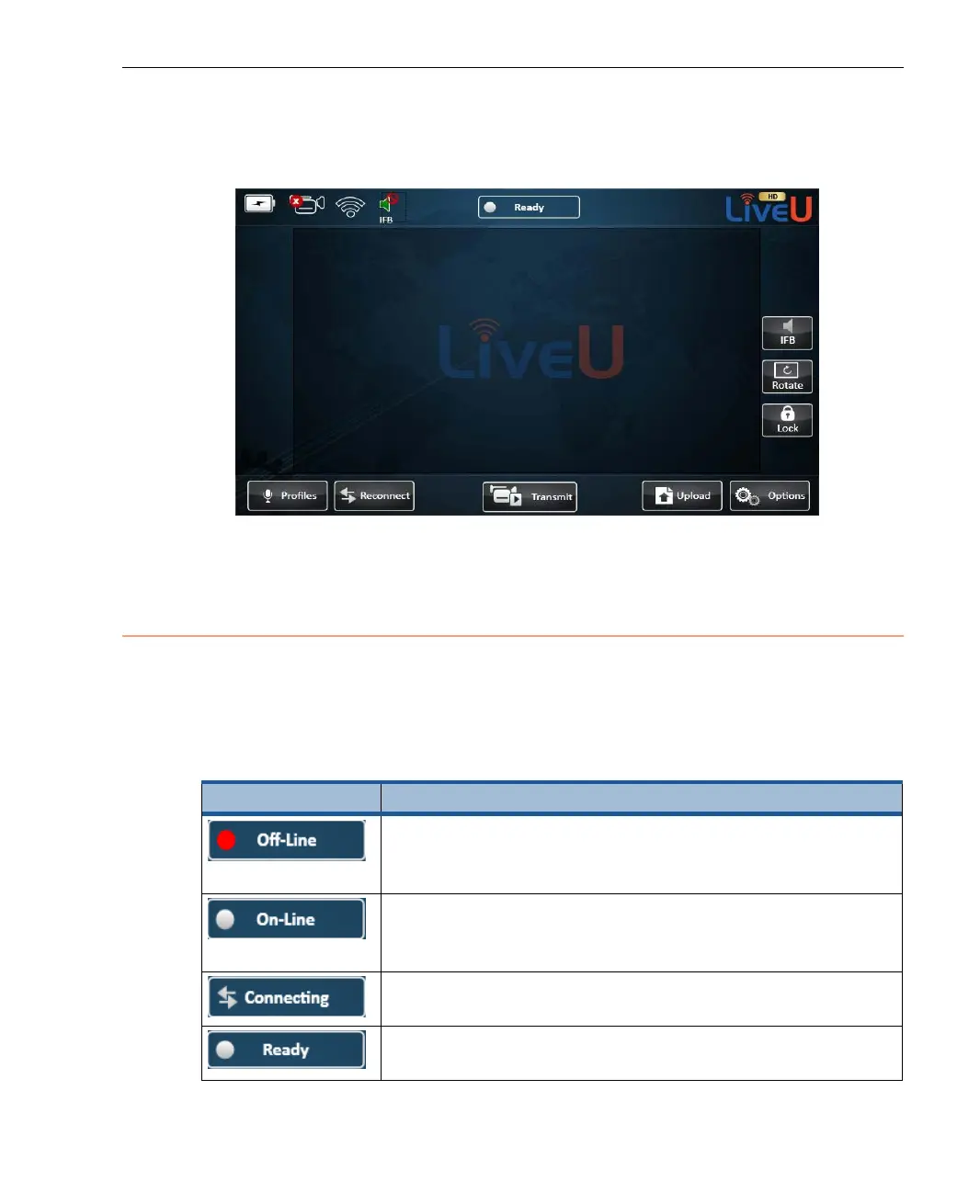
Status Indicator
The status icon at the top of the window provides information about the
connection and transmission status of the LU. The color of the indicator and
the text indicate the unit’s status, as follows:
Table 4: Status Icons
Status Icon Description
Off (red light). Appears before the Connect button is
tapped), which means that the system is not yet
connected to any interface.
On-Line (white light). Appears when the modems are
dialed successfully for the purpose of opening a
non-video channel.
Connecting (opposing arrows). Appears during the
connection process.
Ready (white light). Appears after connection is
successful, and before the Play button is tapped.



 To Next Page