LiveU Live Video Uplink System User Guide
66
5 To stop the recording, tap the Upload button and then tap Stop.
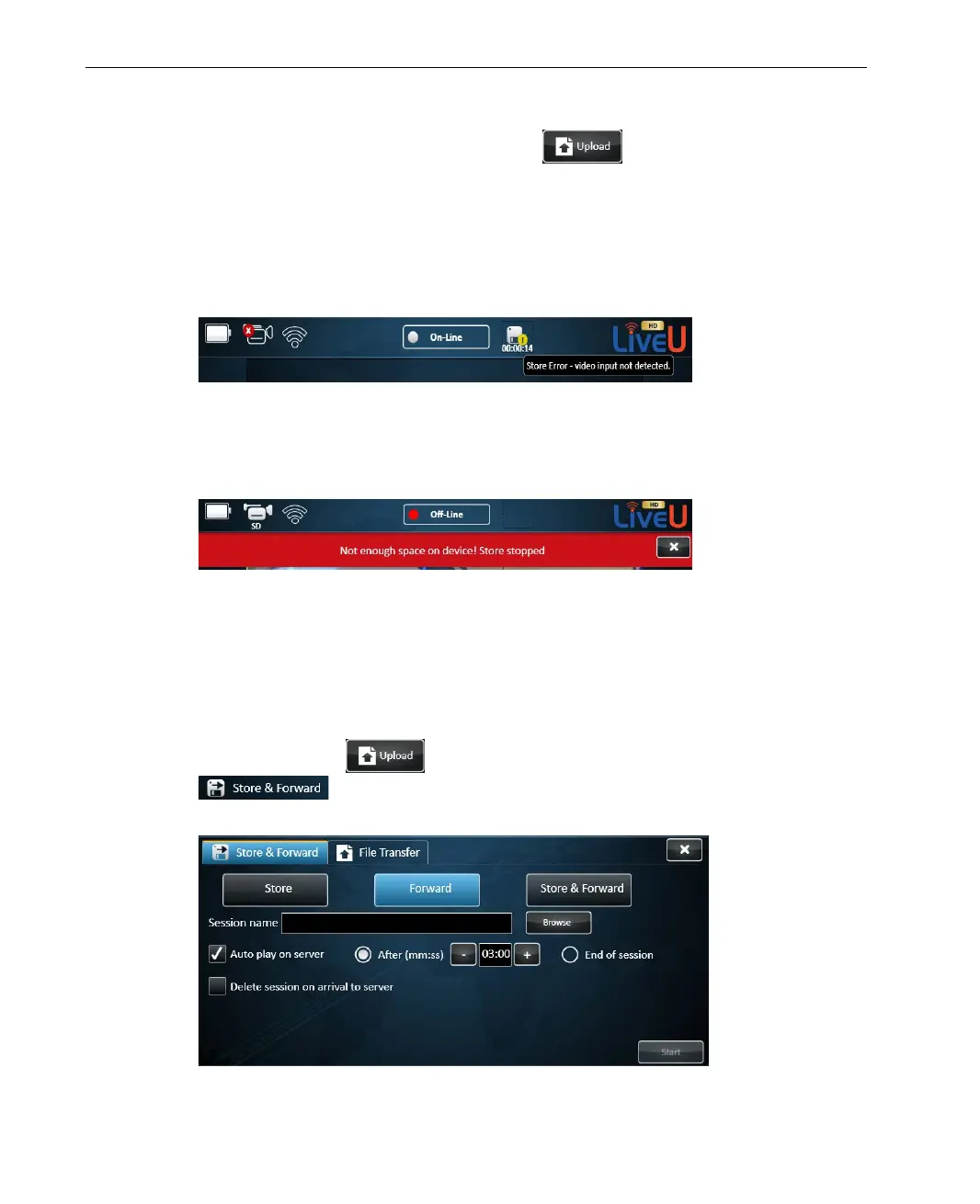
If the camera is disconnected during transmission, an error status is
displayed on the Store icon and the camera icon indicates that is it
disconnected. Tapping the Store icon displays a text message. The store
session is not stopped following camera disconnection and after
reconnecting the camera, recording is automatically resumed.
Figure 42: Store Error – No Video Input
If the LU is about to run out of memory space, a warning appears in red
and the store process is stopped until the user frees more memory space.
Figure 43: Warning Message – Not Enough Space
► To forward recorded files:
1 If the file to be forwarded is on a USB Disk on Key, then insert it into the
LU unit.
2 Tap the Upload
button and then tap the Store & Forward
tab to display the following window, and tap the Forward
button to display Forward related fields.
Figure 44: Forward Session Configuration



 To Next Page