Troubleshooting Hints
RET
eval
Device User Manual 75
Troubleshooting Hints
The RET
eval
device runs internal tests and self-checks frequently. Device failures are obvious;
the device will stop functioning and warn the user rather than producing erroneous or
unexpected results.
If the device displays an error message, follow the instructions on the screen to remediate the
error, or contact Support at support@lkc.com. Note any error number shown in your email
message.
Charge the battery when the charge is low
When the RET
eval
device battery charge is low, a warning message is shown on the device
screen. Return the device to the docking station and let it charge. Do not try to test a patient
after seeing this message.
A full charge permits testing of approximately 70 patients, depending on the protocol used. The
device takes approximately 4 hours to charge completely.
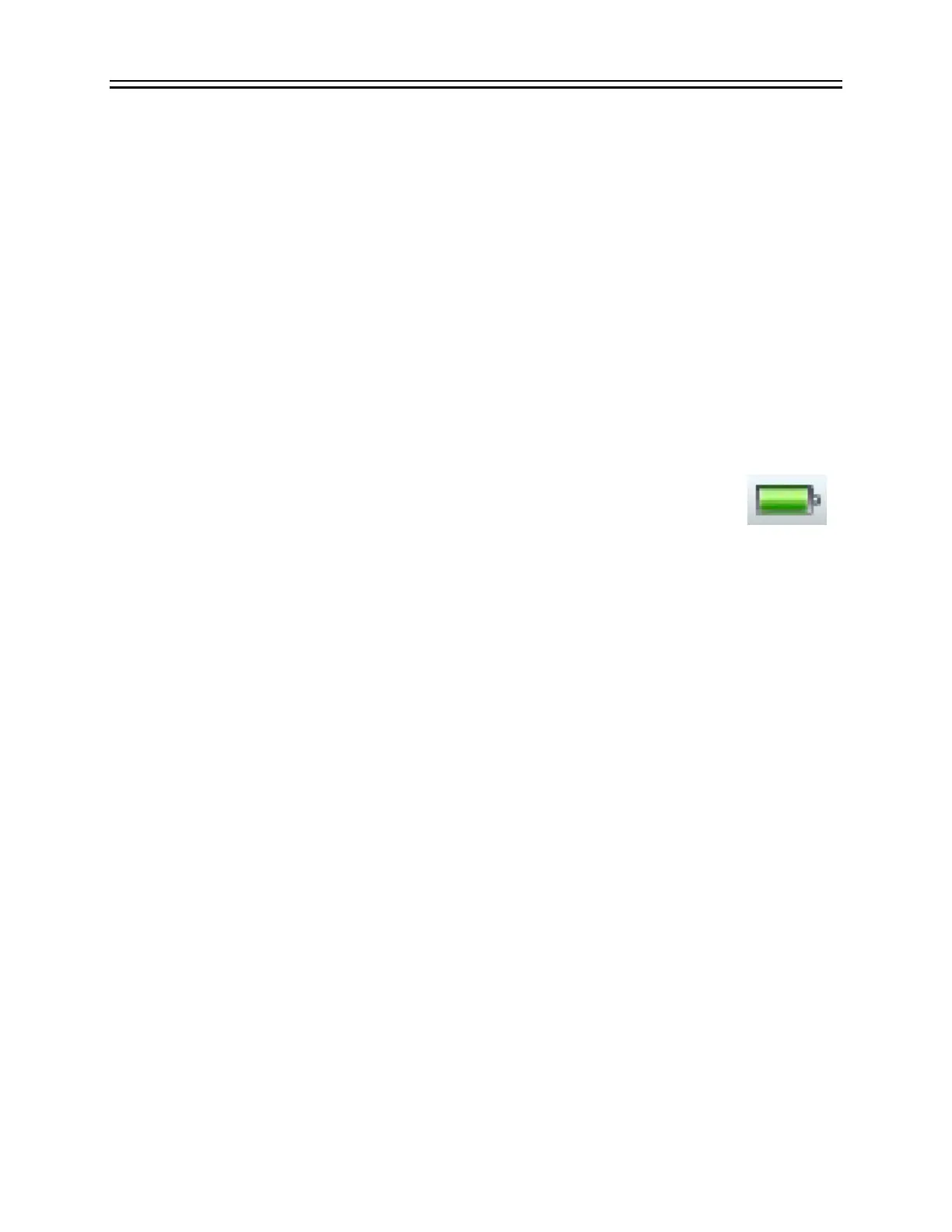
The battery’s state of charge can be seen on most screens via the battery icon in
the upper right corner. The amount of green in the icon represents the remaining
capacity.
Measure the patient’s right eye first
The RET
eval
device is designed to measure the patient’s right eye first. If you only want to
measure a patient’s left eye, use the skip button to proceed past the right eye screen without
testing the patient. The default is to test both eyes. Using the skip button you can test only the
right eye or only the left eye.
Place the Sensor Strips under the correct eye
The RET
eval
Sensor Strips are specific for right and left eyes. Erroneous results will occur if the
Sensor Strips are used with the wrong eye. Flicker timings will be wrong by about 18 ms. If you
suspect the Sensor Strips were used with the wrong eye, repeat the test with a new pair of
correctly applied Sensor Strips. The Sensor Strips have a pictograph to guide you in proper
placement. See also page 13 for photos of proper placement.


 To Next Page