Troubleshooting Hints
RET
eval
Device User Manual 80
Device language is set to an unfamiliar language
If the device is set to a language you do not know, follow these steps to change languages.
Step 1. Turn on the RET
eval
device. If the device is already on, turn it off, wait 5 seconds, then
turn it back on.
Step 2. Select the second to the bottom of the 4 menu items (Settings) from the menu.
Step 3. Select the top menu item (Language).
Step 4. Select a language that is familiar to you.
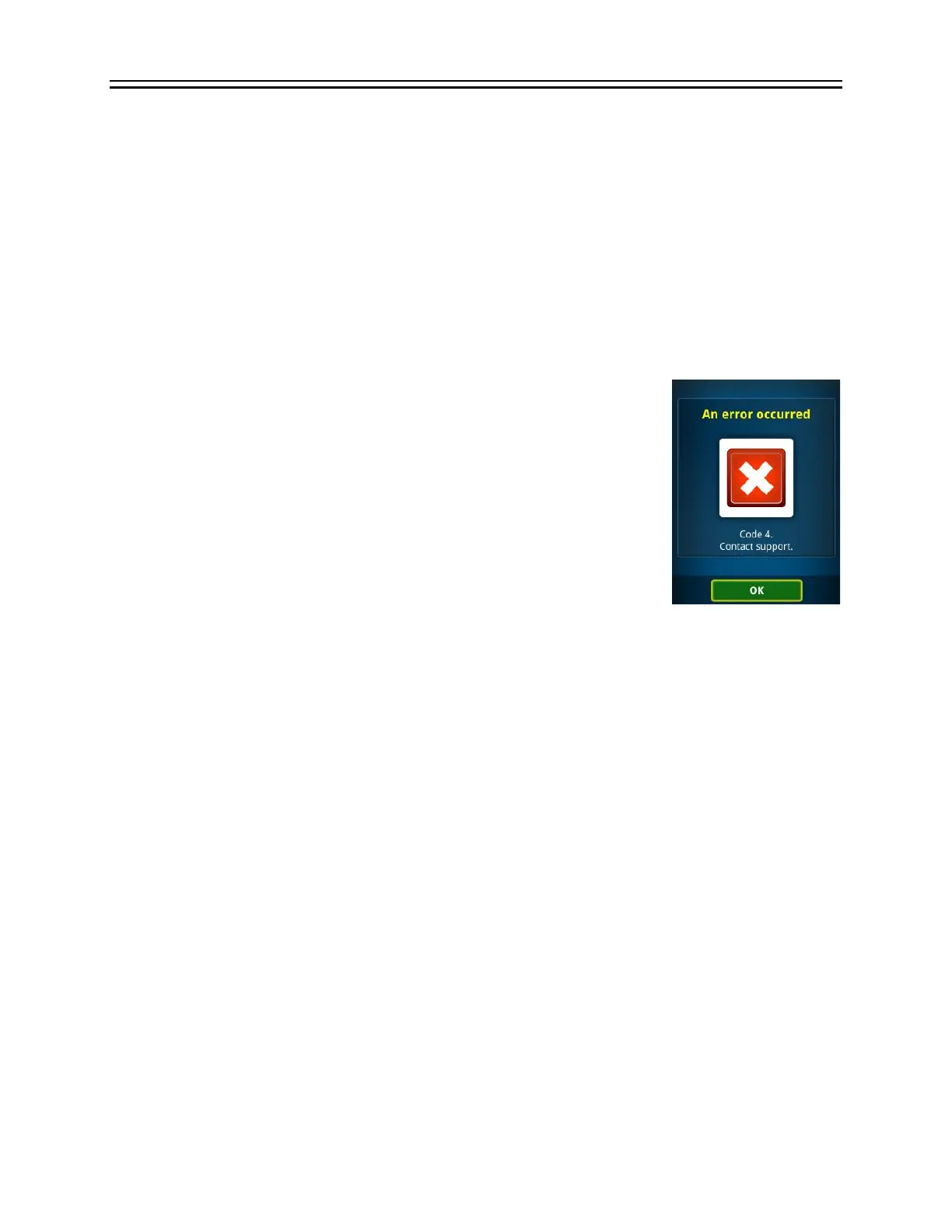
An error code is reported
Error codes are reported for failures unlikely to be correctable in the
field. Record the error code and call LKC for service (+1 301 840 1992 or
email support@lkc.com). In addition, save and send to LKC any files
found in the /Diagnostics folder on the device. Pressing OK will cause
the RET
eval
device to reboot, which may correct the problem.


 To Next Page