Troubleshooting Hints
RET
eval
Device User Manual 76
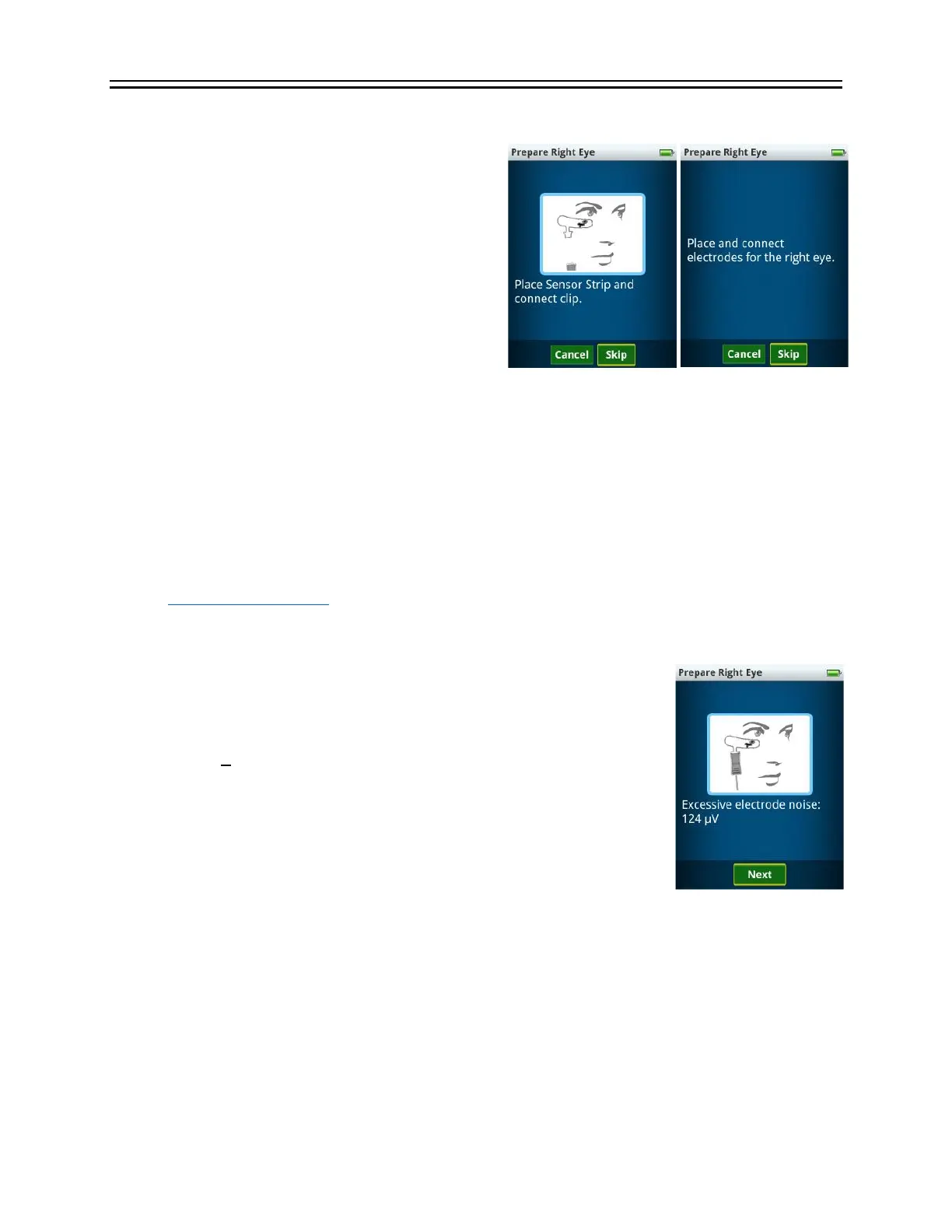
The device doesn’t show the Next button after I connect to the Sensor
Strip (or other electrode type) or
after pressing the Start test button, I
get an “The electrodes have been
disconnected” error
The RET
eval
device monitors the electrical
impedance of the connection between pads on
the Sensor Strip or other electrode types. If the
impedance is too high, the Next button won’t be
displayed. During a test, if the electrical
impedance gets too high or the inputs saturate
the analog to digital converter, the “electrodes disconnected” message is displayed. The
impedance and/or electrode noise can be too high because of the following reasons:
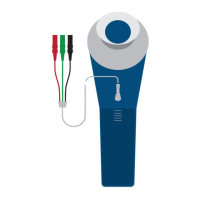
1. The Sensor Strip lead is not correctly connected to the Sensor Strip. Try unclipping and
reconnecting the lead. Ensure the blue lever on the lead is away from the patient’s skin.
2. The Sensor Strip is poorly connected to the patient’s skin. Ensure the Sensor Strip is not
resting on the patient’s sideburns or on heavy makeup. Press down lightly on the three
electrode gel pads on each Sensor Strip to ensure the Sensor Strip is sticking well. Clean
the skin with NuPrep
®
(made by Weaver and company and sold on the LKC store,
https://store.lkc.com), soap and water or an alcohol wipe and reapply the Sensor Strip.
3. The Sensor Strip may be defective, try another Sensor Strip.
The device shows “Excessive electrode noise”
The RET
eval
device monitors the electrical noise of the connection
between pads on the Sensor Strip or other electrode types. The
electrode noise (including power-line interference) is found by
computing 2
√
2 times the standard deviation of the electrical response
in the bandwidth 48 Hz – 186 Hz to robustly estimate the peak-to-peak
noise. If the electrode noise exceeds 55 µV for single-flash tests, 140 µV
for VEP tests, or 5600 µV for flicker tests, the noise level is displayed. It
is recommended that you try to reduce the noise before pressing the
Next button to ensure quality recordings. You can toggle on and off
displaying the noise when its level is acceptable by going to Settings then Testing then
Display noise. The noise may be high for the following reasons:
1. The patient may be generating excessive electromyogram noise by grimacing or talking.
2. The impedance of the Sensor Strip or other electrode is too high. Ensure the Sensor Strip
or other electrode type is not resting on the patient’s sideburns or on heavy makeup.
Press down lightly on the three electrode gel pads on each Sensor Strip to ensure the
Sensor Strip is sticking well. Clean the skin with NuPrep
®
(made by Weaver and company


 To Next Page