Troubleshooting Hints
RET
eval
Device User Manual 79
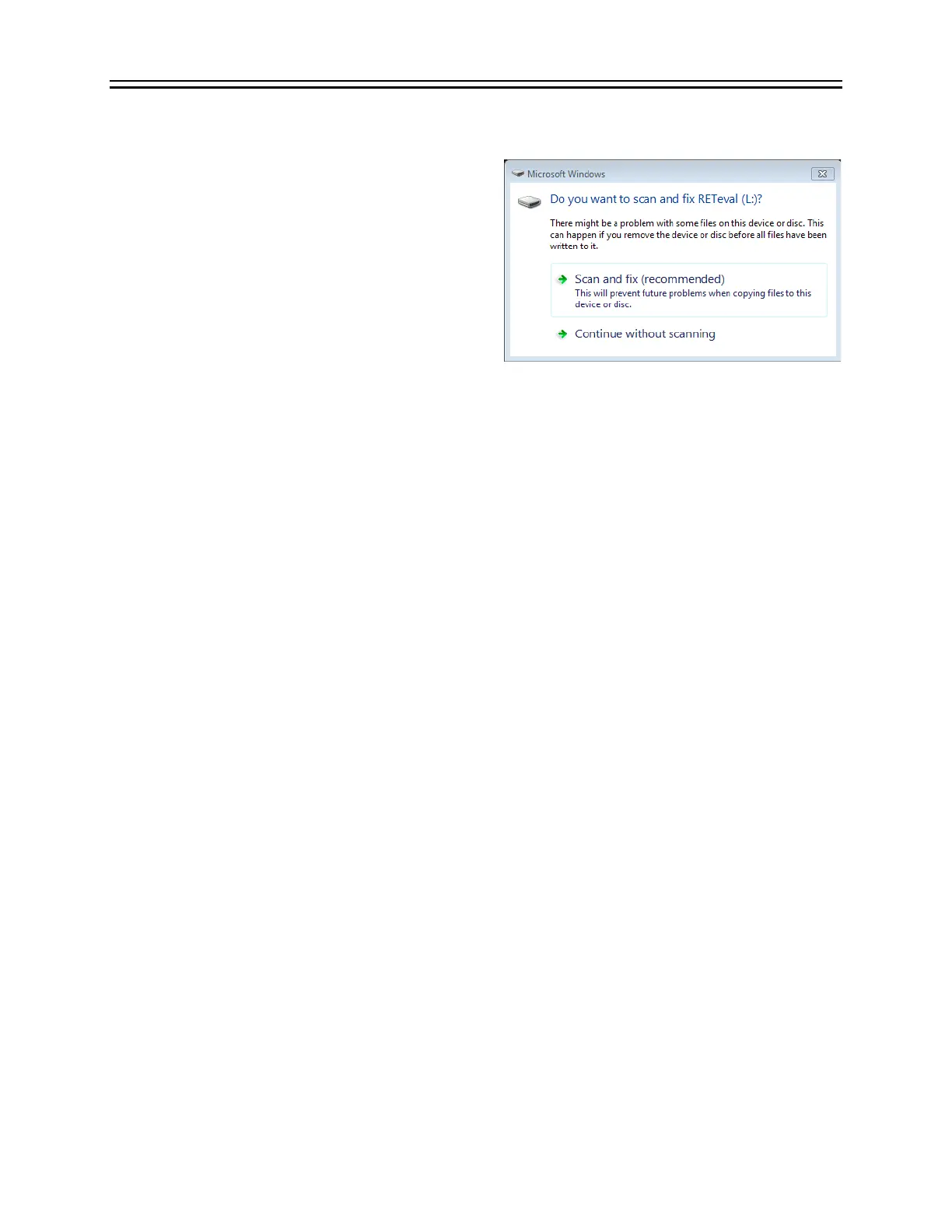
I get a “scan and fix” error from Windows
®
when placing the RETeval
device in the docking station
When removing the RET
eval
device from the
docking station, always eject the external drive
that represents the device from the PC.
Otherwise, the USB drive in the RET
eval
device
may become corrupted. Let your PC “Scan and fix”
the RET
eval
device if a problem is detected.
Results are “not measurable”
The RET
eval
device attempts to quantify ERG
results with automatically-placed cursors. In some cases, with low signal-to-noise ratios or
unexpected waveform shapes, the cursor placement fails and “not measurable” is reported. In
some types of retinal dysfunction, the retina’s response is very weak and “not measurable”
cursor placements are expected (Grace et al. 2017). If testing non-human animals, the waveform
timing may be sufficiently different than humans that “not measurable” is reported even though
the waveform looks good by eye. Contact customer support to see if a custom protocol can be
made to modify the cursor placement algorithm. In other cases, the waveform looks worse than
expected based on other clinical history. For these cases, you can try the steps suggested above
under The device shows “Excessive electrode noise”.
Reset settings
You can reset the RET
eval
device to the factory default settings. Follow these steps if there are
problems with the device or if advised to do so by Support:
Step 1. Turn on the RET
eval
device.
Step 2. Select Settings, then System, then Reset Settings.
Step 3. Select Next.
All settings are reset to the initial factory settings and you will have to reset them manually as
indicated in the “Getting Started” section of this manual, including:
• Display language
• Practice Name
• Practice Address
• Backlight
• Protocol
To put the RET
eval
device back to its initial-factory condition, perform a Reset Settings and
an Erase everything under Settings, then Memory.


 To Next Page