Getting Started
RET
eval
Device User Manual 7
Getting Started
Connect the cord to the docking station and plug in
Attach the power brick plate that matches your electrical outlet to the power brick.
Connect the power cord to the docking station.
Connect the power brick to an electrical outlet. The power supply accepts 100 – 240 VAC, 50/60
Hz.
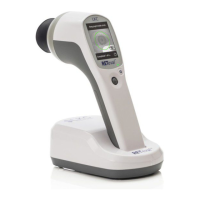
Let the device charge
The RET
eval
device charges its battery when in the docking station from either the USB or power
brick connection. If the power brick is connected, charging will be significantly faster than if only
a USB connection is present. The charging status is shown on the display. If the display is blank,
press the power button to turn it on. The RET
eval
device is shipped with a partial charge.
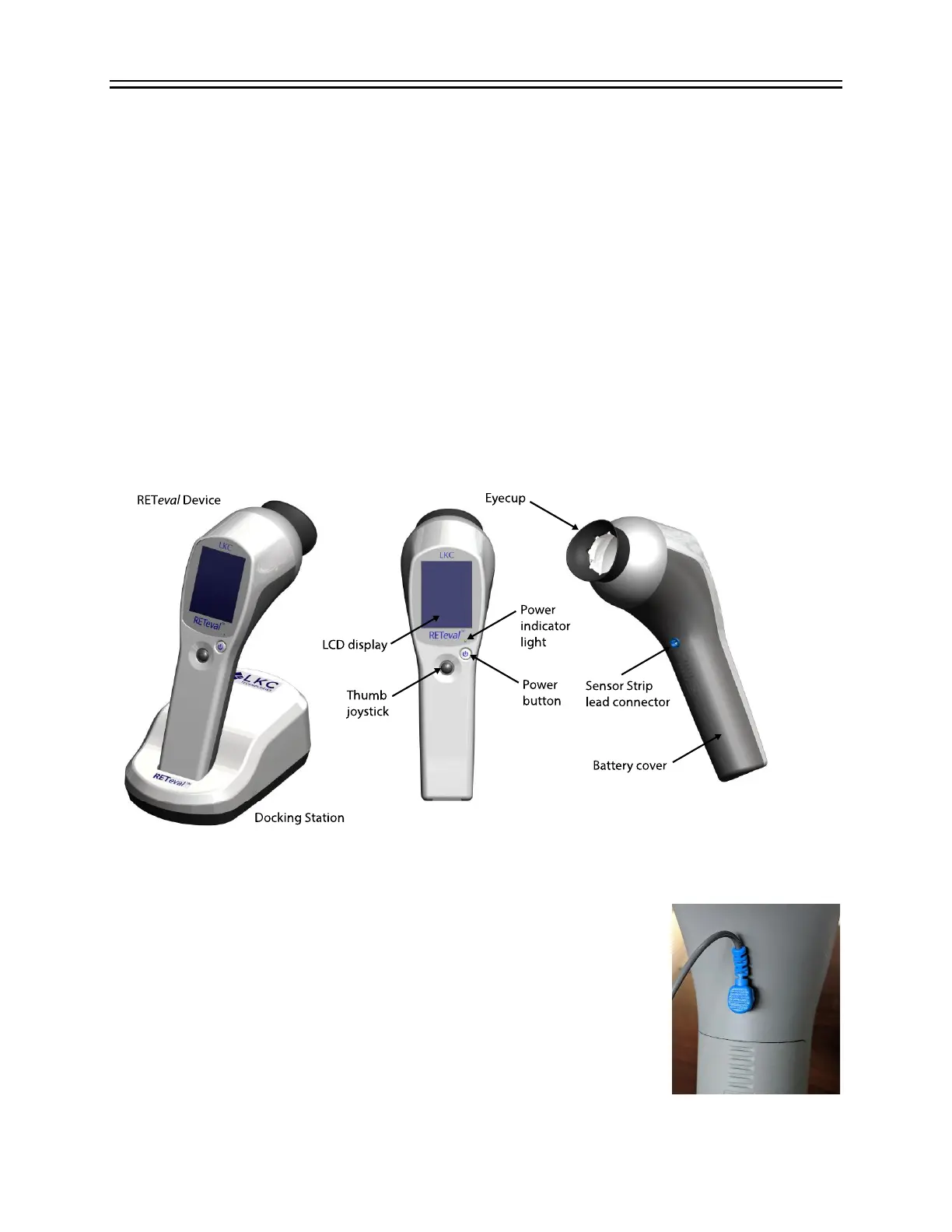
Connect the Sensor Strip lead
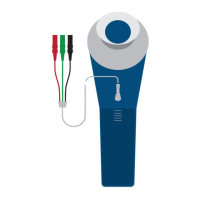
Connect the Sensor Strip lead to the blue Sensor Strip lead connector.
The Sensor Strip lead for regular Sensor Strips has one Sensor Strip clip,
the Sensor Strip lead for the Small Sensor Strips has two Sensor Strip
clips.
Sensor Strip Lead is long enough for most circumstances; however, if
your application requires additional length, a 24” (61 cm) long extension
is available (see Purchasing Supplies and Accessories). If an extension


 To Next Page