CHAPTER 6: OPERATION 77
QUICK LOAD SERVO 80 S2
5.2.2. Application setup
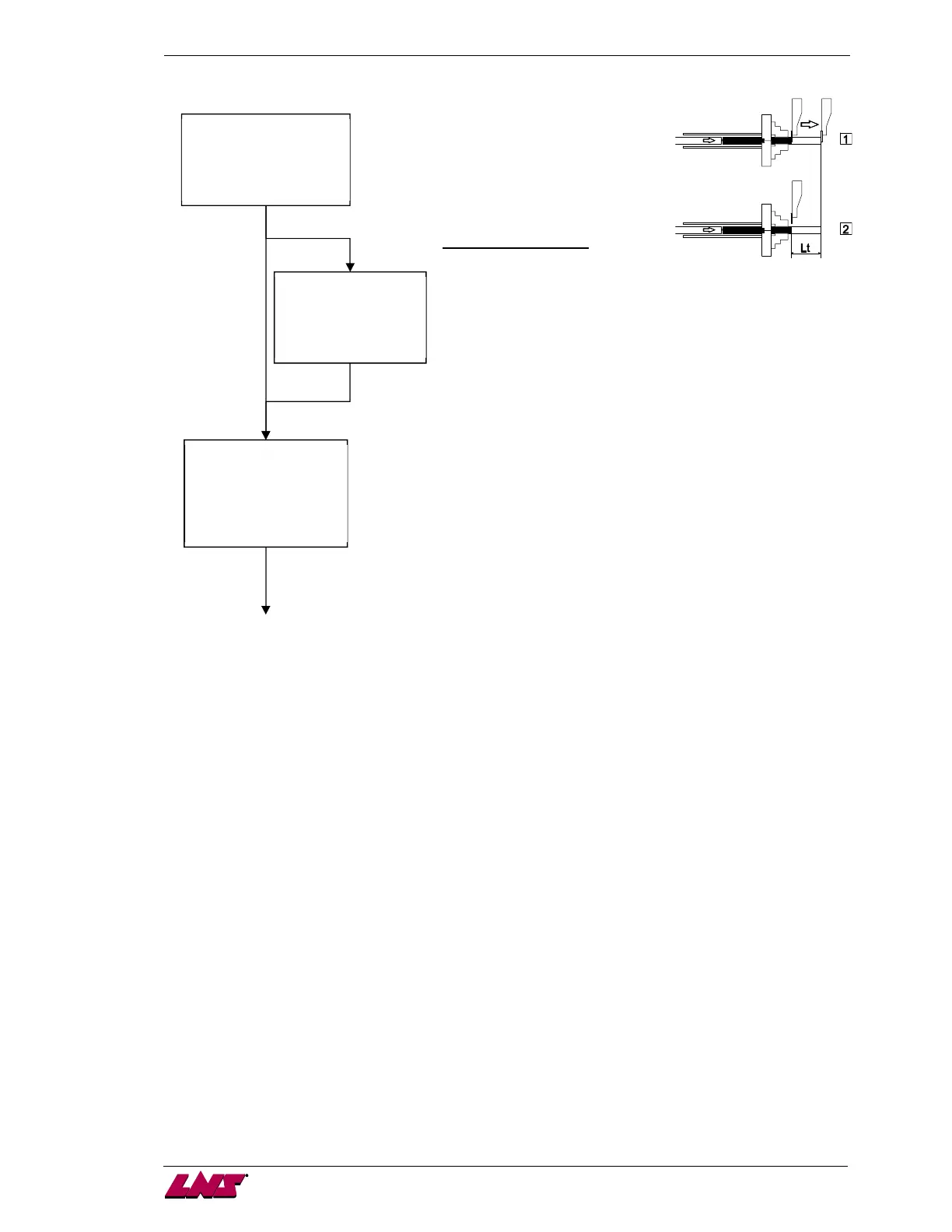
Loading with turret
This parameter determines
whether the lathe or the bar feed
will control the positioning of the
part.
Additional parameters:
a) The turret is parked in position:
the turret travels to the point the bar stock will be pushed to
and waits that the bar feed has pushed the material to this
point.
b) The turret is moving to position:
The turret comes to the bar stock end; the bar feed starts
pushing against the turret. Then, the turret moves to the
desired feeding length, the bar feed still maintaining the bar
stock pressure against the turret.
Loading without turret
The bar feed drives the feeding cycle. When the clamping
device opens, the bar feed pushes the bar stock according to
the parameter "overall part length" value. The bar feed is not
able to drive the feeding cycle if the machining process
requires several clamping device openings.
Dry Run
This function allows the lathe to run without the bar feeder, ex. : hand loading pieces, etc.
Shaft loading (option)
In this work mode, the feeding pusher is not used. An extended loading pusher controls the loading.
When the loading table is in low position, the manual functions are disabled. For this type of work, the
End of bar position does not require a particular setting.
Pusher is used as mechanical stop in the spindle of the lathe (option)
When pieces are loaded manually (without the bar feeder), the pusher can be used as a mechanical
stop in the spindle of the lathe and is generally located behind the clamping device to ease the
positioning of the pieces in the clamping device.
To enable this machining mode, the interface signals are inhibited. When the clamping device is closed,
the pusher moves backward to avoid contact with the rotating bar.
Control part feed out (option)
This parameter is used to deactivate the M function receipt of the turret if this function is not used in the
lathe interface. In this case, a timer can be used to give the receipt.
APPLICATION PRM[@]
1:WITH TURRET
2:WITHOUT TURRET
ESC ENTER
WITH TURRET:
[@]
1:PARKED IN POSITION
2:MOVING TO POSITION
ESC ENTER
PART FEED OUT:
[@]
1:WITH M-FUNCTION
2:WITHOUT M-FUNCTION
ESC ENTER














 To Next Page