88 CHAPTER 6: OPERATION
QUICK LOAD SERVO 80 S2
11. SETTINGS RELATED TO MACHINED PARTS
Parameter settings
Following examples describe how to set a simple application. Depending on the unlocked
options, several additional parameters may be added to end the setup.
For other profiles than round, hex or square, please contact your local LNS representative.
Example 1: round bars
Length of pieces to be machined
Thickness of the cut off tool
Conditions:
· The loading table is in low position
· 2 bars of the new diameter are on the loading table
· Bar feeder in STOP mode
a) Parameters
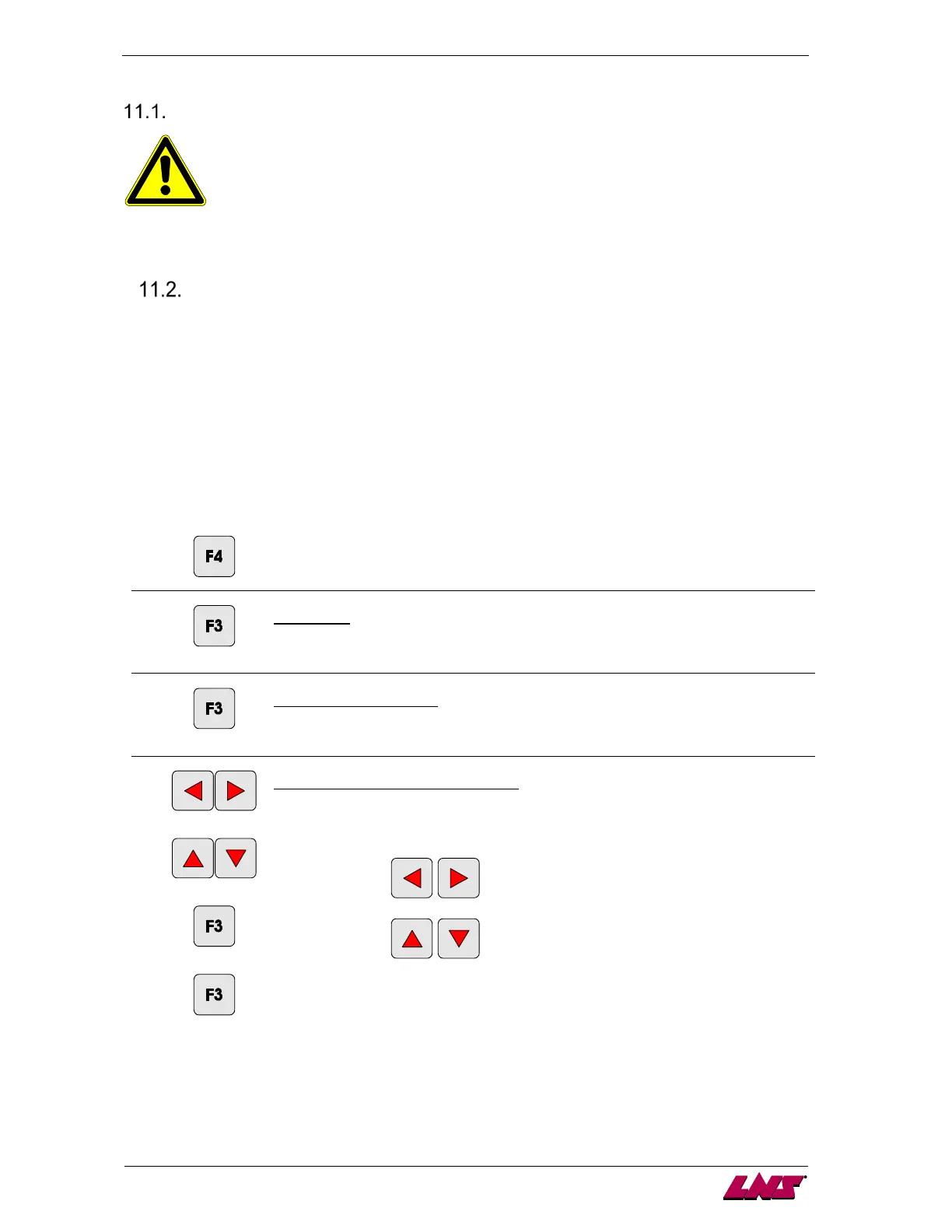
1
Enter the main menu.
2
[ENTER]
Main menu:
Enter the menu "part setup" (default – see value between [ ]).
3
[ENTER]
Part setup menu - profile:
Select the parameter "round" (default – see value between [ ]).
4
[left/right]
[up/down]
[ENTER]
[ENTER]
Part setup menu – Bar stock diameter
To change the value, press any direction key. A cursor is displayed under the first
digit.
to modify the cursor position
to modify the digit selection
To store the value, press the key corresponding to the icon [ENTER].
Jump to the next screen by pressing the key corresponding to the icon [ENTER].
Note: the procedure can be interrupted at anytime by pressing the key
corresponding to the icon [ESC].














 To Next Page