CHAPTER 6: OPERATION 89
QUICK LOAD SERVO 80 S2
5
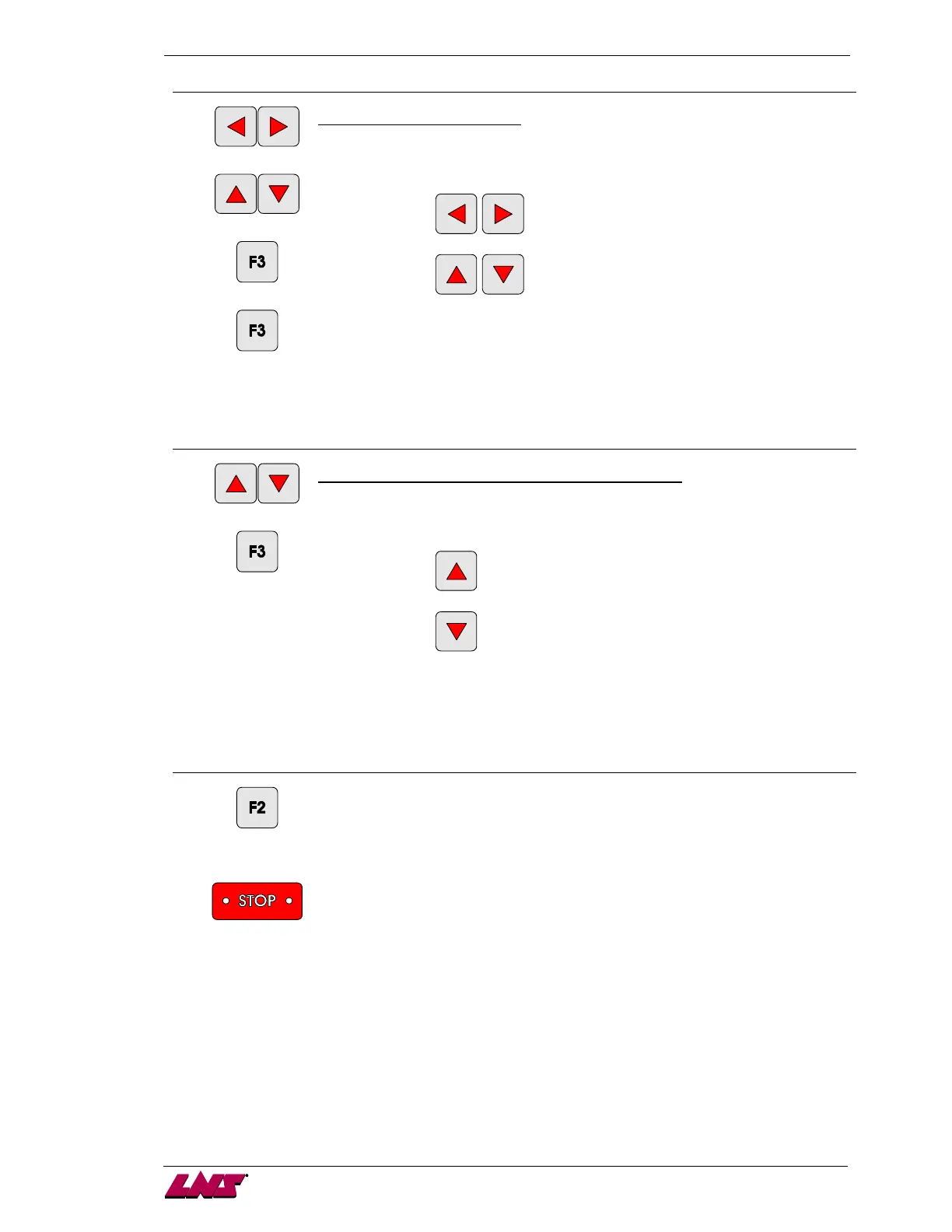
[left/right]
[up/down]
[ENTER]
[ENTER]
Part setup – Overall part length
To change the value, press any direction key. A cursor is displayed under the first
digit.
to modify the cursor position
to modify the digit selection
To store the value, press the key corresponding to the icon [ENTER].
Jump to the next screen by pressing the key corresponding to the icon [ENTER].
Note: the procedure can be interrupted at anytime by pressing the key
corresponding to the icon [ESC].
6
[up/down]
[ENTER]
Part setup menu – Number of clamping device openings
To change the value, press on the up or down direction key (see the value displayed
between [ ]).
to add a clamping device opening
to remove a clamping device opening
To store the value, press the key corresponding to the icon [ENTER].
Note: the procedure can be interrupted at anytime by pressing the key
corresponding to the icon [ESC].
7
[ESC]
or
[STOP]
To exit the setup mode, press the key [ESC] or [STOP].
b) Mechanical settings:
· Install the 12 mm diameter pusher;
· If the stock is tubing, install the special adapter;
· Check that the table and the loading fingers are in the "Round bars" position.














 To Next Page