90 CHAPTER 6: OPERATION
QUICK LOAD SERVO 80 S2
Example 2: hexagonal bars
Bar profile hexagonal
Bar diameter 50.0 mm
Length of pieces to be machined
Thickness of the cut off tool
Conditions:
· The loading table is in low position
· 2 bars of the new diameter are on the loading table
· Bar feeder in STOP mode
a) Parameters
1
Enter the main menu.
2
[ENTER]
Main menu:
Enter the menu "part setup" (default – see value between [ ]).
3
[ENTER]
Part setup menu - profile:
Select the parameter "hexagonal" (see value between [ ]).
4
[left/right]
[up/down]
[ENTER]
[ENTER]
Part setup menu – Bar stock diameter
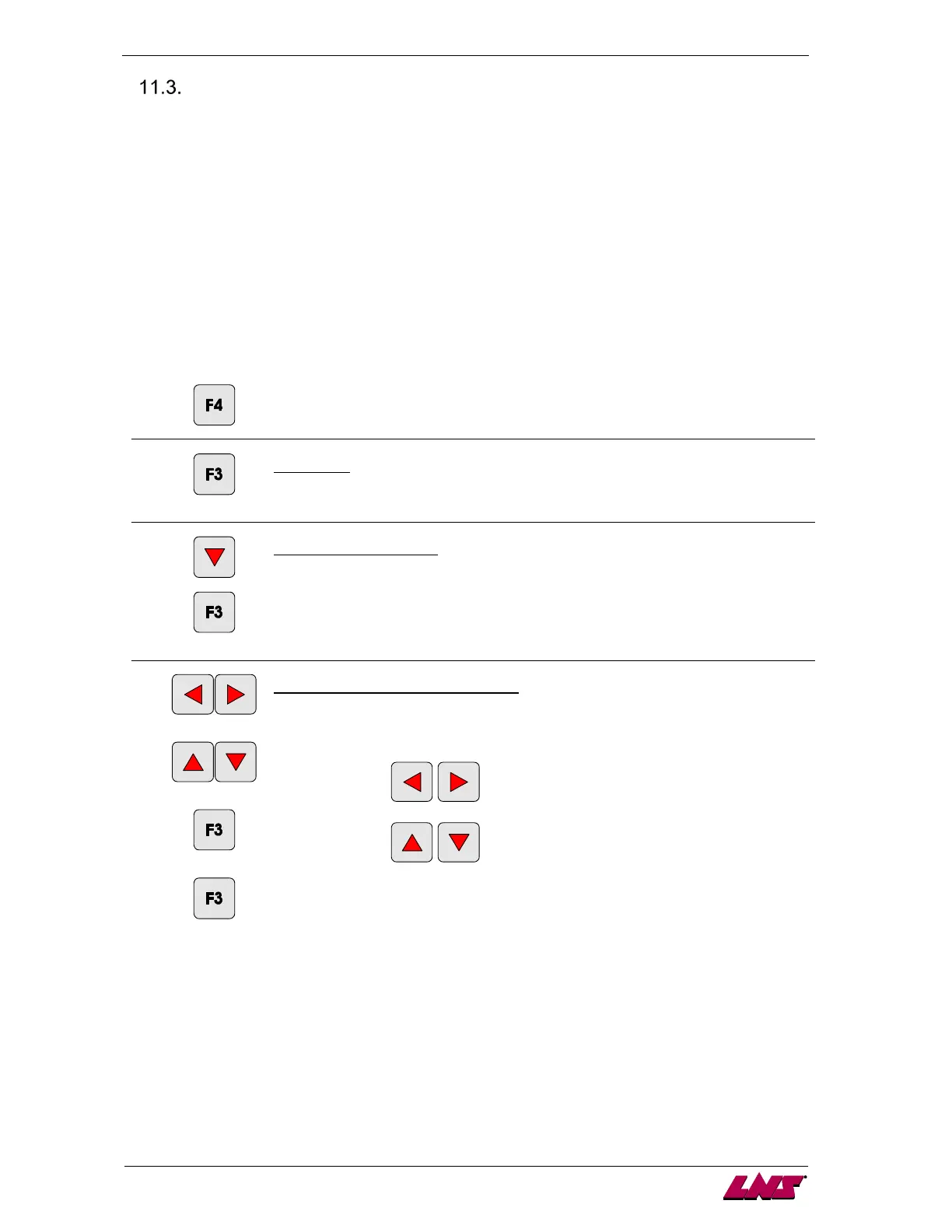
To change the value, press any direction key. A cursor is displayed under the first
digit.
to modify the cursor position
to modify the digit selection
To store the value, press the key corresponding to the icon [ENTER].
Jump to the next screen by pressing the key corresponding to the icon [ENTER].
Note: the procedure can be interrupted at anytime by pressing the key
corresponding to the icon [ESC].














 To Next Page