4-2 Chapter 4: Software Update/Restore
To ensure that the right procedure is used to perform a Software Update or to restore software, check the
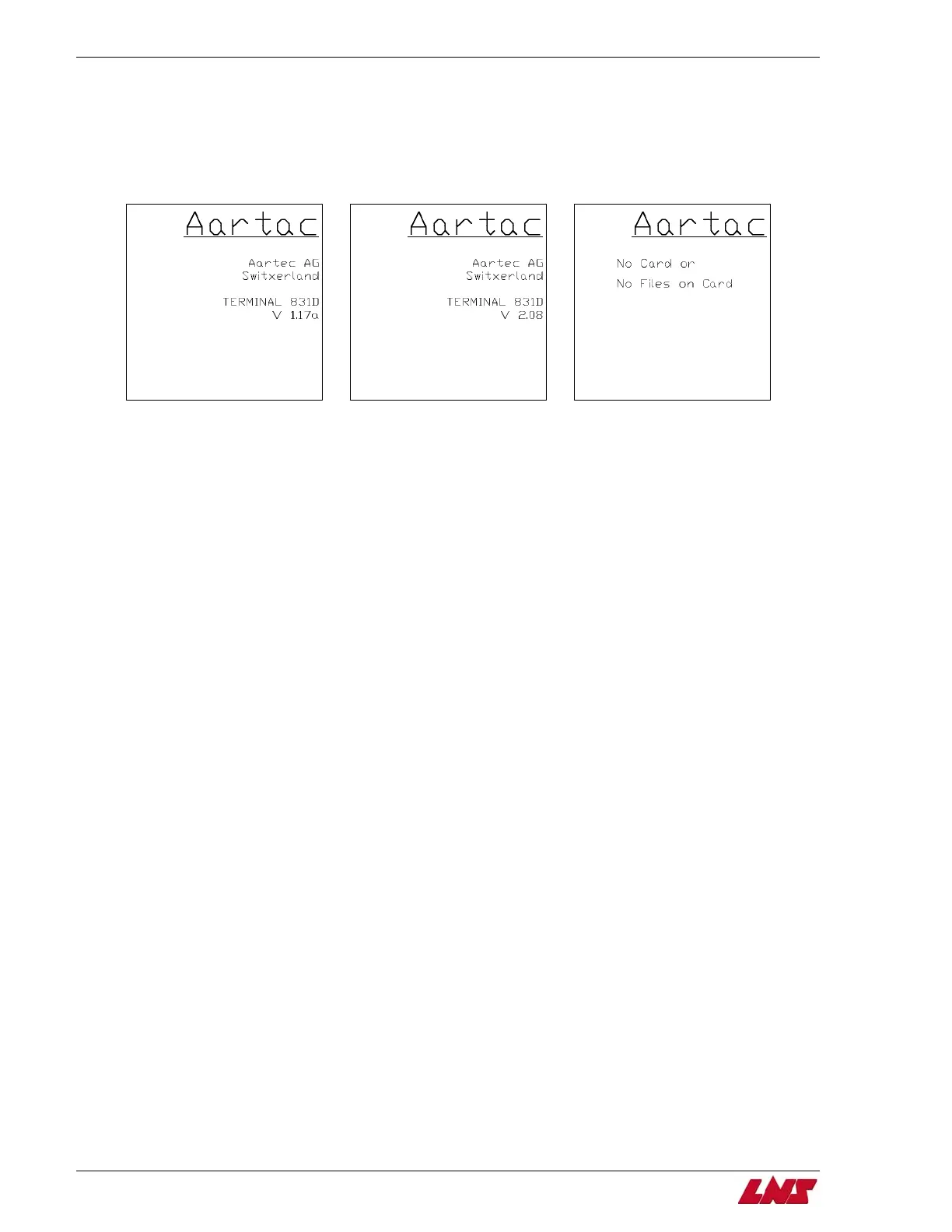
display on the bar feed to determine its firmware version: 1.17a or 2.08.
In order to check the version of the firmware, turn the main bar feed power off and then back on again.
During the power up, the first screen will show the firmware version of the display.
Firmware v 1.17a Firmware v 2.08 Firmware v 2.08
(No card is present or the card is blank)
If the display has firmware version 1.17a, proceed to page 4-3. If the display has firmware version 2.08,
proceed to page 4-20.
QUICK SIX















 To Next Page