4-14 Chapter 4: Software Update/Restore
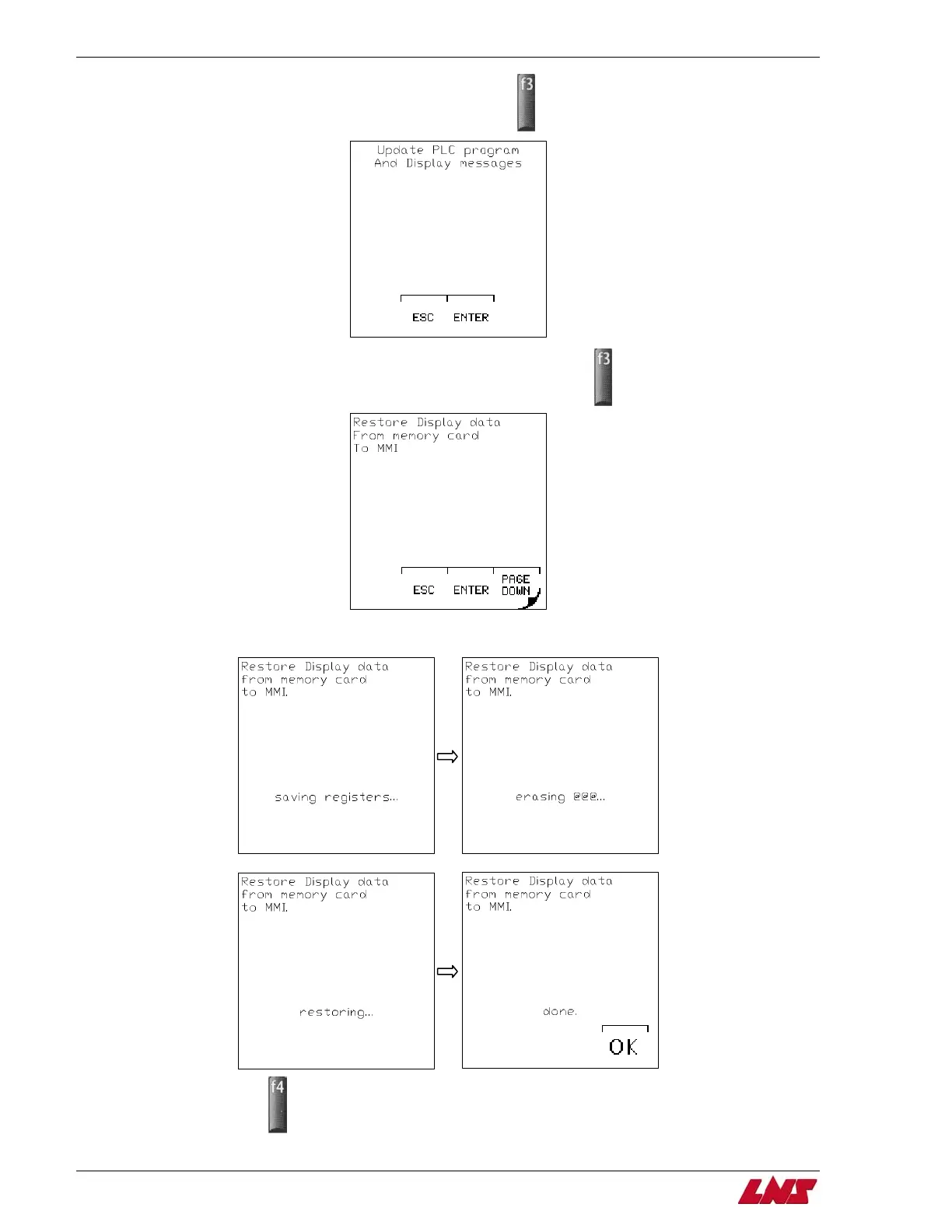
Step 10: When you reach the Update PLC screen, press F3 (ENTER).
Step 11: Press F3 to restore data from memory card to the display (text and icons).
Step 12: The registers will then be restored from the memory card to the display.
Step 13: Press F4 (OK).
Step 14: Turn off power to bar feeder.
QUICK SIX















 To Next Page