4-22 Chapter 4: Software Update/Restore
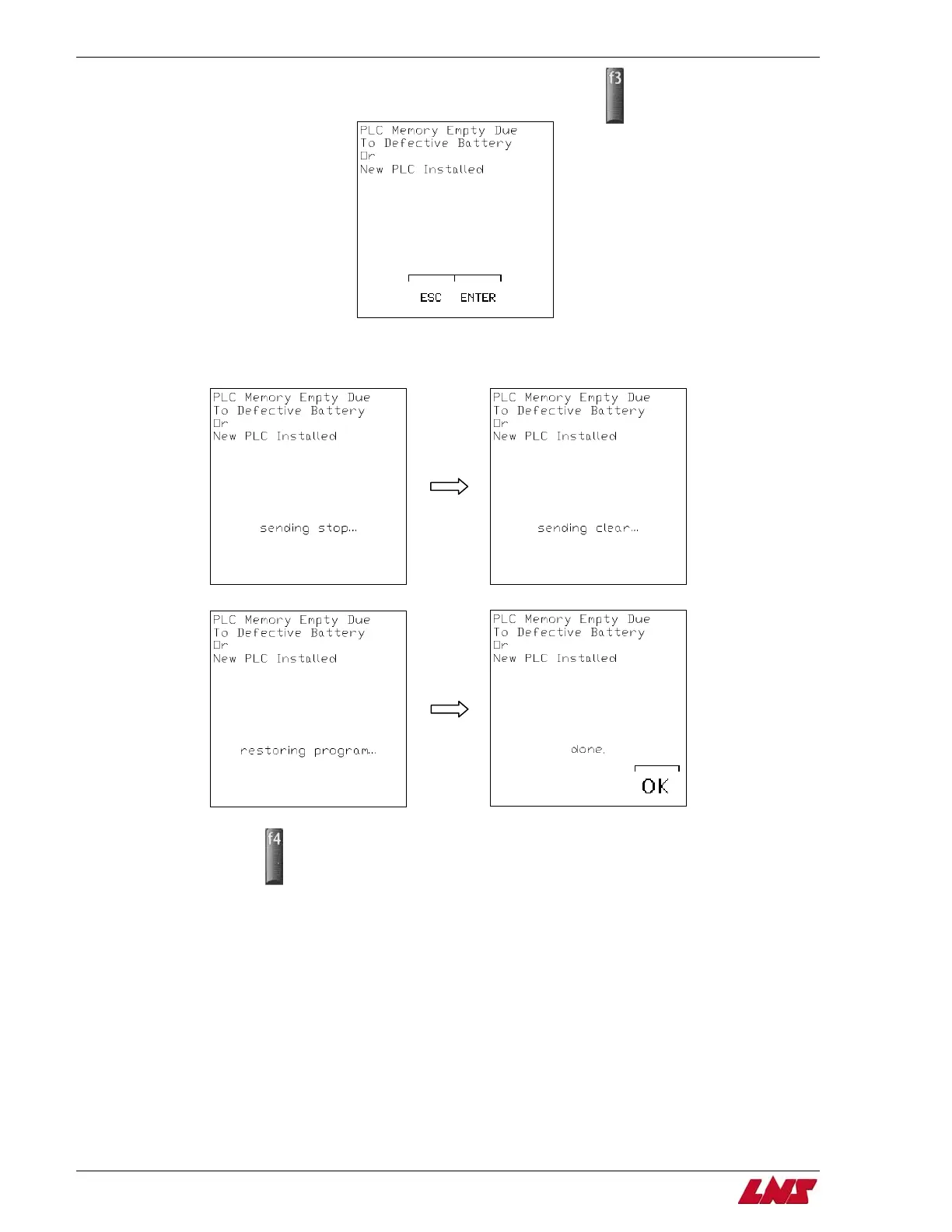
Step 10: When the PLC fault screen appears (seen below) press the F3 key (ENTER).
Step 11: The current parameter settings will be saved. The display will then restore the PLC program to the PLC and the parameters
will then be restored to their previous settings.
Step 12: Press F4 (OK).
Step 13: Turn off power to bar feeder
Step 14: Move the RUN/STOP switch to RUN position.
Step 15: Restore power to the bar feeder.
Procedure complete.
QUICK SIX















 To Next Page