18
ZENIT
OPERATING
Operating
Central Unit
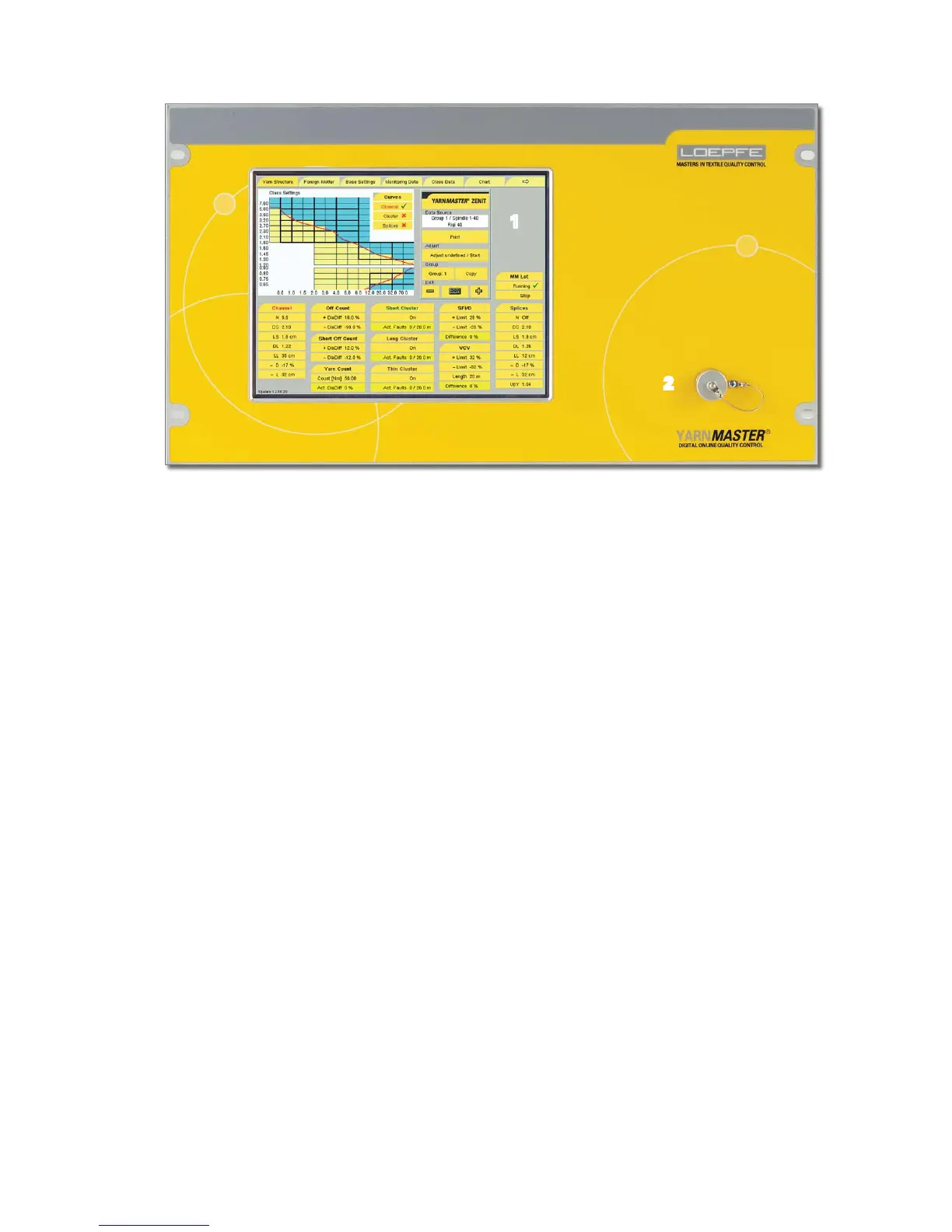
1 Touch Screen
The central unit is operated by direct inputs on the touch-
screen. Applying light pressure on the screen surface acti-
vates the functions shown.
Tap the menu item to be selected with the finger or a blunt,
non-metallic object.
!
Do not use a pointed, metallic object as this could
damage the monitor surface!
Cleaning
The monitor surface is made of plastic material. Clean the
monitor with a soft cloth. Heavy soiling can be cleaned with
water and soap.
!
Never clean the monitor with aggressive cleaning
agents!
2 USB Port
USB port to transfer reports and clearer data to a server and
printer. The USB port is protected against dust and humidity
by a removable cover.
2



 To Next Page