ZENIT
23
OPERATING
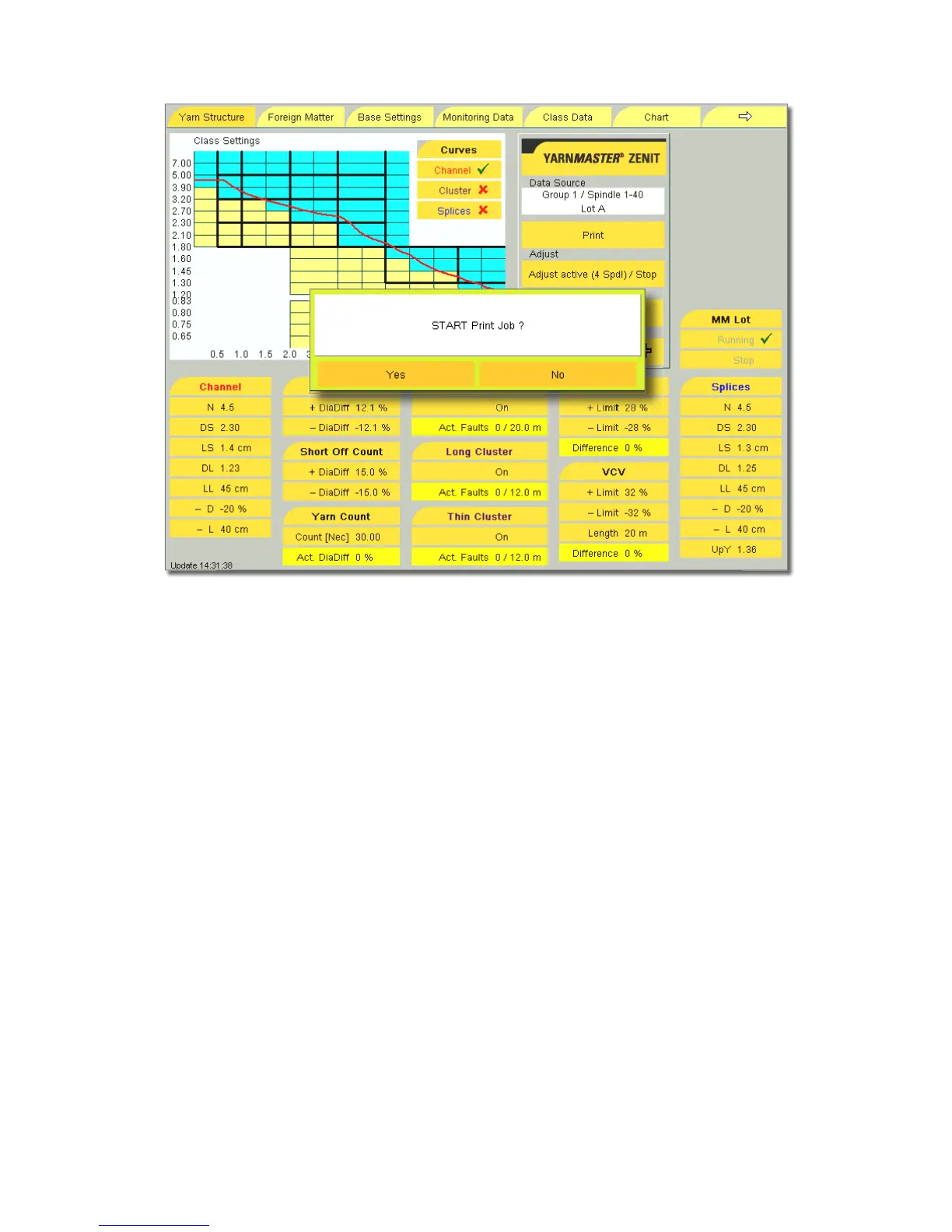
Print
The clearer data or clearer settings of the open menu can be
saved to a USB flash drive and printed as PDF.
!
Make sure that the USB stick is virus-free. LOEPFE
assumes no liability for possible damage to the
system (loss of data etc.) that could be caused
by viruses!
•
Insert the USB stick in the front panel.
•
Wait until the Print button becomes active.
•
Tap the Print button and confirm the START Print Job? mes-
sage with Yes.
The PDF file is now created and saved to the stick.
!
Saving the data can take some time. Do not remove
the USB fl ash drive until the red warning screen dis-
appears!



 To Next Page