ZENIT
39
BASE SETTINGS
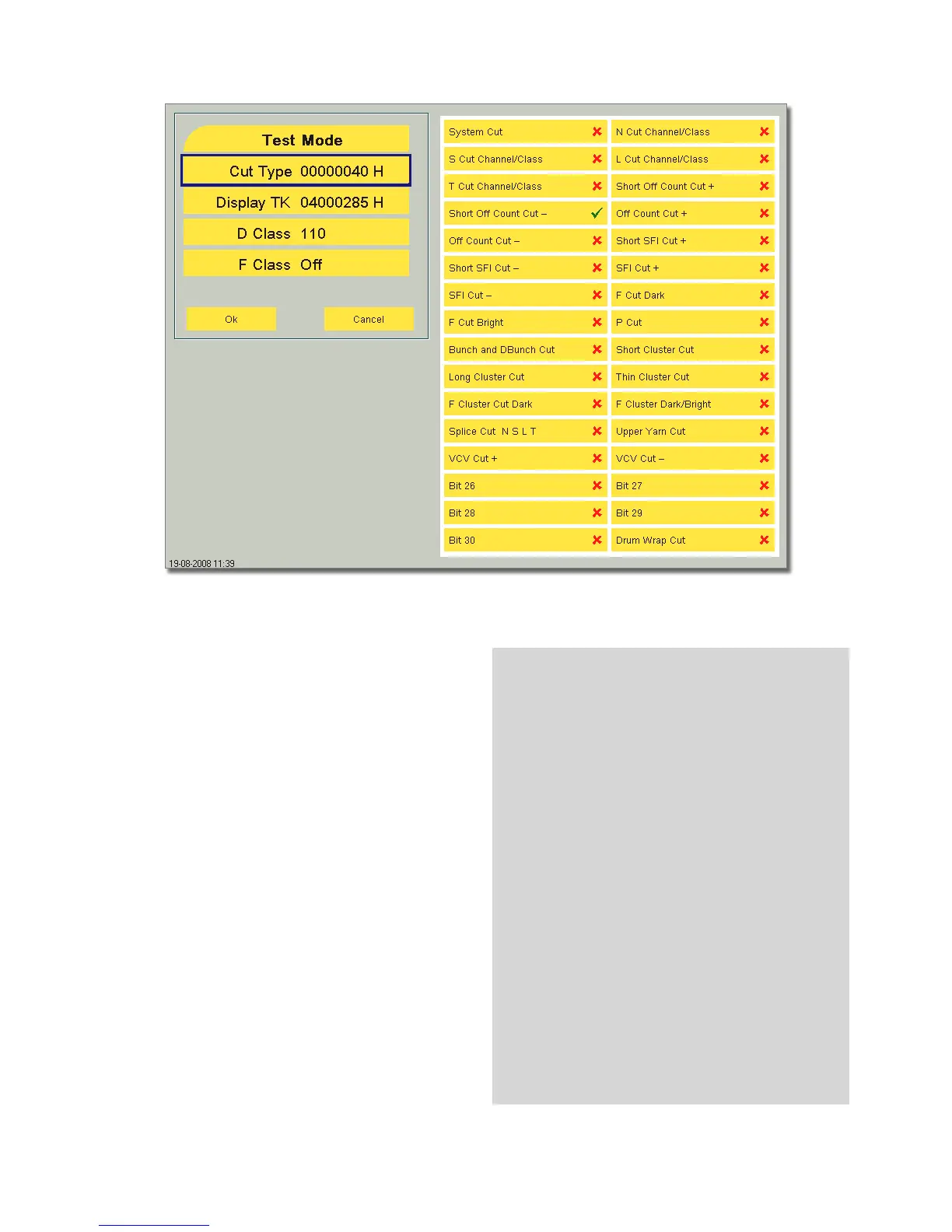
Test Mode
YarnMaster Zenit has a test mode for
Cut Type
D Class Class cuts
F Class Foreign matter class cuts
Should a yarn fault be examined, select the corresponding cut
type or the corresponding number of the class field (D Class /
F Class).
If such a a fault is cut, the respective spindle remains idle. Re-
set of spindle blocking: see page 69.
On the following systems, the machines must also
be switched to test mode:
– M 21C
– Espero i
– Espero Nuovo
– AC 238
– VJ Excello
Test Mode of Murata 21C Equipment:
•
Set the VOS key switch to the «SET» position.
•
Select menu F31 (YarnDefctSampl)
•
Make the appropriate choice and confirm with “Enter”
•
Set the VOS key switch to the Monitor position.
•
Confirm the question whether to save with key 1.
The setting is saved.
Proceed as follows for the special cuts such as D Class/
F Class or P Cut:
•
Select “more” and “0-Cut” and save.
•
Remove the plastic cover and set the right switch
(SW5) to ON.



 To Next Page