30
ZENIT
GROUP
Group
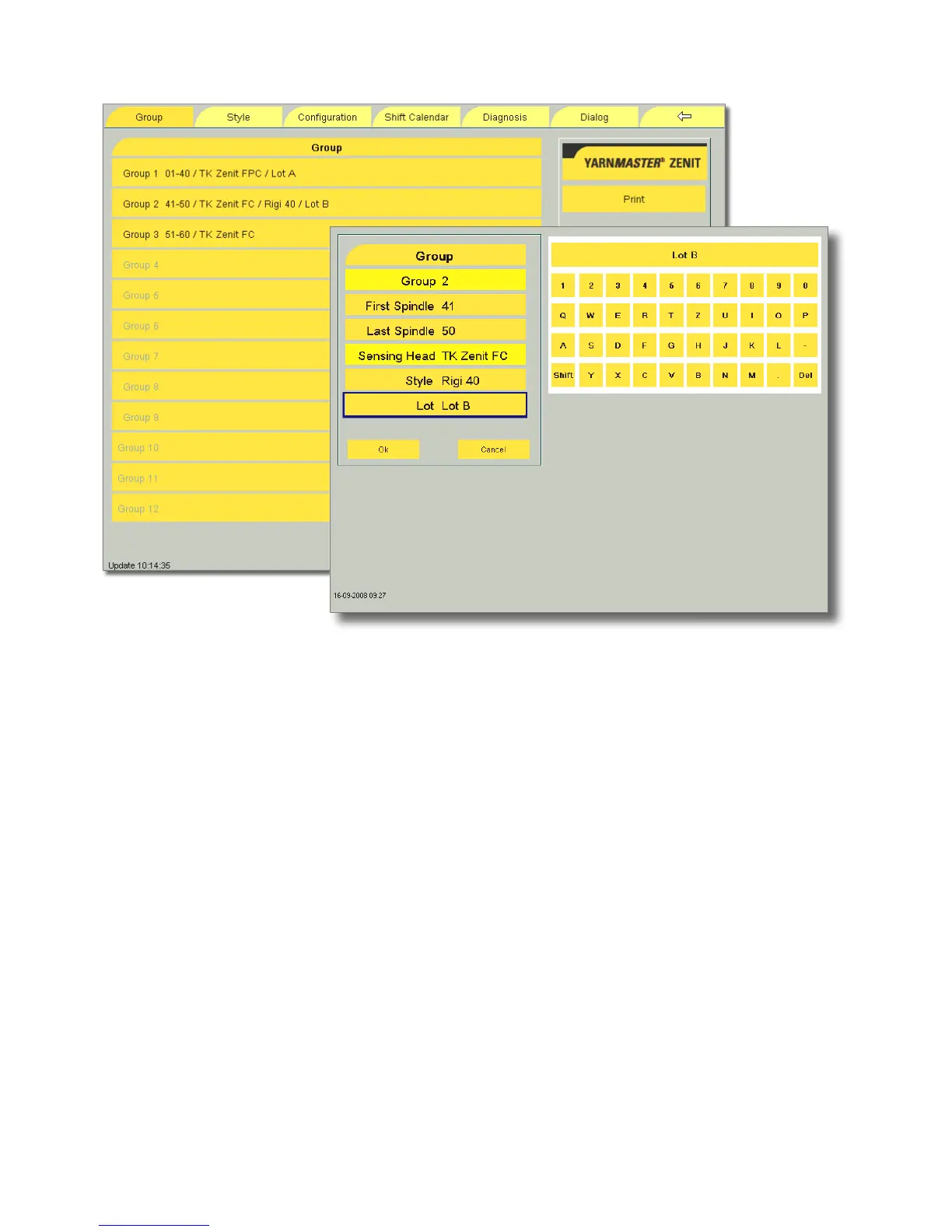
The working range for a maximum of 12 different lots can be
determined.
•
Select the group.
•
Enter the first and the last spindle of the working range.
•
Enter or change style and/or lot names via the alphanu-
meric keyboard.
•
Save the input with the Assign command.
•
Define all other groups accordingly.
!
To maintain the functionality of all sensing heads, a
group should not be created across section limits.
Note : Predefined clearer settings can be assigned to this
group in the Style menu.



 To Next Page