54
TITEL
ZENIT
FOREIGN MATTER
these selected F Cluster classes relative to the length unit.
When the set number of faults is exceeded within the set ob-
servation length, the spindle is blocked after the set number
of repetitions.
Note : After every F Cluster cut, the respective fault length
(80 m max.) is automatically drawn off the cone.
Act. Faults
All events (irregularities) in the selected cluster class fields
are continuously counted via the displayed window length.
The number obtained is calculated with respect to the moni-
toring length and displayed to support adjustment.
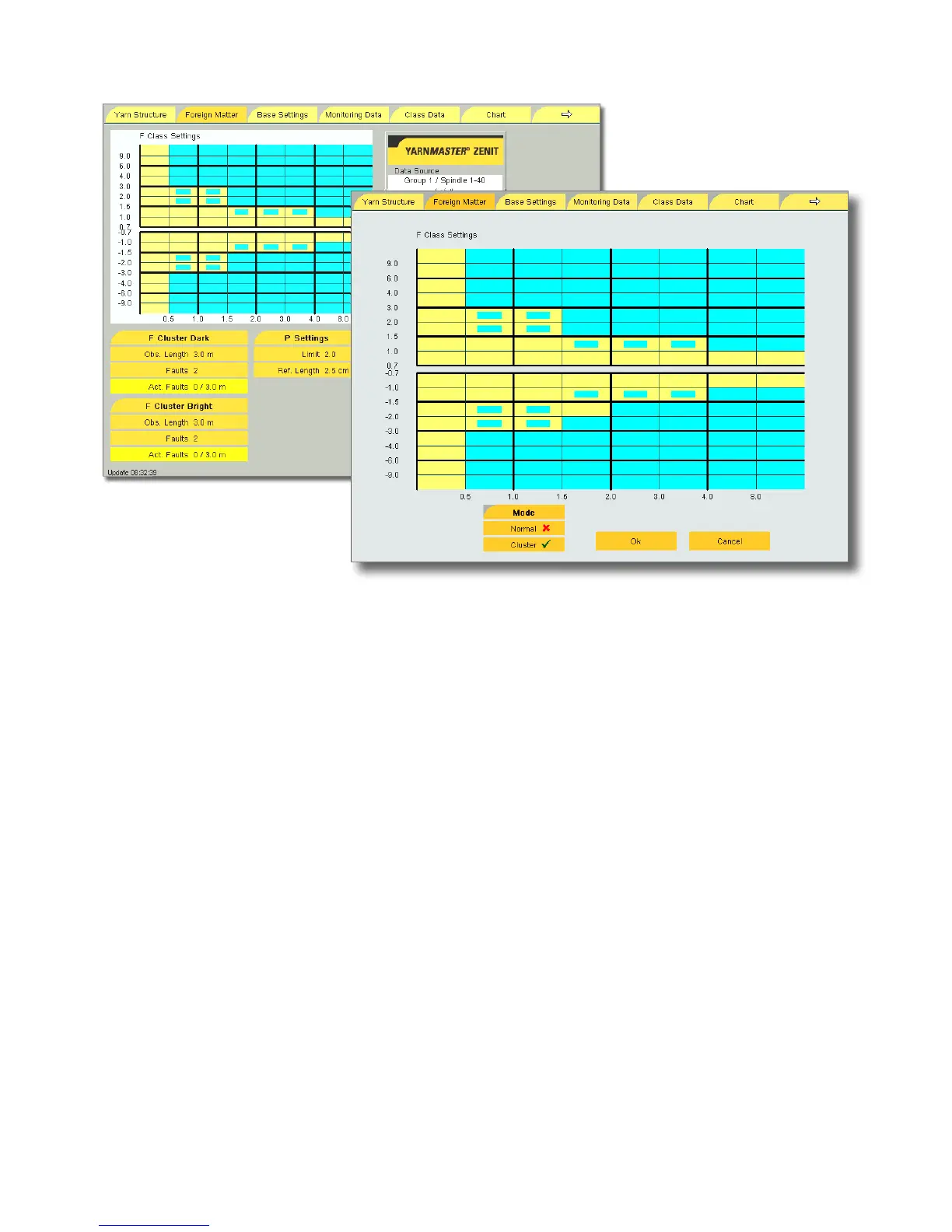
F Cluster Settings
With the Foreign Matter Cluster settings fault clusters can be
detected which, as single faults, are usually not considered
disturbing. If, however, the faults are repeated multiple times
within a short distance, they are disturbing.
The F Cluster settings can, e. g., be selected in classes which
can be cleared only with increased step numbers, e. g. oil-
soiled bobbins.
To specify F Cluster clearing, the Cluster mode must be acti-
vated (
).
Blue-yellow class fields = F Cluster clearing is active
Observation Length / Faults
The observation length from 0.1 to 80 m and the number of
faults from 1 to 9999 can be selected separately for the de-
tection of the dark and bright foreign matter.
These two settings define the limits of the cluster density of



 To Next Page