ZENIT
27
DIALOG
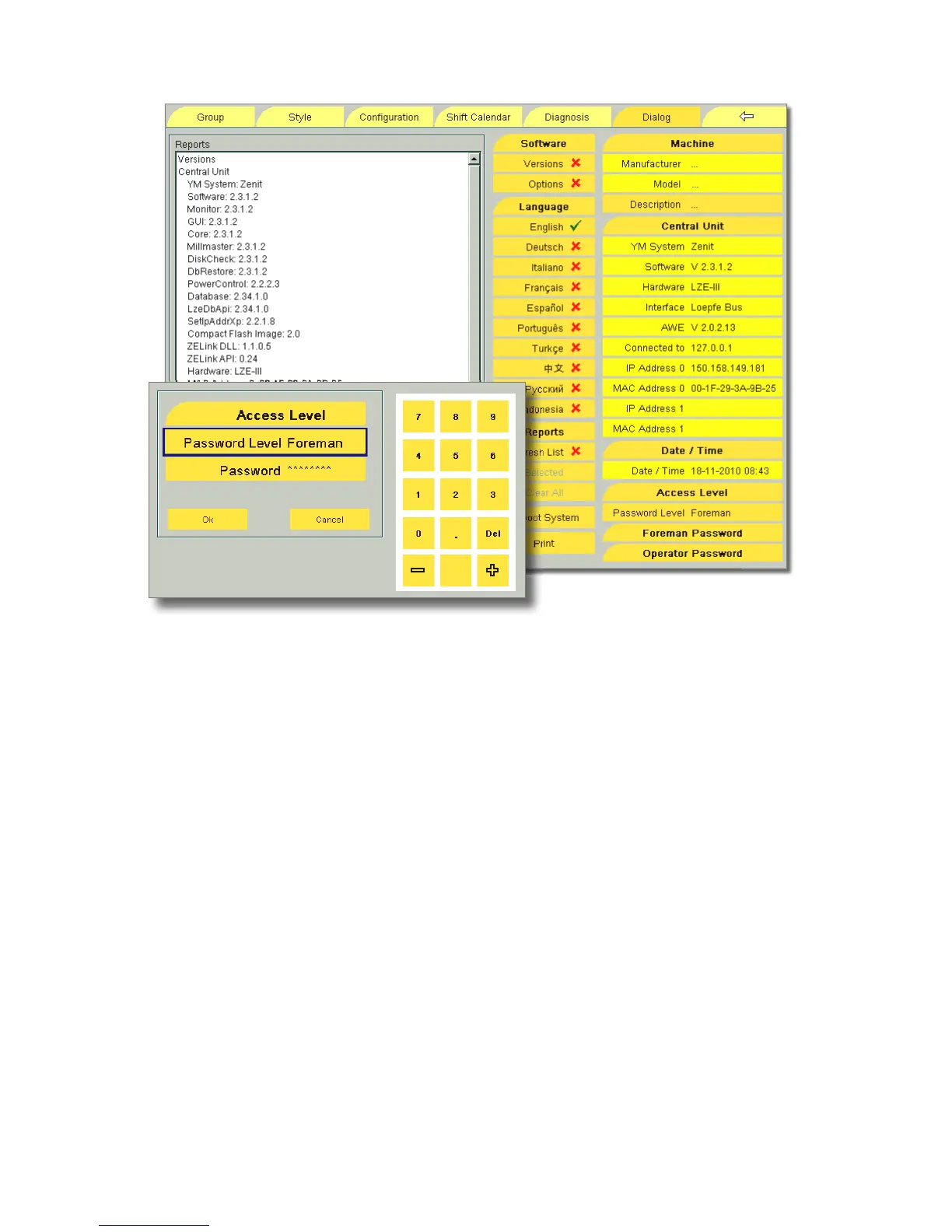
Access Level / Password
To prevent the modification or deletion of data by unauthor-
ized persons, data inputs are protected with passwords.
If a menu item is tapped which is protected with a password,
the Access Level window is displayed. The required password
level is shown in Password Level.
Enter the new password (5 numbers max.) on the displayed
keyboard and confirm with OK.
The following four password levels exist:
Display
Operator
Foreman
Service
Password Level Display : Most of the data and settings can
also be viewed and printed without password.
Changing the Password
During the startup, the foreman password is 1291, the opera-
tor password is 4711.
!
It is recommended to change these passwords after
startup!
•
Tap Foreman Password or Operator Password, respectively.
•
Enter the new password on the displayed keyboard and
confirm with OK.
•
Confirm the changed password with Yes.



 To Next Page