41
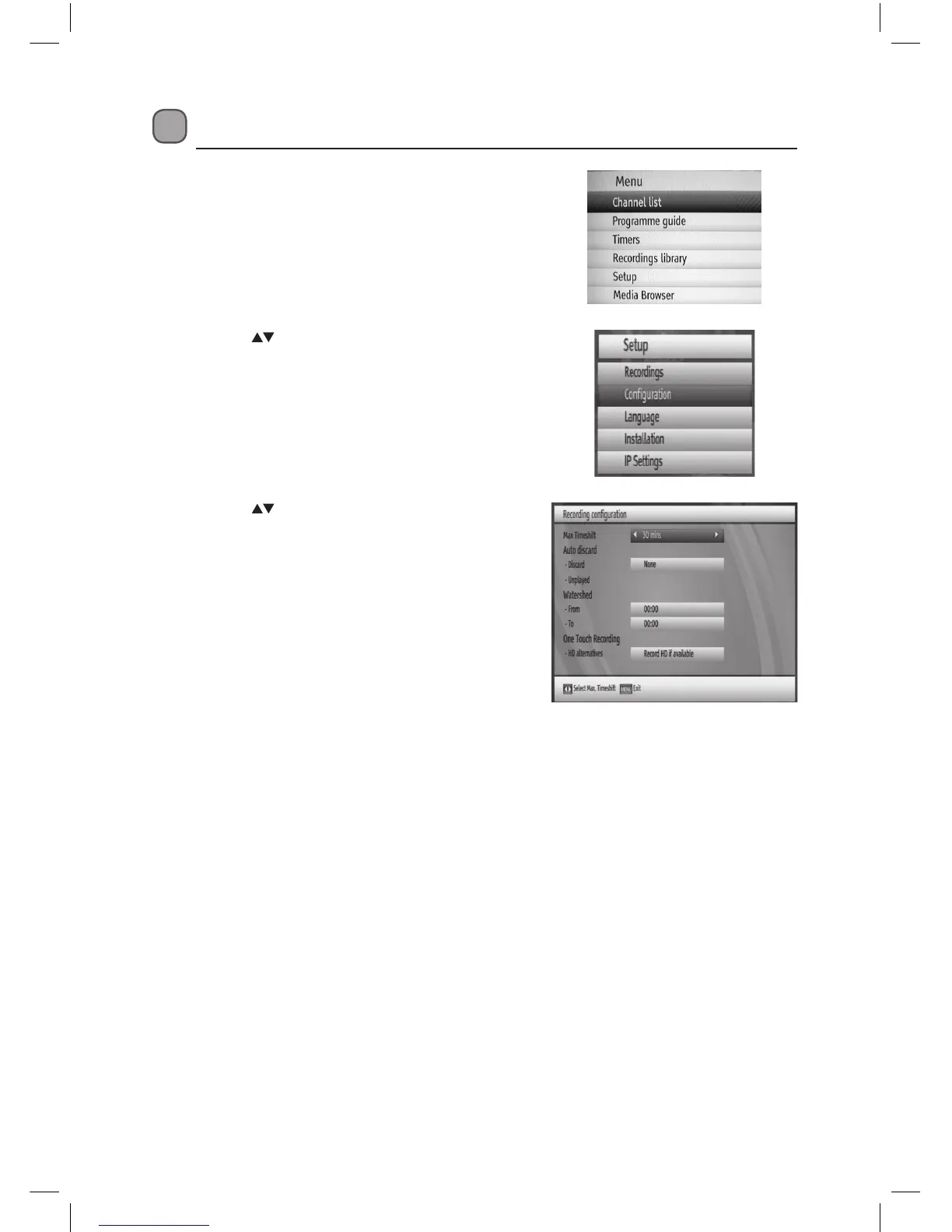
3. Press the buttons to select Recordings
and then press the OK button. The Recording
Conguration menu will be displayed.
Recordings Setup
1. Press the MENU button to display the main
menu.
2. Press the buttons to select Setup and then
press the OK button. The Setup menu will be
displayed.
L1HSTB12_IB_120725_CS4_Edits_Pauline.indd 41 30/07/2012 14:57


 To Next Page
 Loading...