2. From the Edit menu, click Align, then Horiz. Center or click the appropriate icon from the
Manager toolbar.
Centering is based on the horizontal center of the left-most object.
3. From the Edit menu, click Undo to put the objects back in their original position.
4Using the align vertical center command
1. Select the objects you wish to align. For this example, select the three rectangle objects of
Window_12
2. From the Edit menu, click Align, then Vert. Center or click the appropriate icon from the
Manager toolbar.
Centering is based on the vertical center of the top-most object.
3. From the Edit menu, click Undo to put the objects back in their original position.
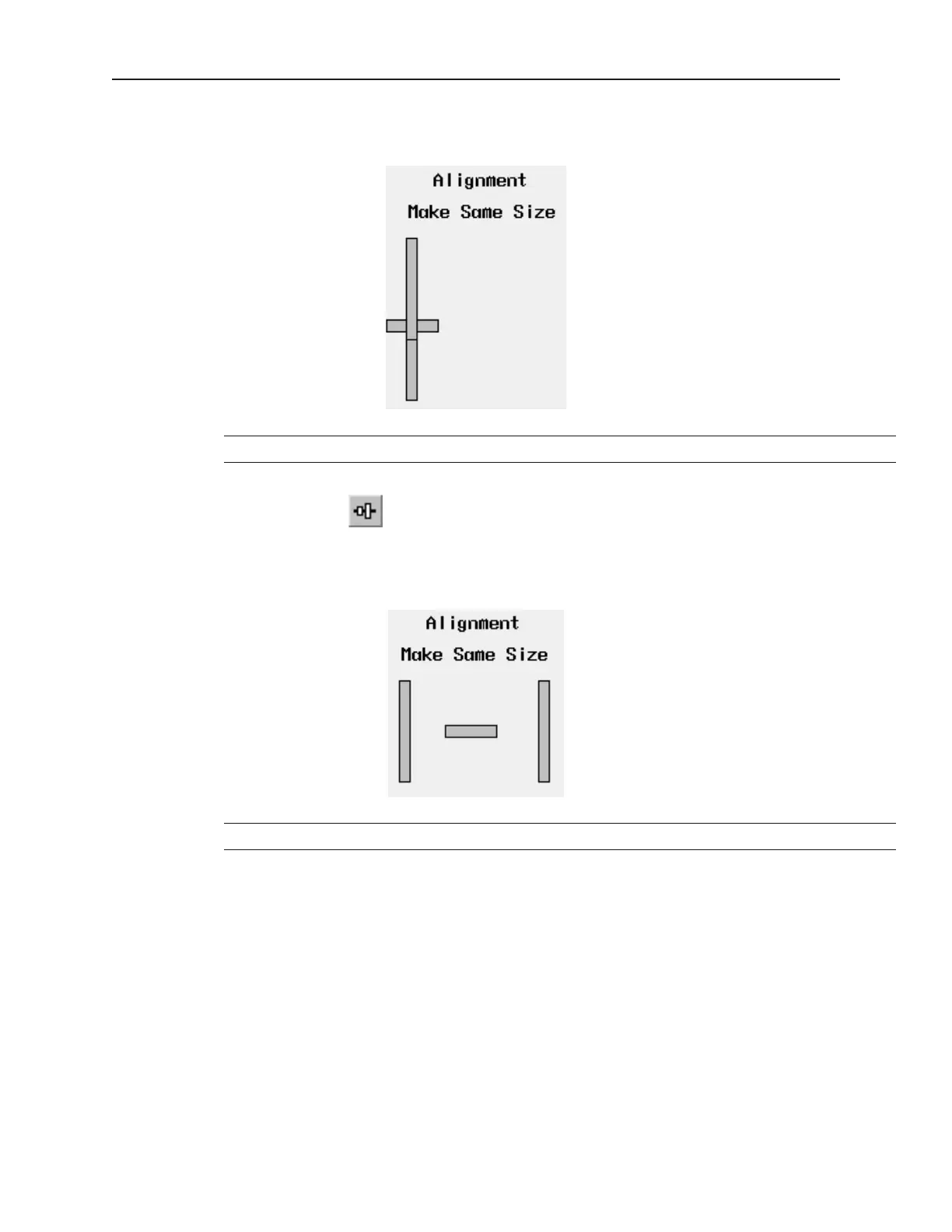
Making Ob jects the Same Size
This feature is handy if you want to quickly make two or more objects the same size. This is most often used when
1010-1001a, Rev 02
54 Sil ver Se ries In stal la tion & Op er a tion Man ual



 To Next Page