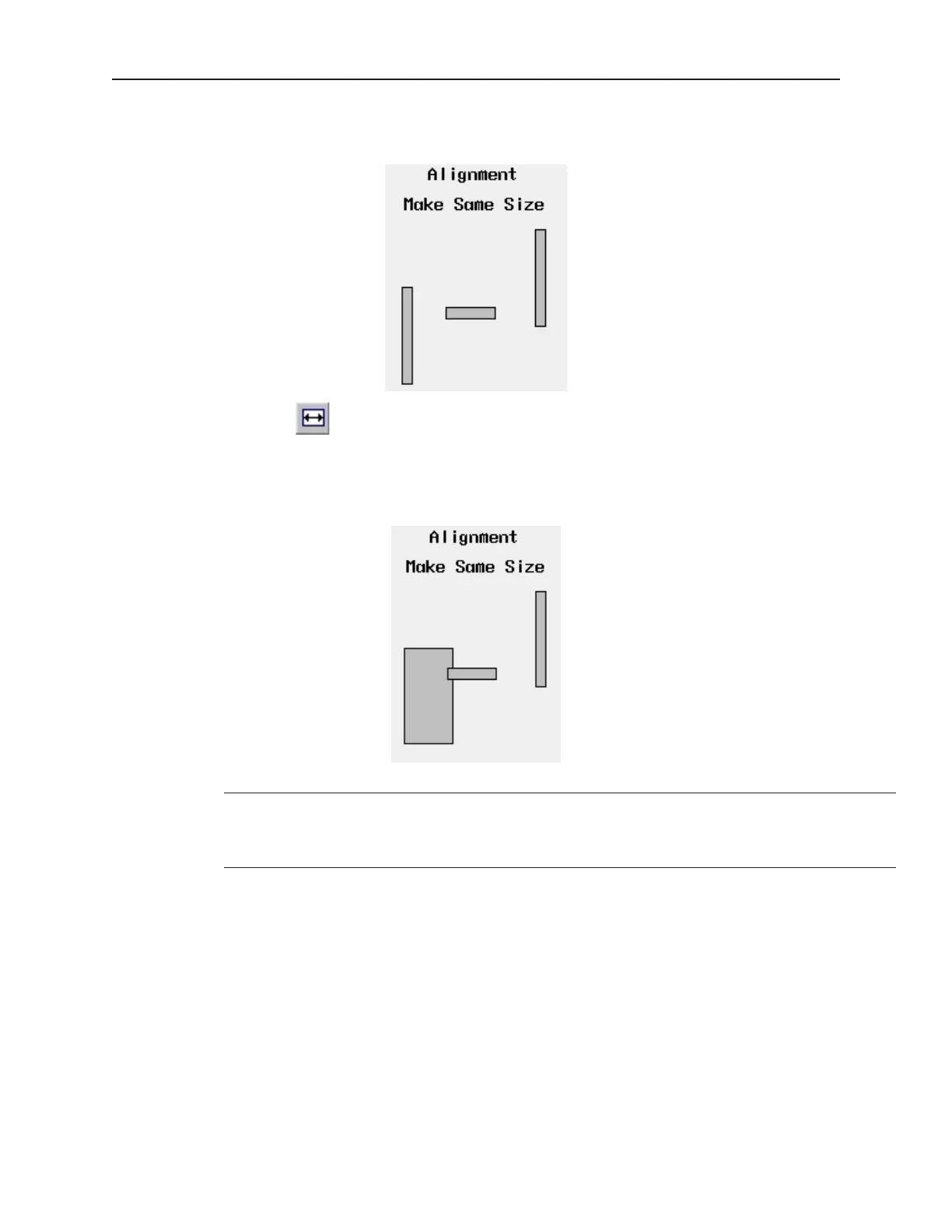
you are trying to overlap objects that must be the same size. To better illustrate, refer to the left side of Window_12
of the sample project:
4The make same width command
1. Select the objects you wish to make the same width. For this example, select the left and
center rectangle objects of Window_12
2. From the Edit menu, click Make Same Size, then Width or click the appropriate icon from
the Manager toolbar.
EasyBuilder always uses the width of the last object that was created as the basis for
the width. In this example, the left rectangle was created first, then the middle
rectangle, finally the right rectangle. See what happens when the make same width
command is applied to the center and right rectangles.
1010-1001a, Rev 02
Using EZware-500 55



 To Next Page