120
7.2. Diagnostics messages window
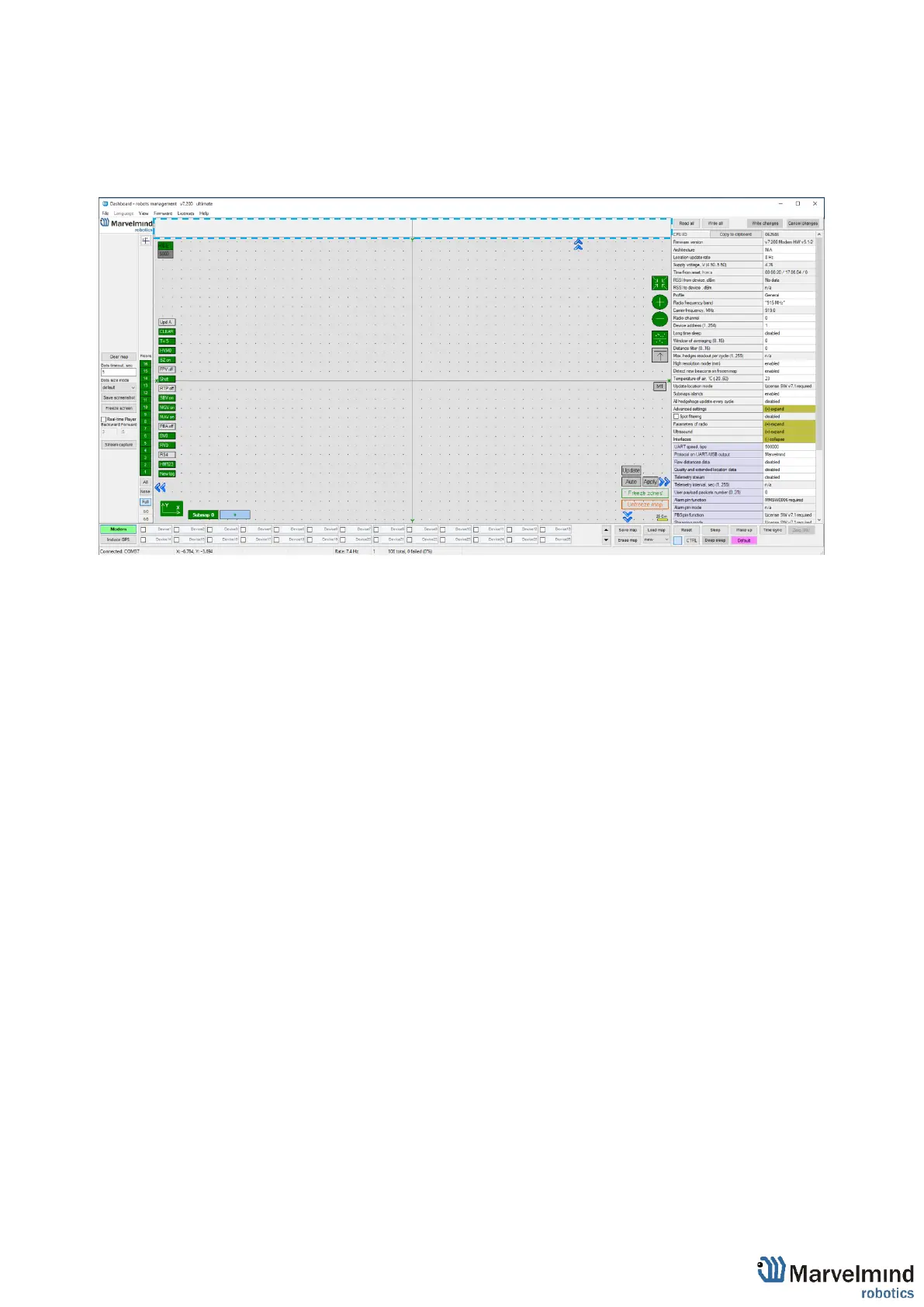
Diagnostic messages window is an area where important system’s messages appears.
It may contain a lot of useful information.
Diagnostics window is placed on the top of the Dashboard.
If the field is empty, that means that system didn’t find any issues for the launch. If you
have any messages, please check it carefully and fix the issue.
There are 4 categories of reports:
- Orange – minor issue
- Red – major issue
- Green – Successfully completed settings
- Blue – Successfully completed process



 To Next Page