216
9.25. Player feature (FN0009)
This function is used to view the distance passed, the flight of the copter, etc. The player
displays statistics on the maximum and average speed, the path traveled.
Starting with Dashboard v6.240, log files writes in .csv format
How to use Player:
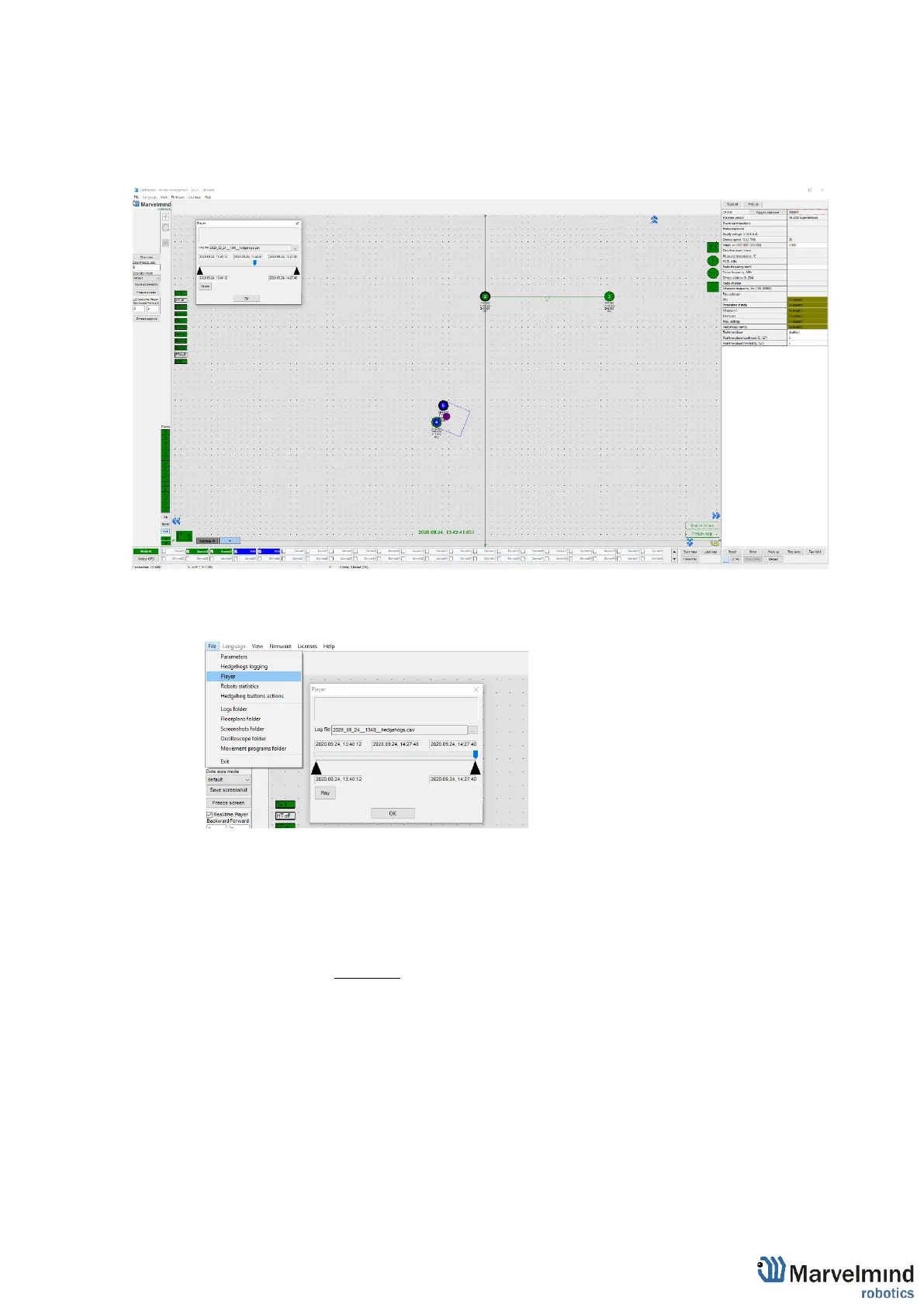
- Go to File=>Player
This is how the starting player menu looks like
Select log – opens save log file
Play – launch the playback
- Click Select log button and choose the file
- Now log is loaded. Important: for recording log file click Save map for saving all the
beacons locations and attaching all the beacons to the log. Log file also created while
Freeze map pressing.



 To Next Page