261
13. Troubleshooting checklist
If you have any problems with the system, follow these simple steps:
- Update SW on modem and beacons
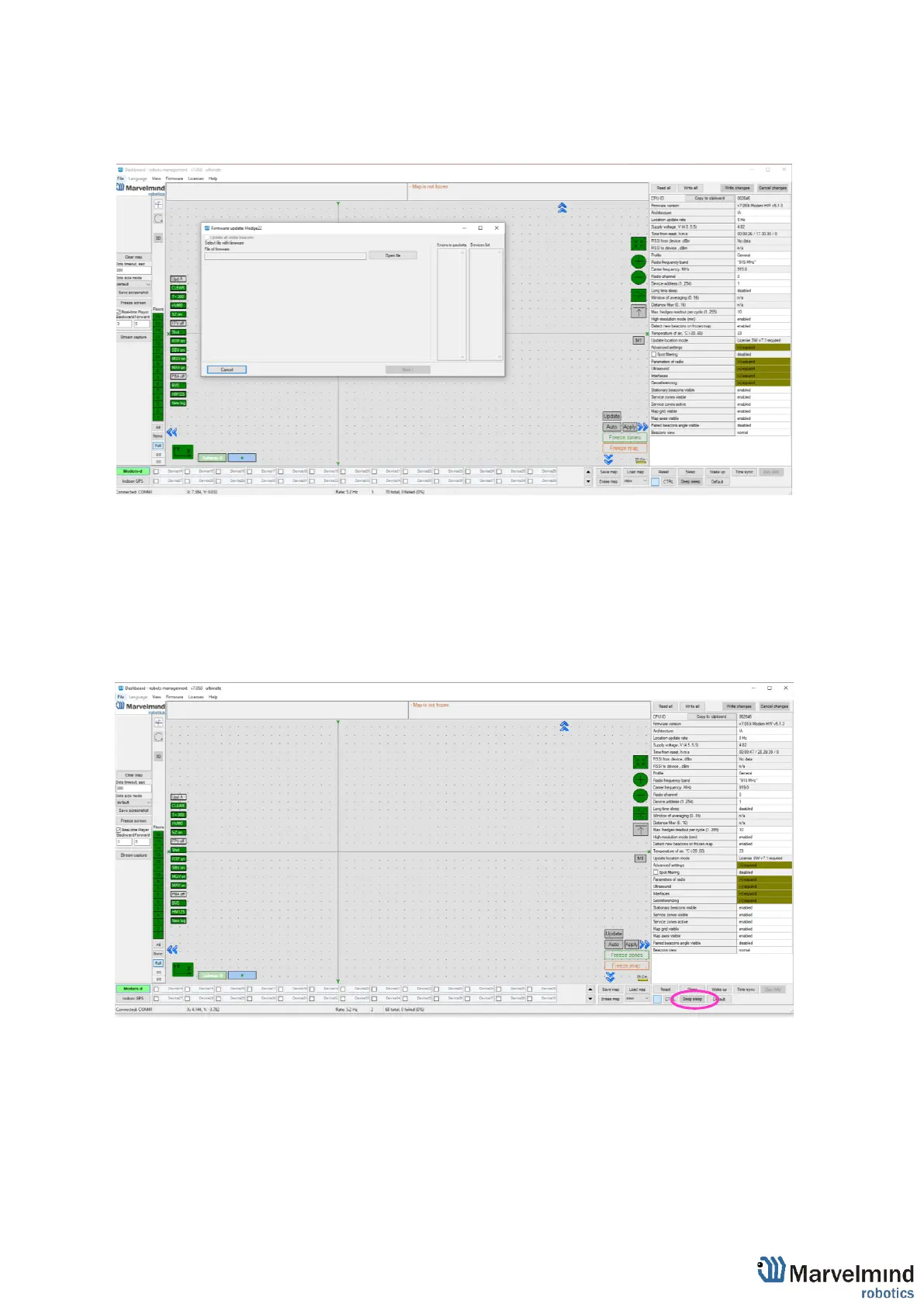
- Now, connect all beacons and modem one by one and press Default button in the
Dashboard (When updating the SW, please, press Default button to make sure that
beacons really have default settings. Otherwise, modem may be calling on a wrong channel
or something)
- Press Erase map, when modem connected to PC
-



 To Next Page