126
7.5. Visualization settings
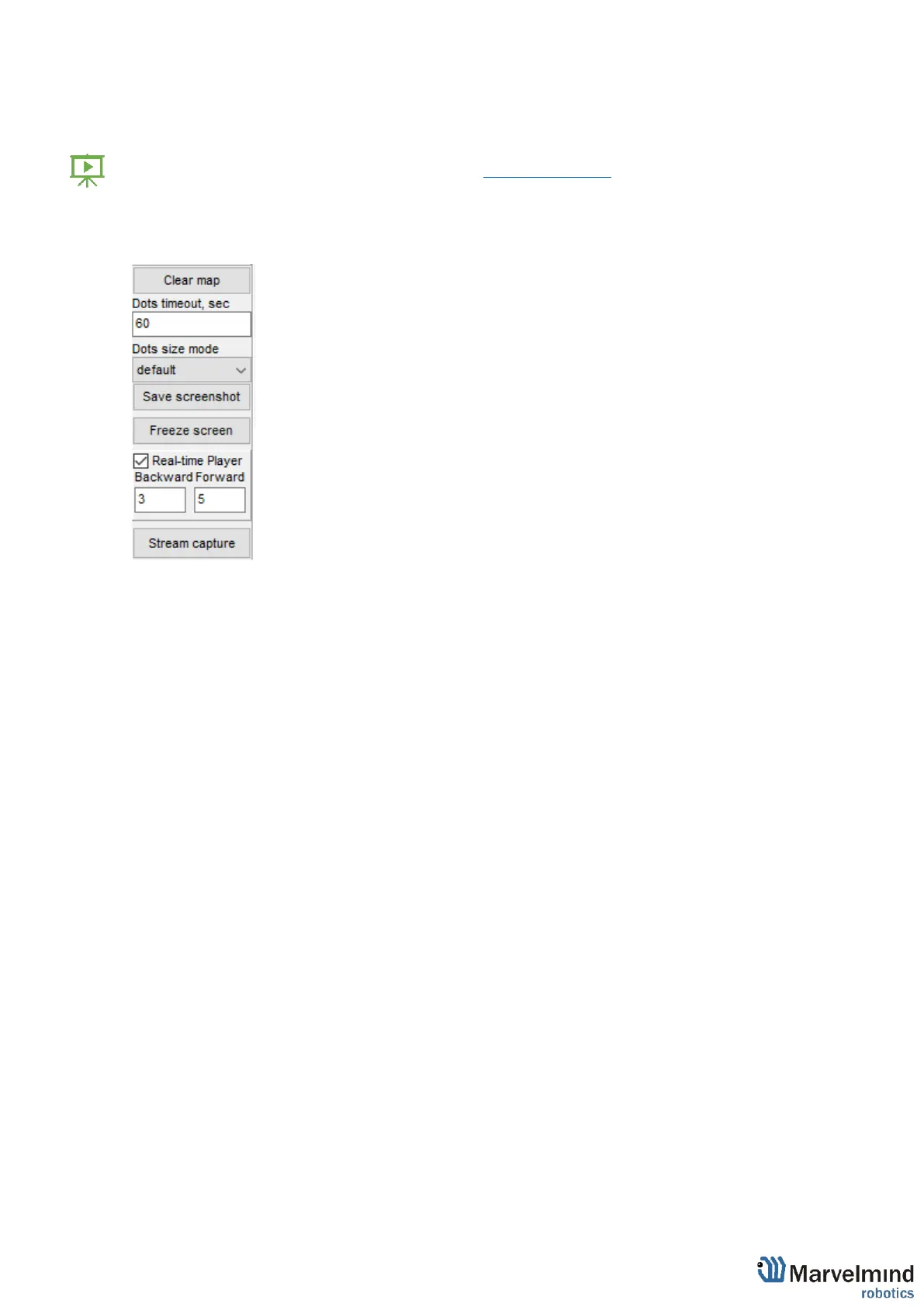
Visualization settings window has some functions to control visualization process:
- Clear map – clear all movement path
- Dots timeout – time of path’s existence (Video: Help: Dots timeout)
- Dots size mode – size of dots
- Save screenshot – files save to Dashboard’s folder/screenshots
- Freeze screen – The map freeze, no updates of the path



 To Next Page