201
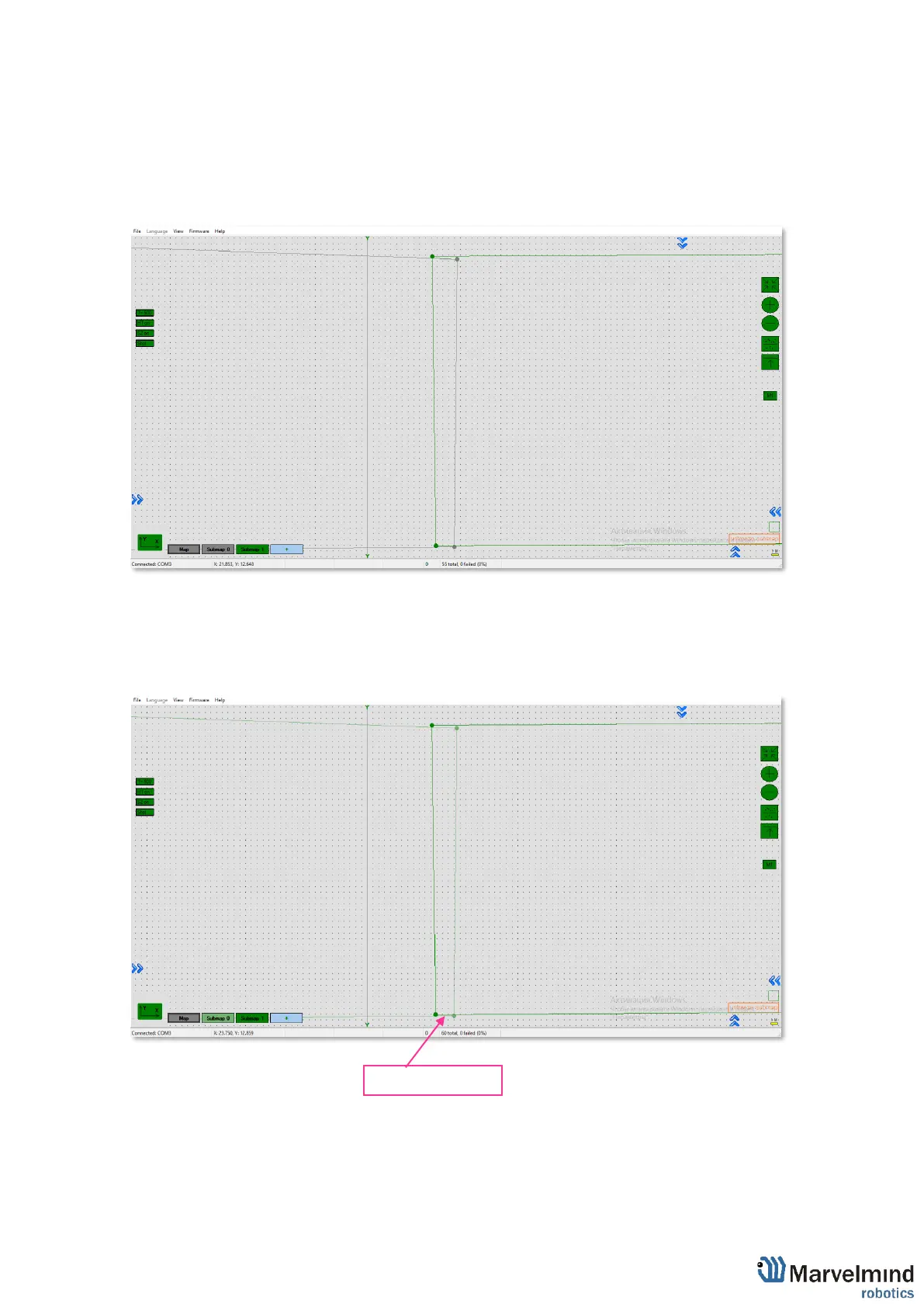
9.16. Handover Zones Setting
User must setup handover zones between submaps to guarantee handover quality for
complex maps with multi-floor and similar.
How to setup handover zones:
- Choose any submap
- Use Alt + Left Click on the other submap’s service zone border (neighboring)
- Now, neighboring service zones are colored with green (dark green for chosen submap
and light green for neighboring submaps)



 To Next Page