182
9.9.4. Loading the Floorplan (Substrate)
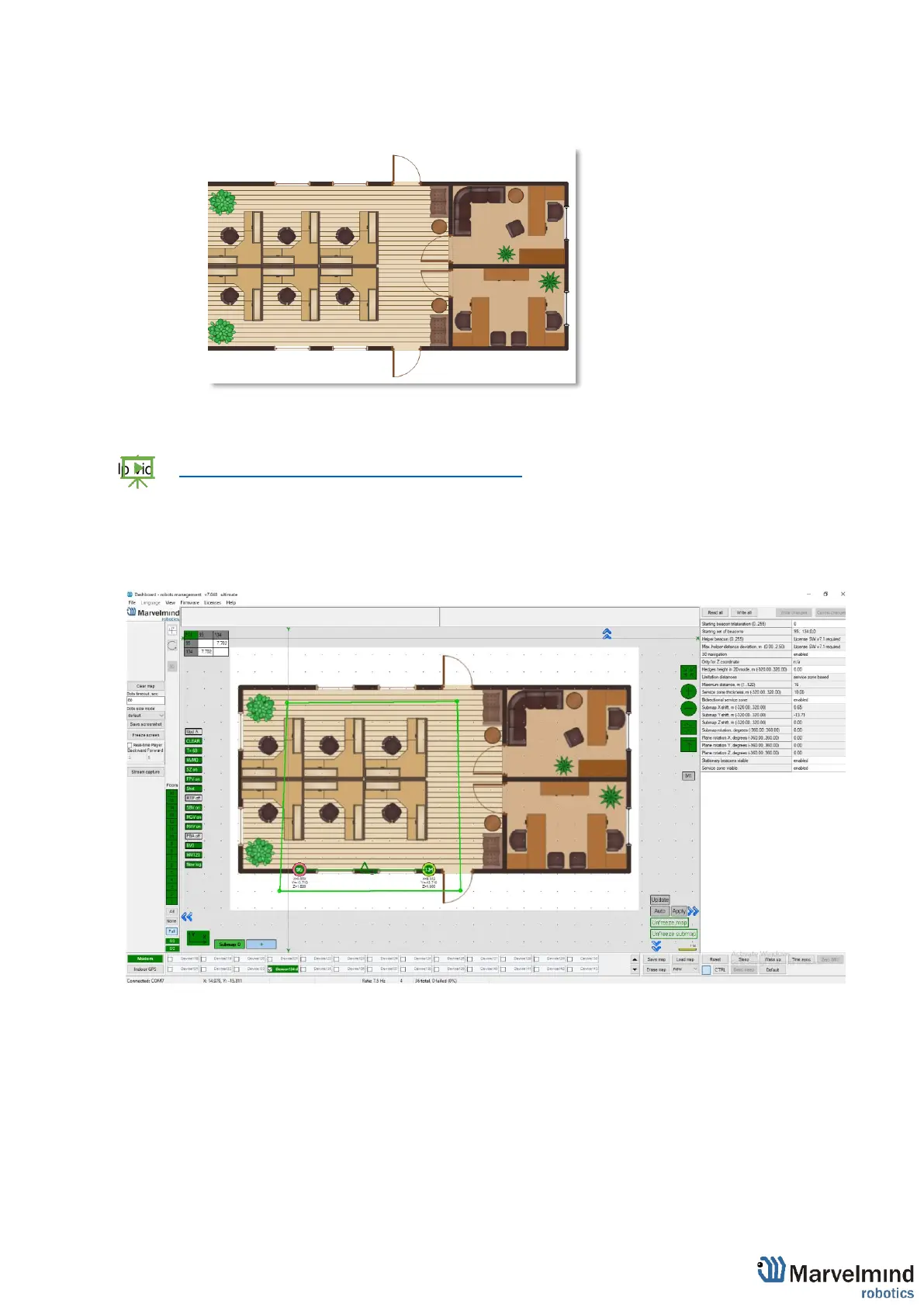
- Right click on the floor -> Load floorplan -> Choose file (.png, .jpeg, .bmp, .tiff).
- When the picture is loaded, you can drag the beacons to the points where they are actually located.
After dragging two beacons, the picture with beacons will be combined in scale
- Help video: https://www.youtube.com/watch?v=NHUnCtJIYXc



 To Next Page