128
7.7. Modem/beacon’s quick control panel
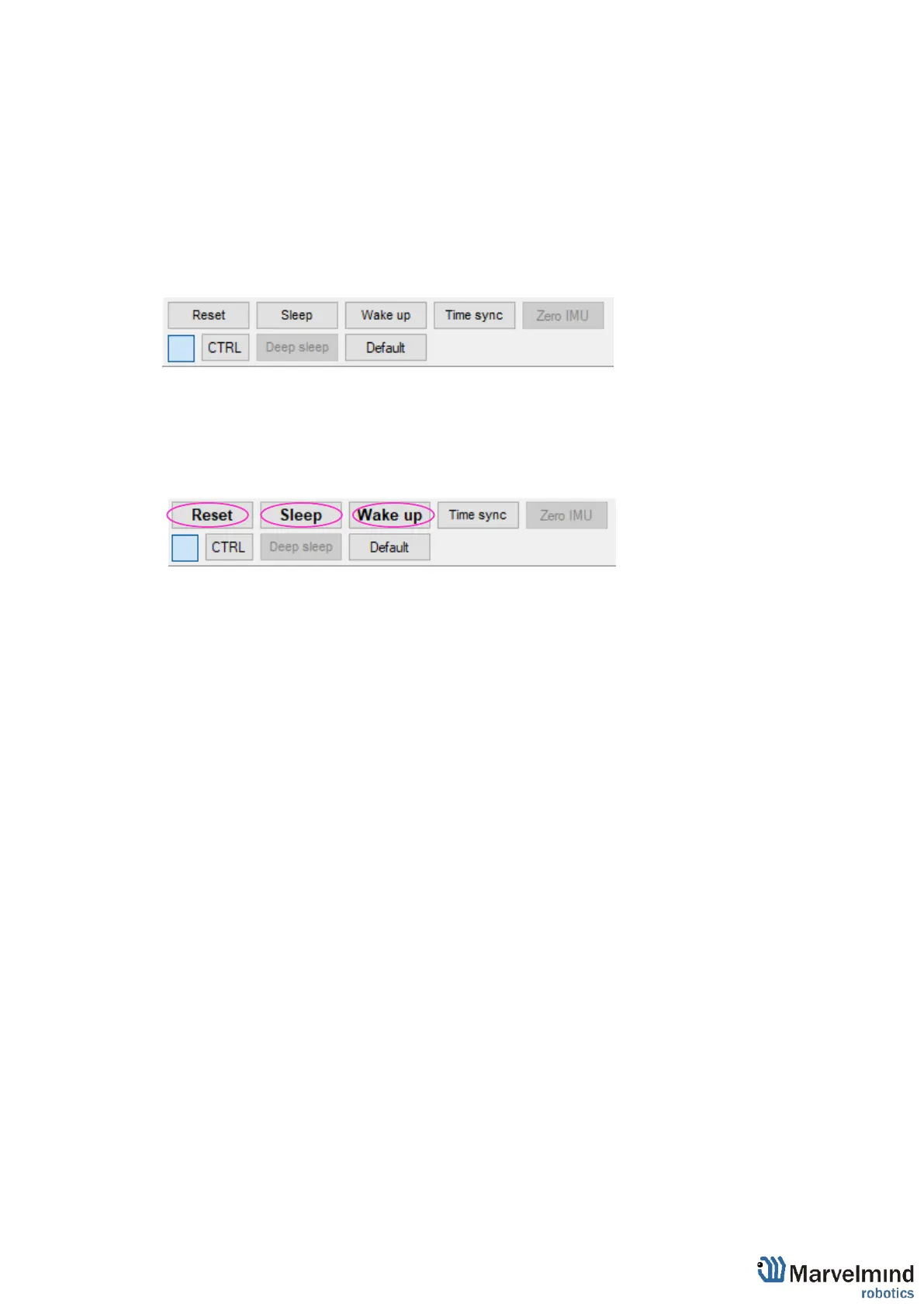
Control panel allows user to interact with devices. It can work with one device, or with
all devices in the system.
List of functions:
- Reset – Resets device
- Sleep – Send device asleep (battery economy mode)
- Wake up – Wakes up device (from sleeping mode)
- Default – Drops all device’s settings to factory default
- Time sync – Sends time from your PC to hedgehog (for stream it out via UART)
Additional Ctrl feature:
- To apply action to all beacons in the system, use Ctrl + Left Click on button. Applicable
only for buttons that turn bold while Ctrl is pressed.



 To Next Page