204
9.18. Paired microphones
You can also connect additional microphone and turn on “Paired microphones” mode
to get the direction without taking a second beacon (Only for IA).
How to pair microphones:
9.18.1. 7.14.1 Choose beacon in the beacon panel
9.18.2. 7.14.2 Turn on the microphone which you connected
additionally
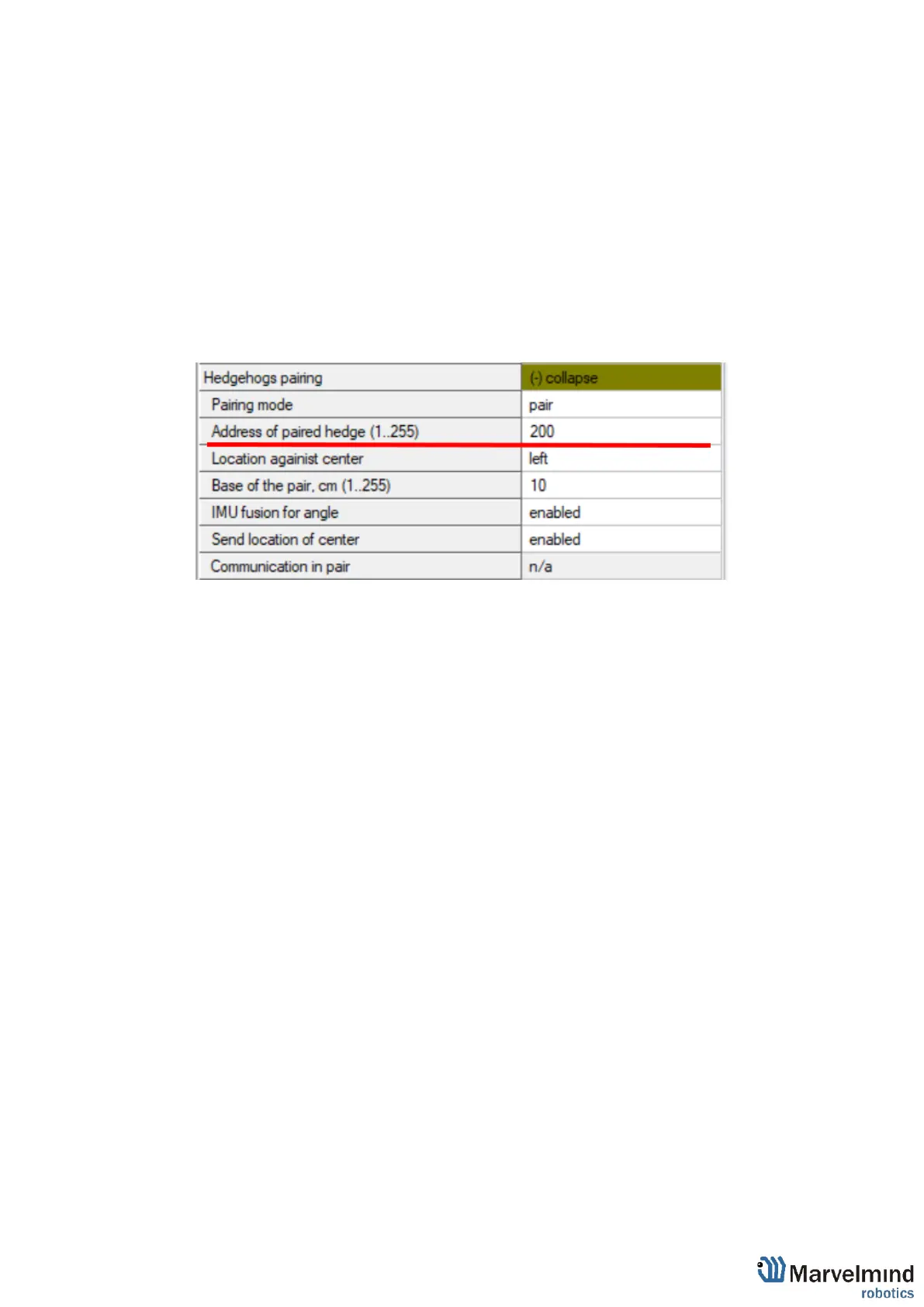
9.18.3. 7.14.3 Open “Hedgehogs pairing”
9.18.4. 7.14.4 Enter to “Address of paired hedge” address of the
beacon which you are setting up



 To Next Page