167
9.4. Microphone settings
9.4.1. Specific Marvelmind devices
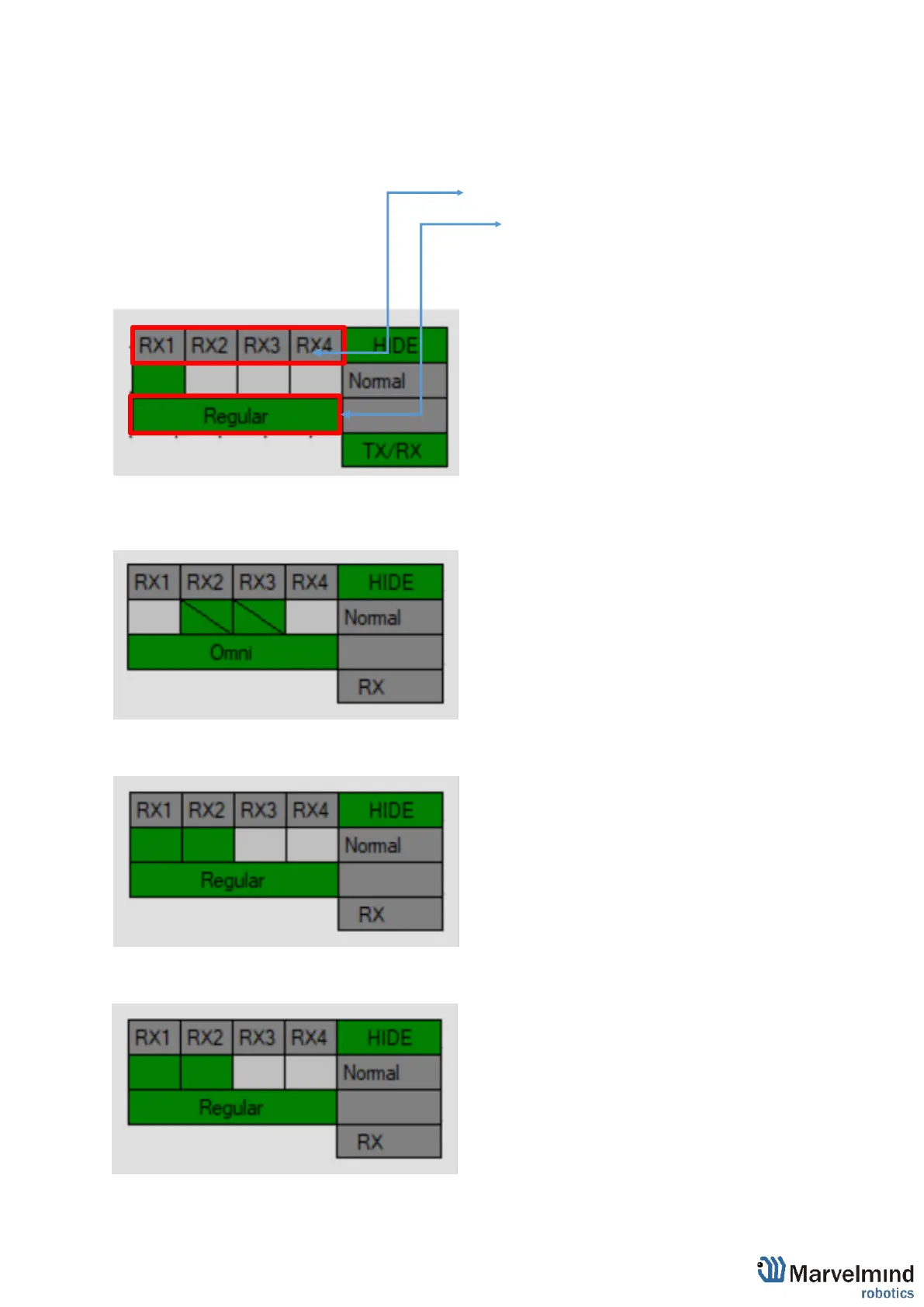
For different devices should be turned on different mics.
:Turn on mic by clicking on RX1…RX4
:Change mode of mics by clicking on bottom panel
Below is the picture of microphone settings:
Below are presented settings for different Marvelmind devices:
Badge:
Jacket:
Helmet:



 To Next Page