247
11.11. Calibration of the accelerometer
To calibrate an accelerometer on your beacon with IMU, you can do the following steps:
- Connect the mobile beacon via USB to the Dashboard
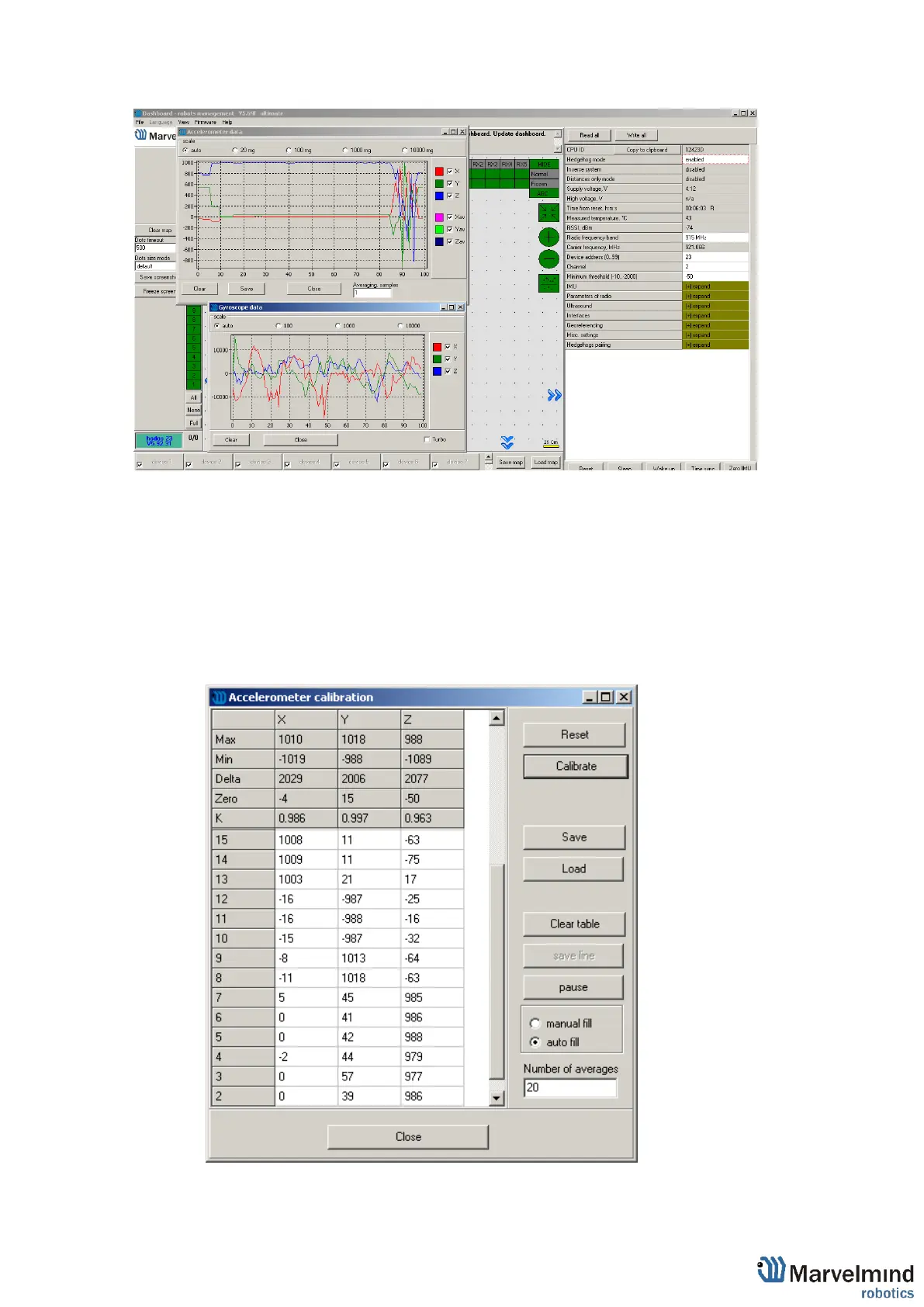
- Make sure that the beacon has IMU on board: open View / Accelerometer menu
and view / gyro data. In the presence of IMU graphics in these windows should
display the angular velocity and acceleration when moving the mobile beacon (turn it
in hands).
Close the window of the accelerometer and gyro data
- Open the calibration window: View / calibrate the accelerometer



 To Next Page