151
8. The Map
8.1. Introduction
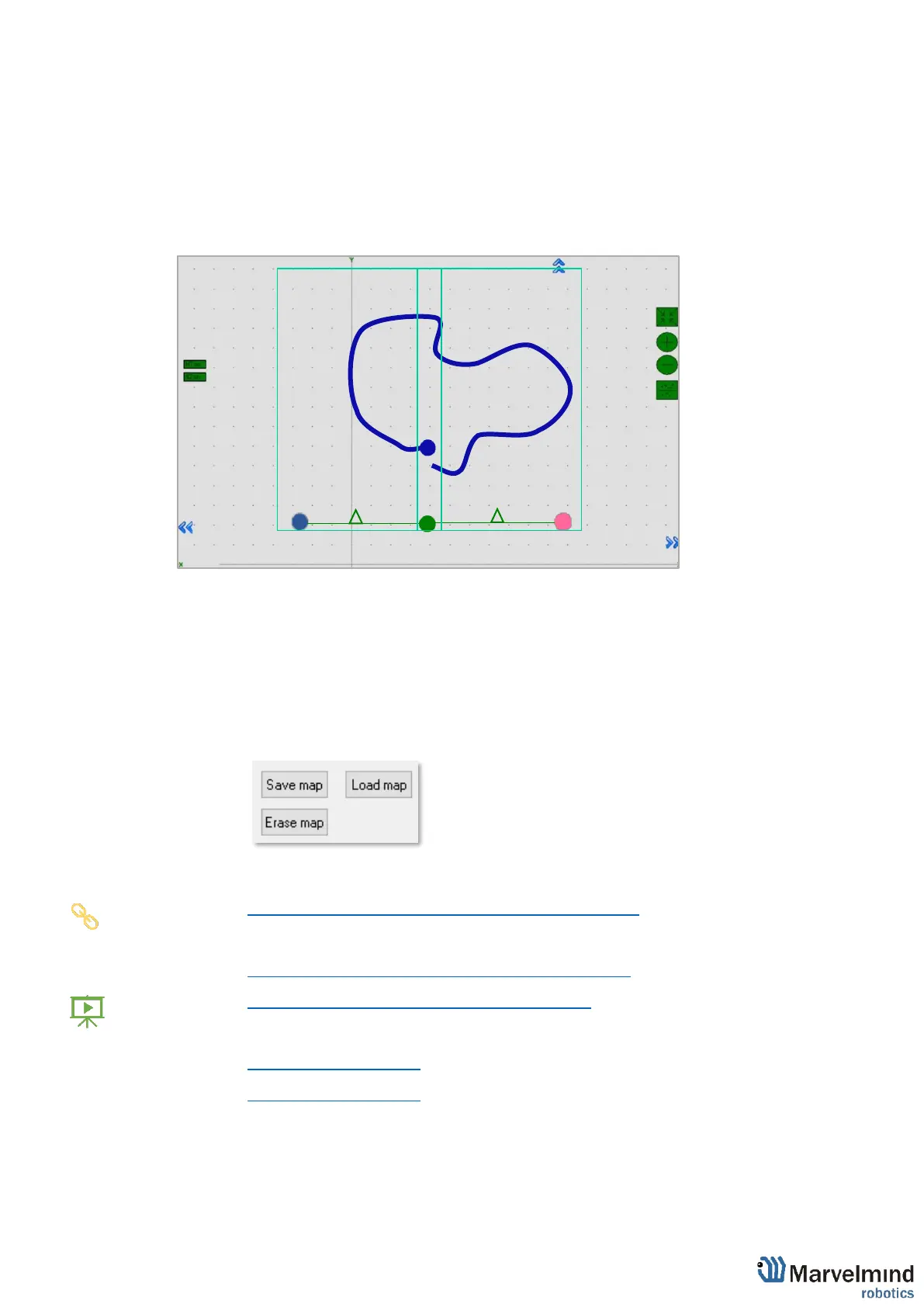
Map – the biggest unit in Marvelmind Indoor GPS. It consists of submaps and forms a full
map of all stationary devices you have. After you build and tune all the submaps and wake
up the mobile beacon, you have to click on Modem icon and Freeze the map. It is the final
stage of building the system. After you freeze the map, tracking will appear.
You can Save, Load, Erase map:
Map Settings offer some helpful tools, it is situated in the right bottom corner of the
Dashboard:
- Save map – saves map as .ini file into Dashboard folder/maps
- Load map – loads map from .ini format file
- Erase map – erases map and clears it
Here is the main tutorial video about maps:
- Help: submaps, service zones, handover zones
Check:
- 8 basic steps from unpacking to autonomous drive/flight
- Step-by-step guide on how to build complex maps
Detailed explanation of complex map building:
- Building submaps: Part 1
- Building submaps: Part 2



 To Next Page