124
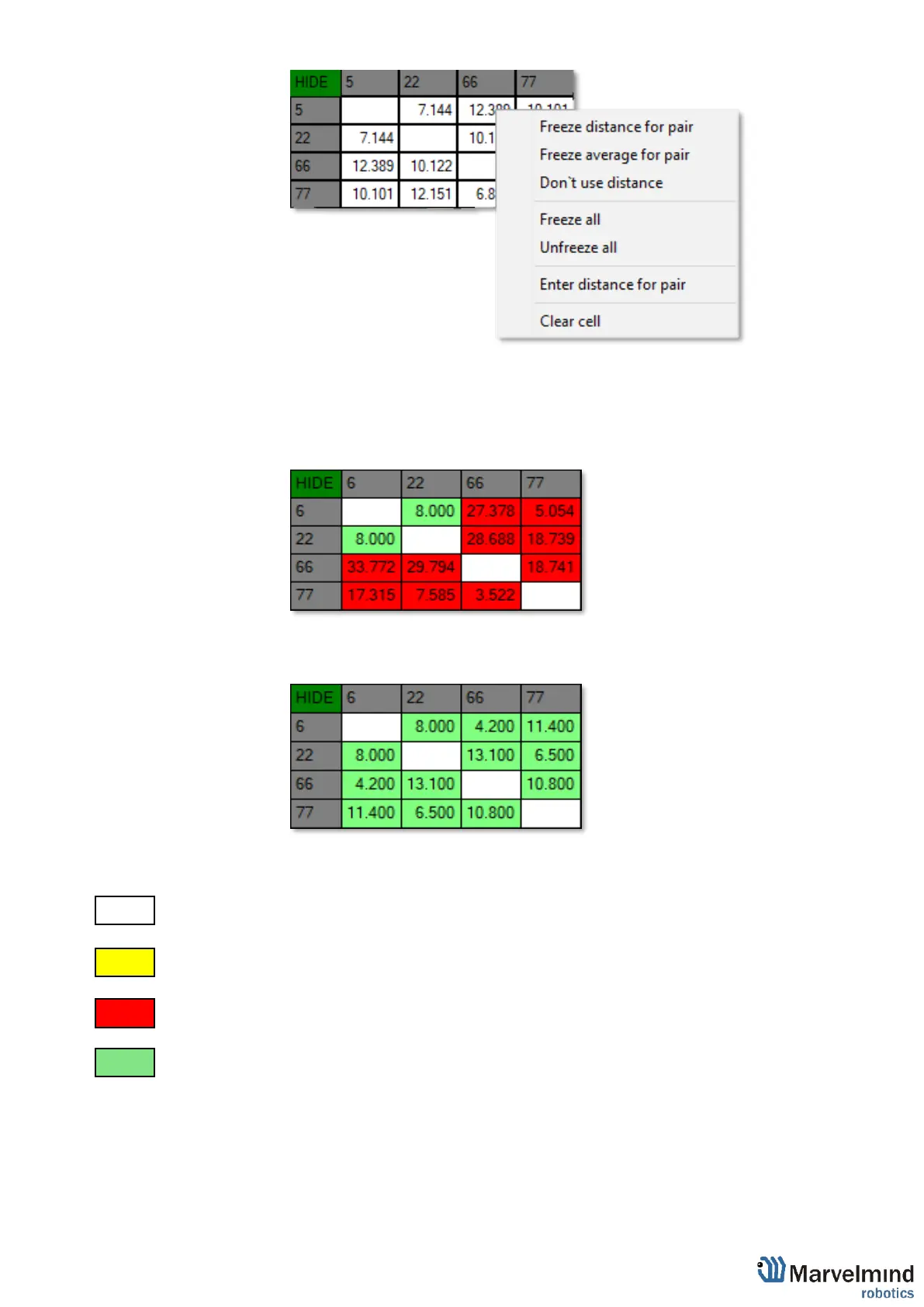
7.3.2.3. Now, cells are frozen. That values would not change until you unfreeze
it. Even if beacons had been moved, distance would stay. Be careful
with frozen cells because a small mistake can cause a huge impact on
your tracking
7.3.2.4. Repeat for all cells
- White means that everything is good, you can freeze the map
- Green means frozen distance, you can freeze the map, but be careful with values
- Yellow means that something seems to be wrong, check distances and sensors before freezing
- Red means some critical misses, DO NOT freeze the map. Manually measure and enter distances



 To Next Page