160
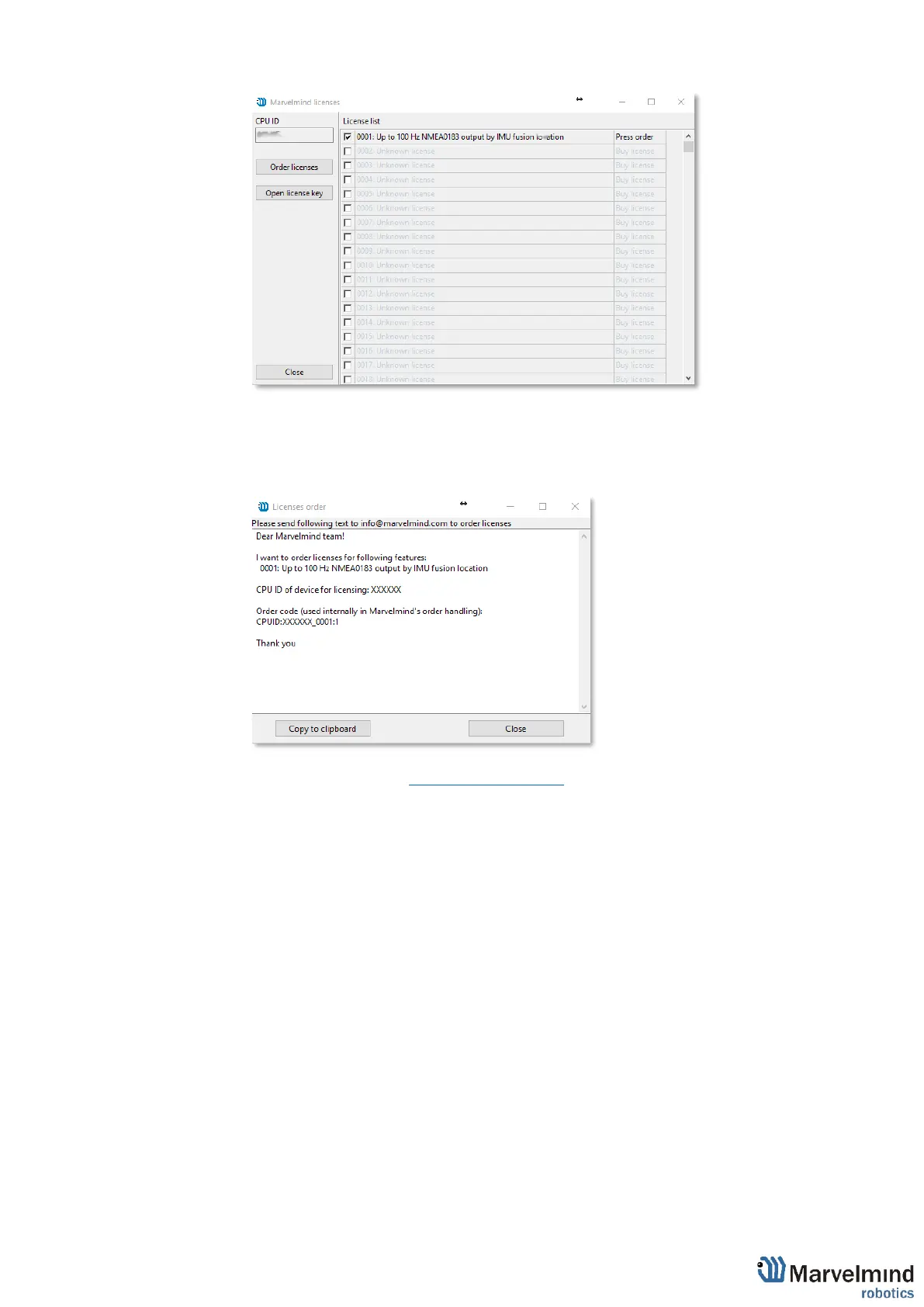
- Go to Licenses → View/activate licenses
- Choose the licenses which you have purchased.
- Press Order licenses.
- Dashboard will generate a text
- Send generated text to info@marvelmind.com
- We will generate the license key and send to you via email
- Place the license key into Dashboard/Licenses folder:
- Connect device to the Dashboard via USB
- Go to Licenses → View/activate licenses
- Choose "Open license key"
- Choose the license file (be careful if you have licenses for multiple devices,
check CPU ID carefully)
- The features become activated in the Dashboard.



 To Next Page