72
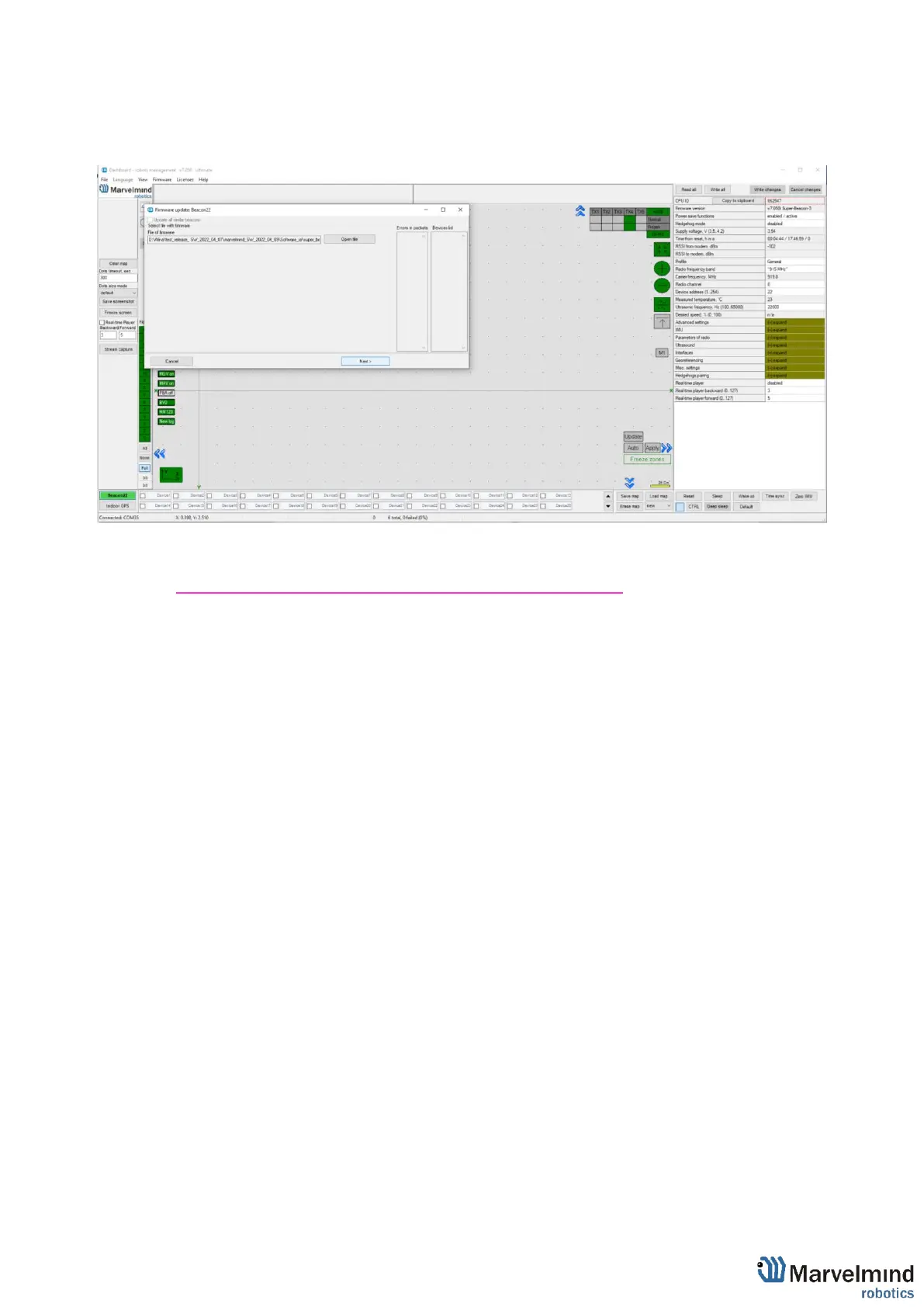
- Choose .hex SW file for your device (Be careful with IA and NIA architectures, do
not mix it)
- Click “Next”
- Wait until beacon update finishes
Note: Press Default button for every beacon after SW update
- Repeat for all your beacons
Be careful: Default button will apply full default settings to this beacon, except it’s
address. If you had some custom Radio settings before, it would be changed to
153kbps Radio profile, 0 Radio channel



 To Next Page