90
6.3.35. Turn on and wake up the mobile beacon following the same steps as with
the stationary beacon. More details in our video: https://youtu.be/A4aRsjH2-_E
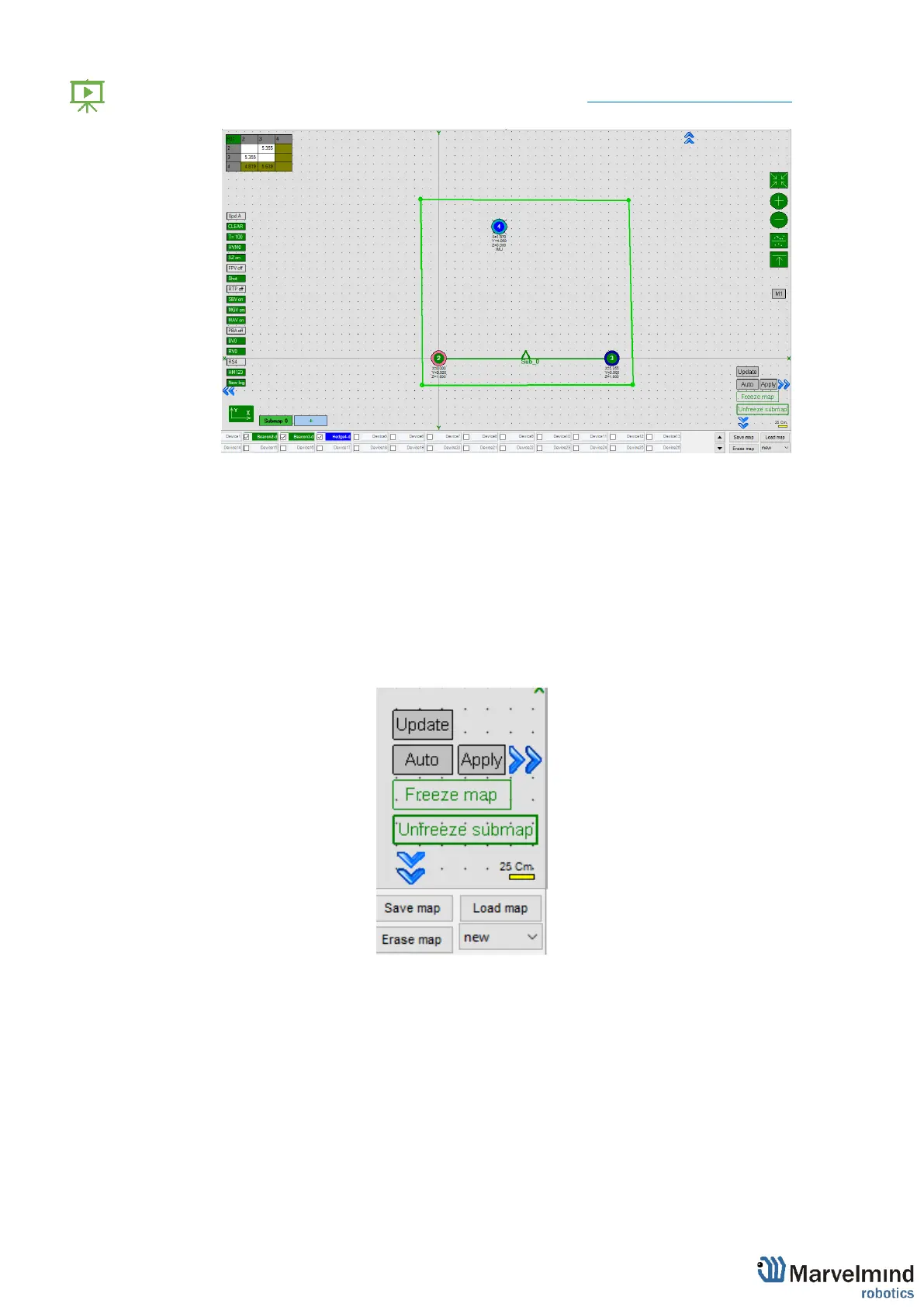
6.3.36. If you see on the devices’ panel in the Dashboard that the beacon is
colored orange, it means there are some differences in some of the settings
between beacons. For example, some sensors may be off or some ultrasonic
or radio settings may be different. You can change the settings for sensors
manually by clicking on the panel on the upper right corner of the Dashboard
to change the cells from gray to green to turn on sensor. It is recommended
that the default settings on all beacons and the modem are used if this is your
first time using the system.
6.3.37. If all looks good and table of distance still colored white, freeze the map.



 To Next Page