MASSO
MASSO Documentation
8.34. MSG - Print message to screen
INFORMATION: This gcode is available only on MASSO G3 in version 4.02 or later
This command allows the user to add messages to their Gcode which will be displayed on the screen in the
tool path area.
These can be used as training aids, instructions or reminders of when to do something.
Syntax & Parameters
MSG - followed by a space and then the message to be displayed on screen
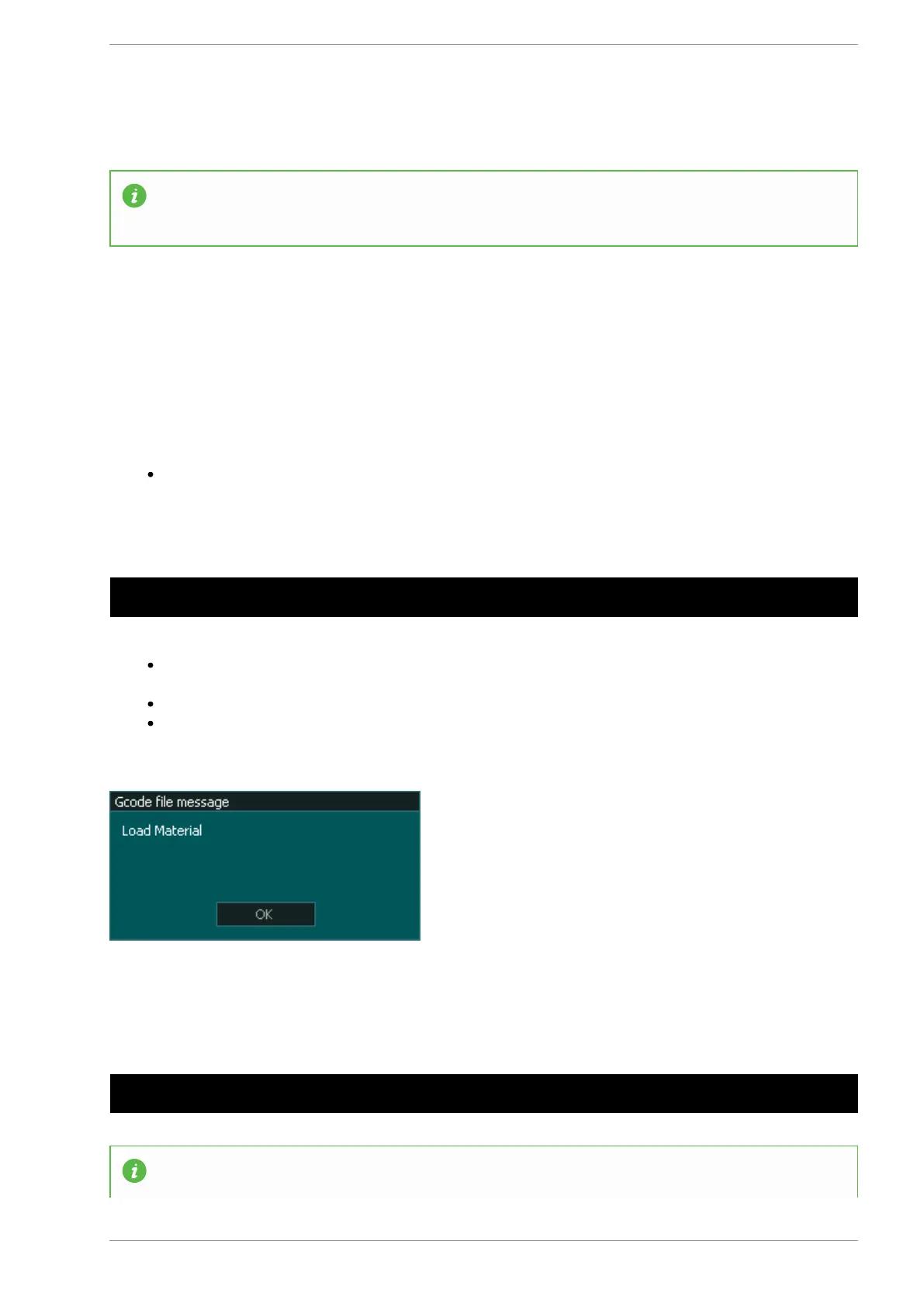
Example program to display the message "Load Material " on the screen
N10 MSG Load Material
Message length is limited to a single line of 34 characters and messages that exceed this length will
only display the first 34 characters.
Messages can be cancelled by pressing the OK button on the message display.
Messages will remain on screen until it is cancelled or is overwritten by the next message or a
System message.
Example program to display the message "Change tool to V-Bit {90 deg 0.5"}" on the screen before a tool
change
N10 MSG Change tool to V-Bit {90 deg 0.5"} N20 M01 N30 T3 M06
INFORMATION: Messages can be used with M00 & M01 to stop the machine so that the user can
v5.18 - 08 Apr,2021
www.masso.com.au Page 232 of 477



 To Next Page