MASSO
MASSO Documentation
6.6.4. Feed rate Override
Feed rate Override
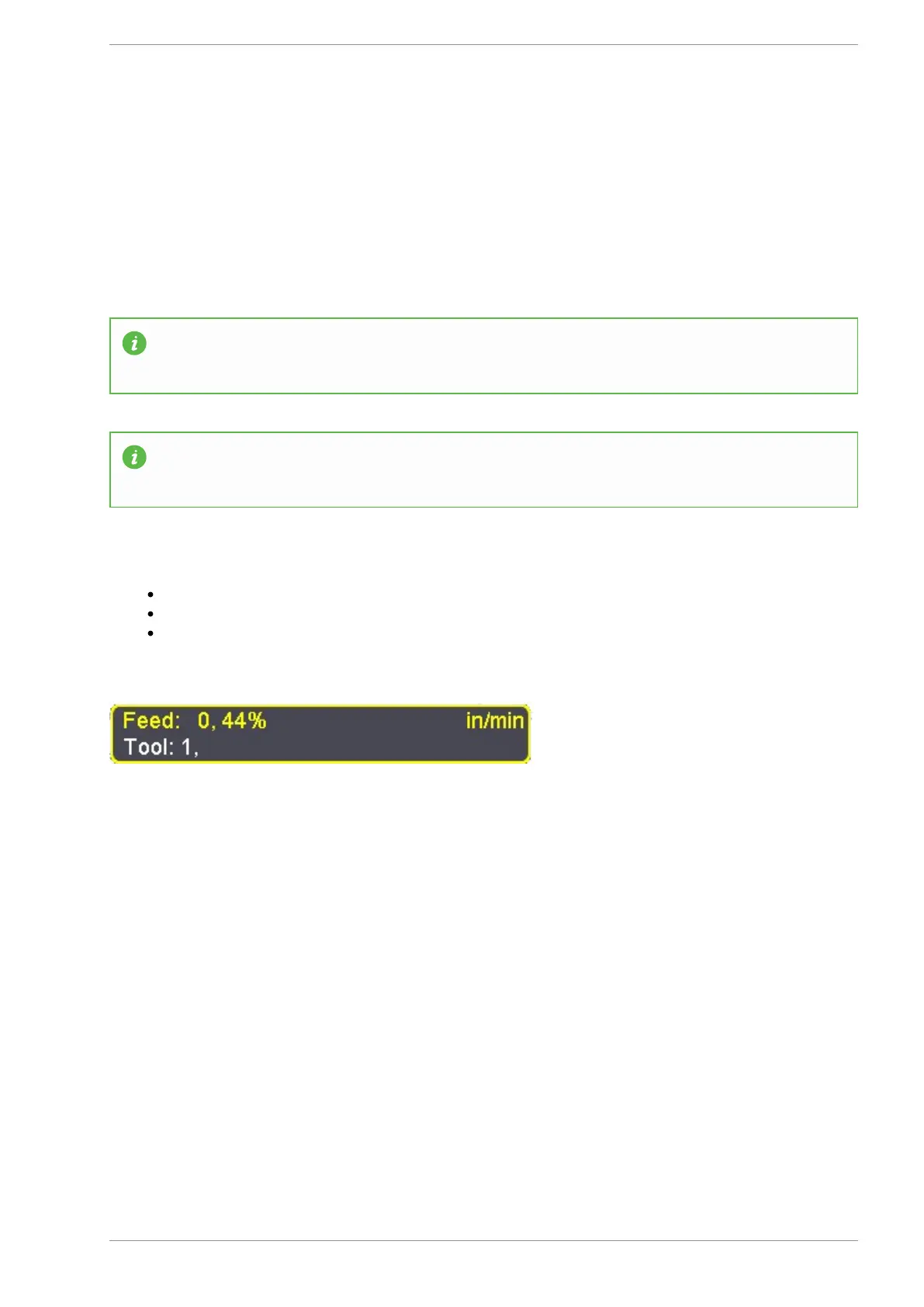
Feed rate override function allows the feed rate to be changed during machining. The range is from 20% to
100% of the specified feedrate and the current feedrate percentage is shown on the screen.
Information: This feature is available on the F2 & F3 Screens.
Information: Feed rate override ranges from 20% to 100% of the specified Feed rate. Feed rate
override cannot exceed 100%
How to use
Press the F11 Key on the keyboard
Use the + & - keys on your keyboard to to change the feedrate.
You can also use the Pendant to change the feedrate by rotating the MPG dial in either the + or -
direction to increase or decrease the feedrate.
Feed rate Override set at 44%
v5.18 - 08 Apr,2021
www.masso.com.au Page 94 of 477



 To Next Page