Page 31 of 188
User Manual MAS-100 Regulus en.docx, Version: 4.0
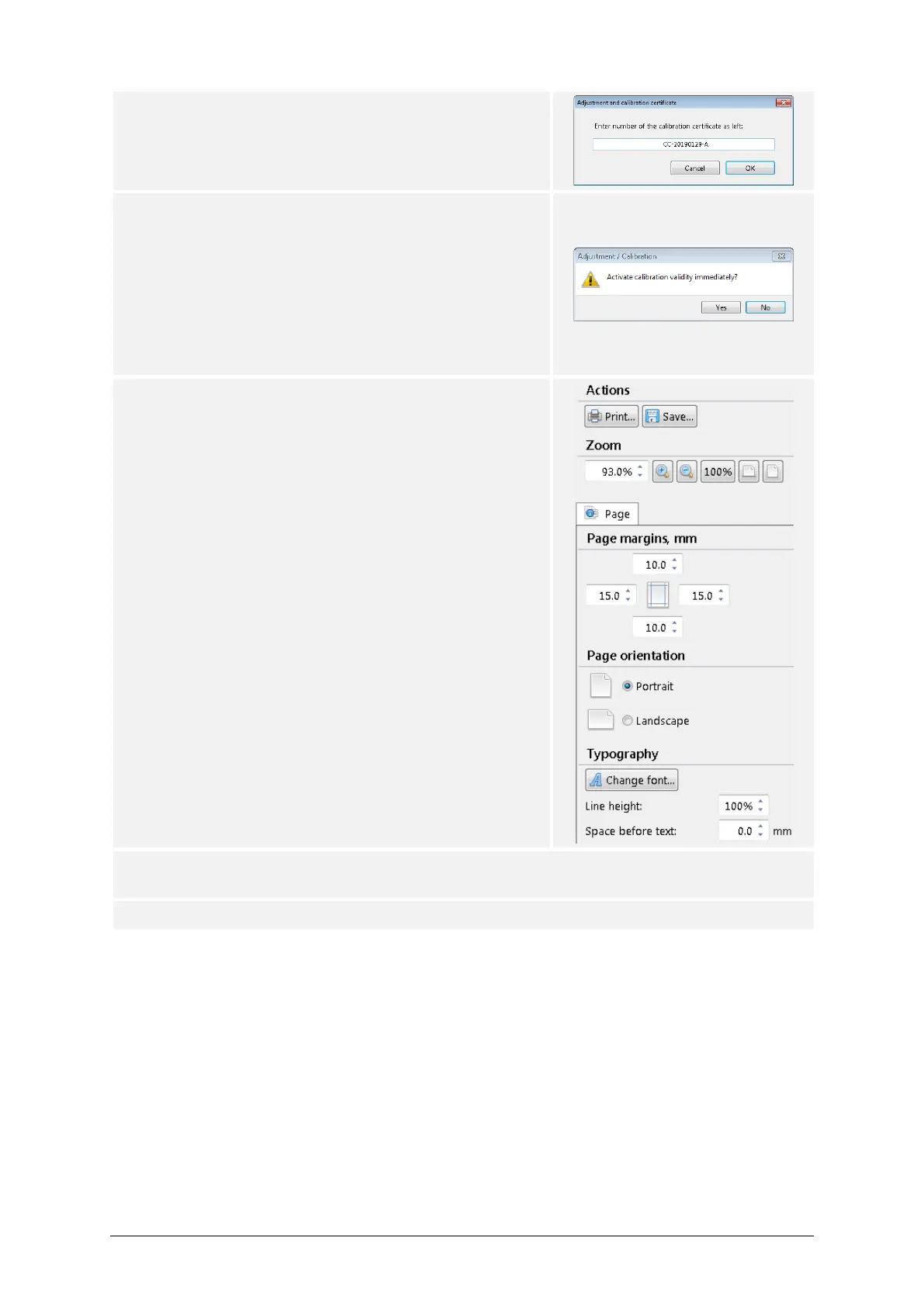
20) Enter a certificate number, then press OK.
21) If calibration certificate (as left) has been chosen,
the user will be asked whether to activate the cali-
bration validity immediately.
– Press Yes if the calibration validity duration shall
be set starting from now.
– Press No if the calibration validity duration shall
be set later, i.e. when the air sampler is turned
on the next time.
22) A preview of the certificate is displayed in a sepa-
rate window. Users may now modify the layout to
their needs.
Press the Print button to print a paper certificate,
and/or
Press the Save button to store the certificate as a
PDF file.
23) If this process must be repeated for different perforated lids, start over on step 12 and
use the other perforated lid.
24) End of process.



 To Next Page