Page 82 of 188
User Manual MAS-100 Regulus en.docx, Version: 4.0
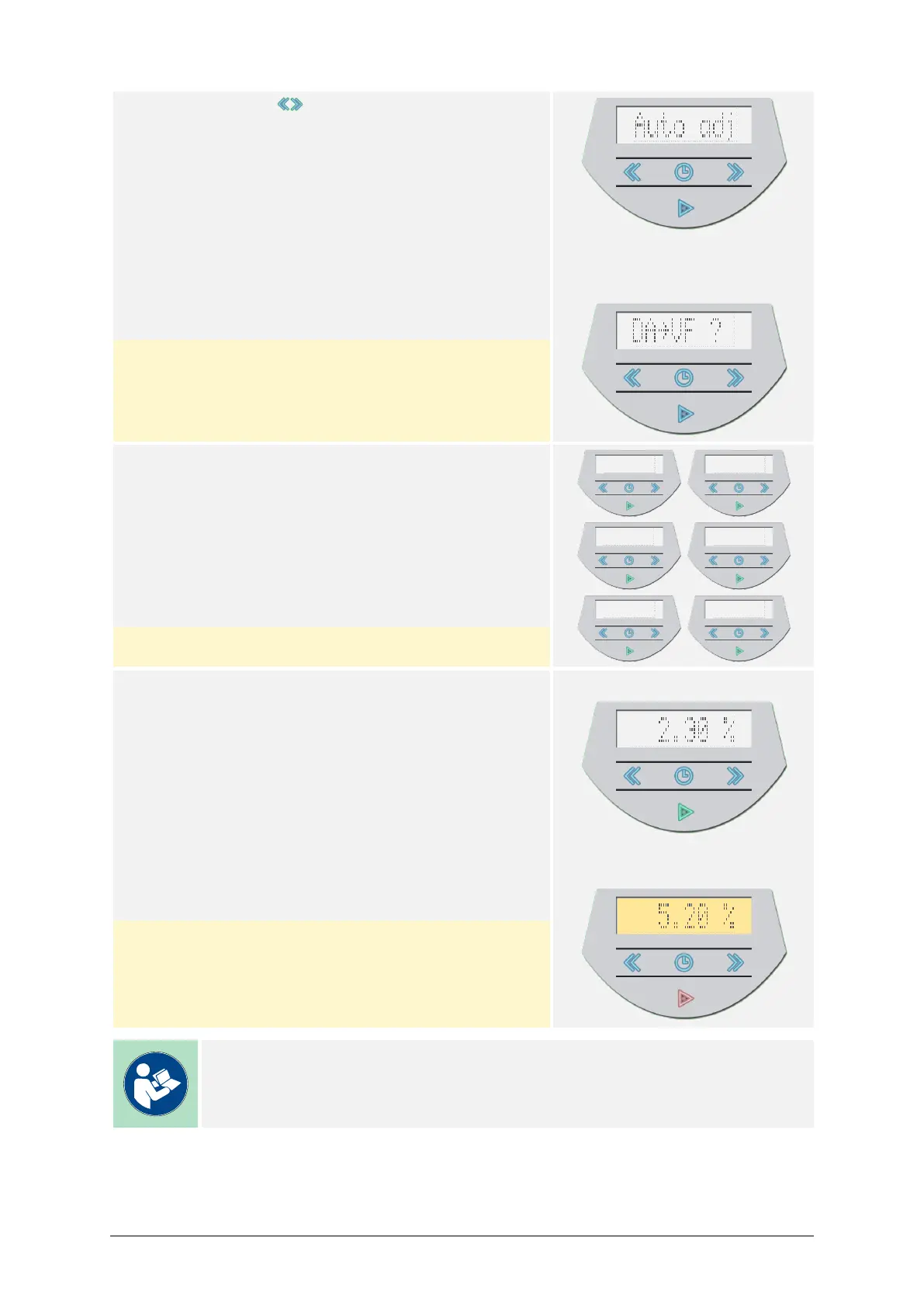
11) Choose with the buttons Auto adj.
Press the ► button to continue.
Error message if anemometer is
not connected:
The air sampler will display an error message if the
anemometer is not connected.
If this is the case, connect the anemometer and
confirm with the ► button.
12) The air sampler starts the adjustment and calibra-
tion process.
The progress through several automated steps will
be displayed with messages on the display.
Pressing the ► button aborts the process.
13) Once the adjustment and calibration is finished, the
air sampler will display the result.
Upon a successful calibration, the achieved Devia-
tion from target air flow will be displayed.
Press the ► button to confirm and continue.
Successful calibration:
Failed calibration:
Upon a failed calibration, the achieved Deviation
from target air flow will be displayed while blinking.
Press the ► button to restart with step 9.
Note
The maximum allowed Deviation from target air flow is ±4.0 %.



 To Next Page