20 User Manual for the Meca500 Industrial Robot (for rmware 10.1)
OPERATING THE ROBOT
5.2.3 Changing the robot's network configuration (optional)
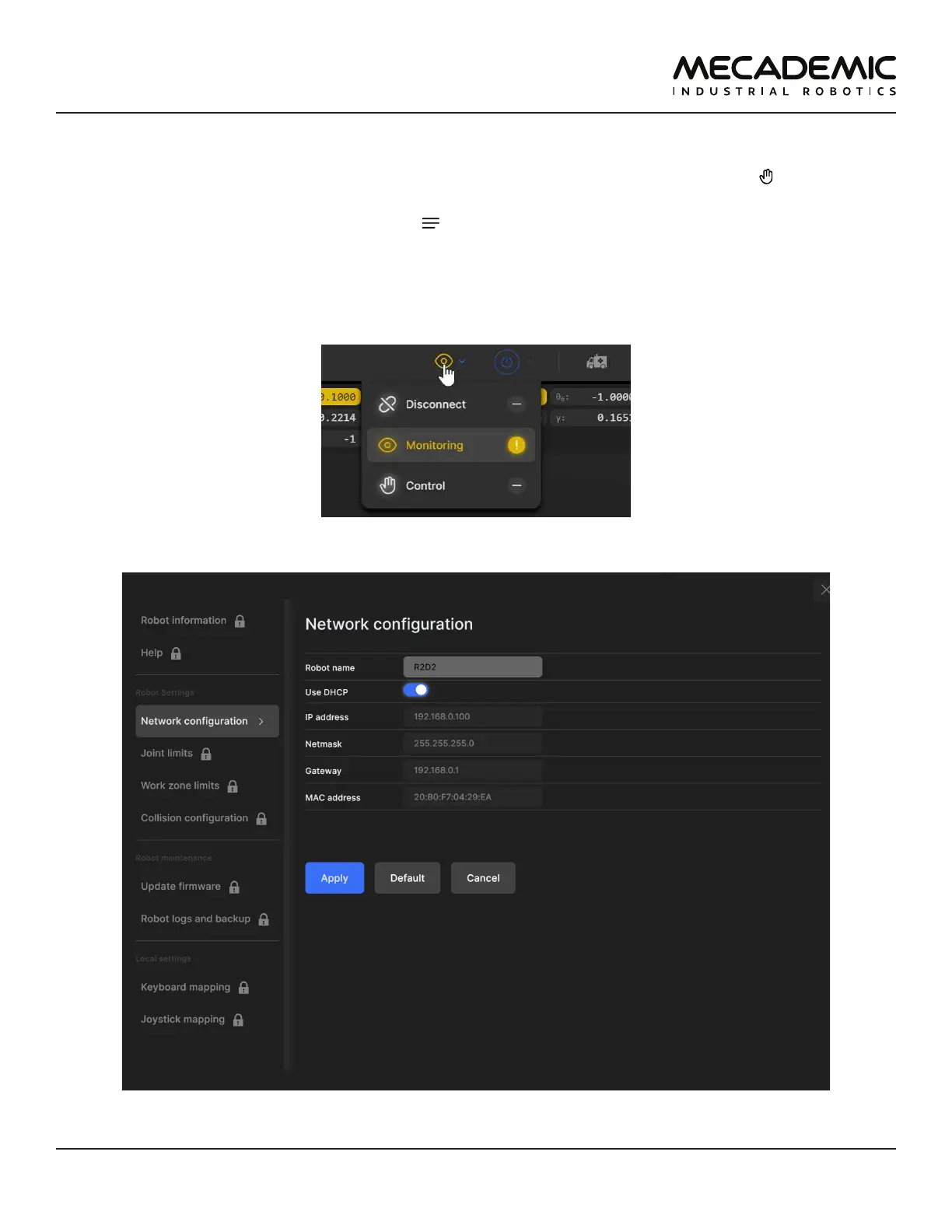
1. Click on the connection state button on the top right of the MecaPortal and select "Control" (see
Figure15).
2. Click on the configuration menu button, , in the top left corner of the MecaPortal and select "Net-
work configuration".
3. Depending on your configuration, activate the toggle DHCP to automatically receive an address
from your router or leave untoggled to force a specific IP. You don't need to reboot the robot; the
new configuration will be applied as soon as you click on the Apply button (Figure16).
Figure15: Connection state button
Figure16: Changing the robot's network conguration



 To Next Page