Have a question or need assistance?
Call Medicomp’s Patient Support: 877-996-5553
The Pendant POWER Button
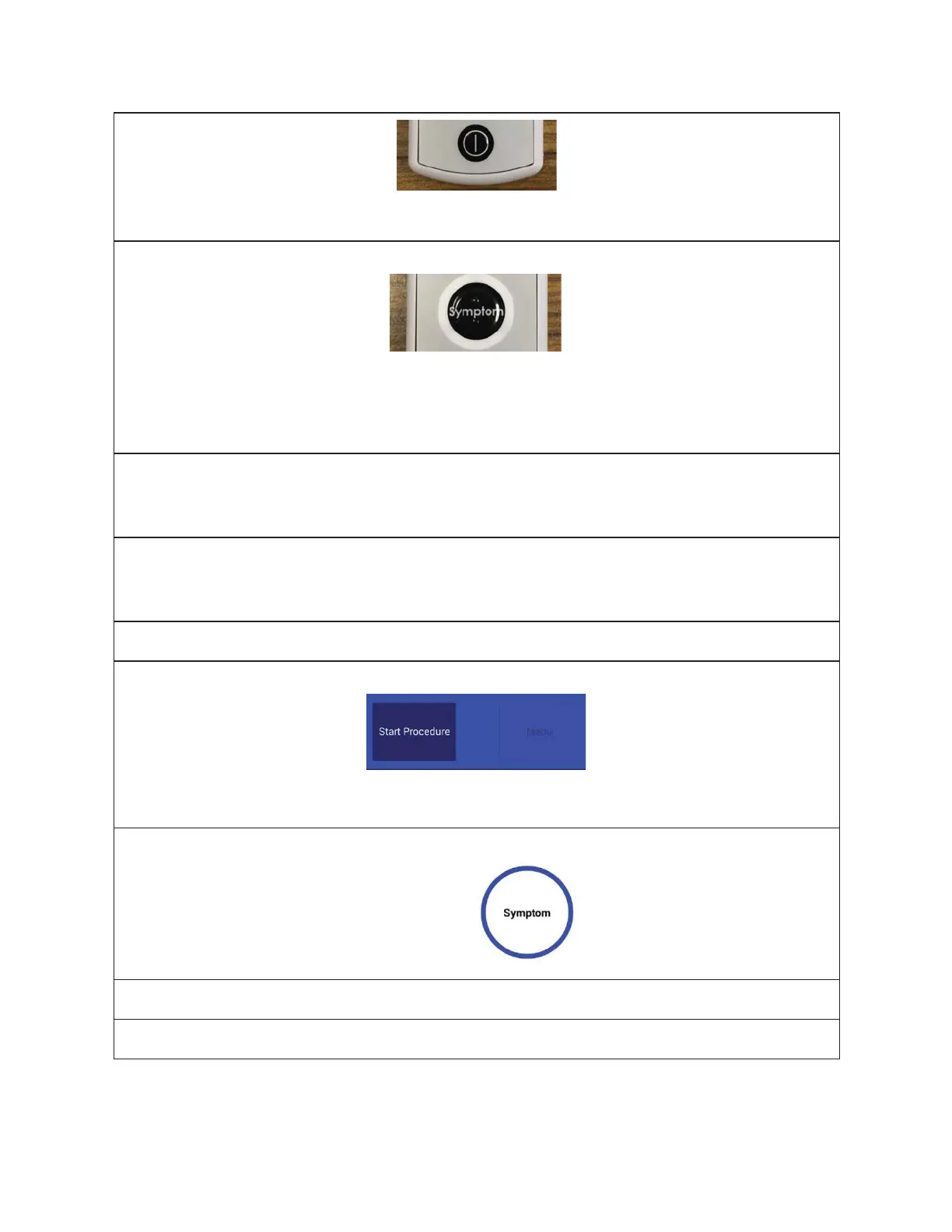
This is the Pendant POWER button. It is located on the FACE of the Pendant.
The Pendant Symptom Button
This is the Pendant Symptom button. It is located in the center of the FACE of the Pendant.
Users push the Symptom* button to manually initiate the recording of symptoms that they
may be experiencing. (*Symptom capture can also be initiated on the Handset)
The Handset Needs Charging Indicator
Handset will have red flashing LED at the top of Handset when battery is low. This LED will
stop flashing when plugged into the Charger Cord and Handset is charging.
The Handset Charged Light Indicator
There is no light indicator showing Handset is charging or fully charged. Handset battery
percentage will read 100%.
TELE
PATCH APPLICABLE TOUCH KEYS - Handset
Start Procedure
Initiates procedure for the Tele
Patch system.
Symptom Button
Press when experiencing a symptom.
FREQUENT SCREEN ICONS AND INDICATORS
Cell Network Strength Icon
Tele
Patch™ Cardiac Monitor PM750
USER MANUAL - UTM0000701-05E
| APRIL 4, 2019
14



 To Next Page